9
Chapter 2 Settings and Adjustments
●
To use ScreenManager Pro for LCD
For the installation and use of ScreenManager Pro for LCD, refer to its User’s Manual on the disk.
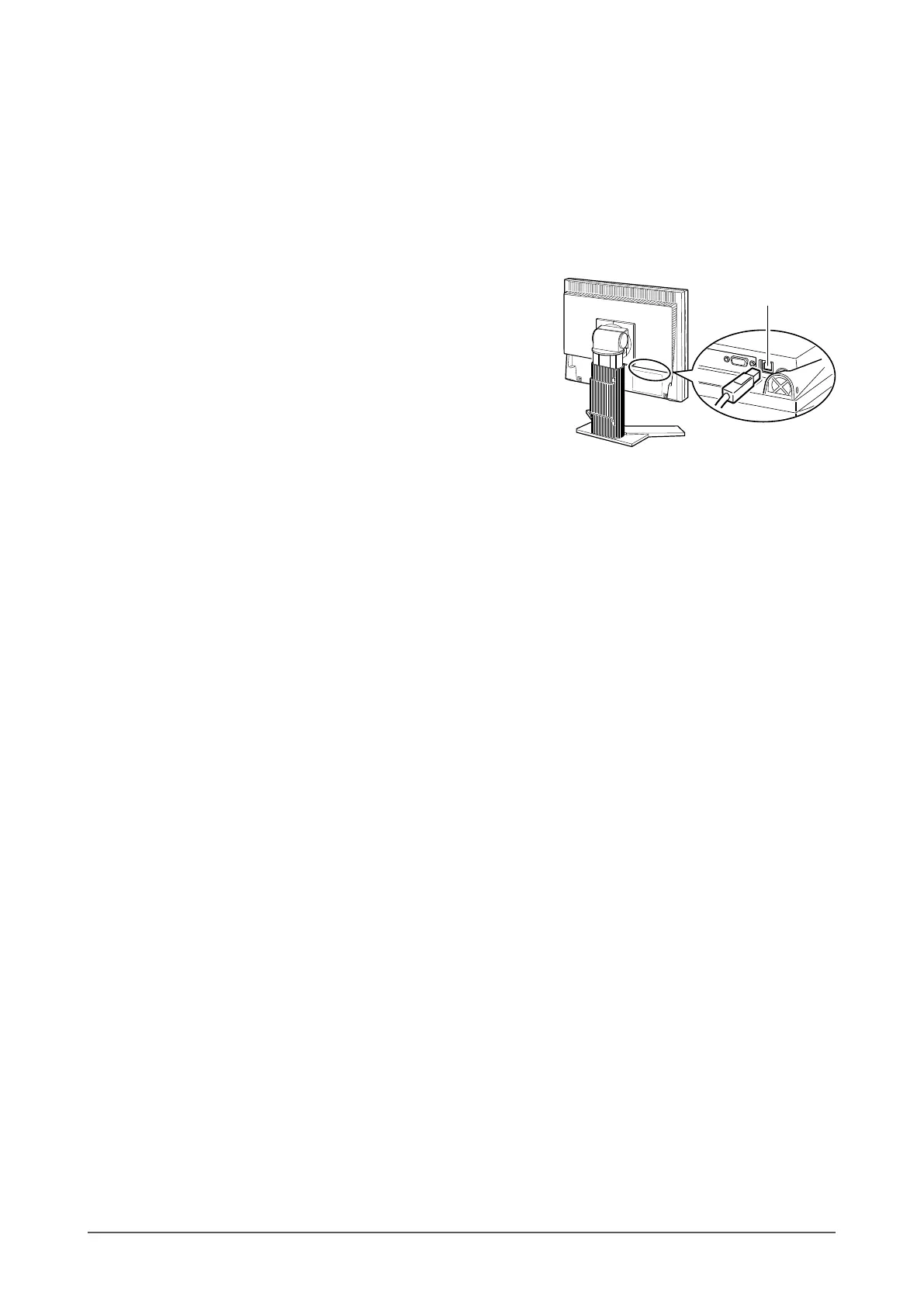
To adjust the monitor using ScreenManager Pro for LCD, connect a PC to the monitor with the supplied USB cable.
[Connection]
(1) Connect the USB port (downstream) of a USB compatible PC (or other USB hub) and the monitor’s USB port
(upstream) with the supplied USB cable.
(2) The USB function is set up automatically upon connection of the USB cable.
Upstream








 To Next Page