4
Chapter 1 Overview and Features
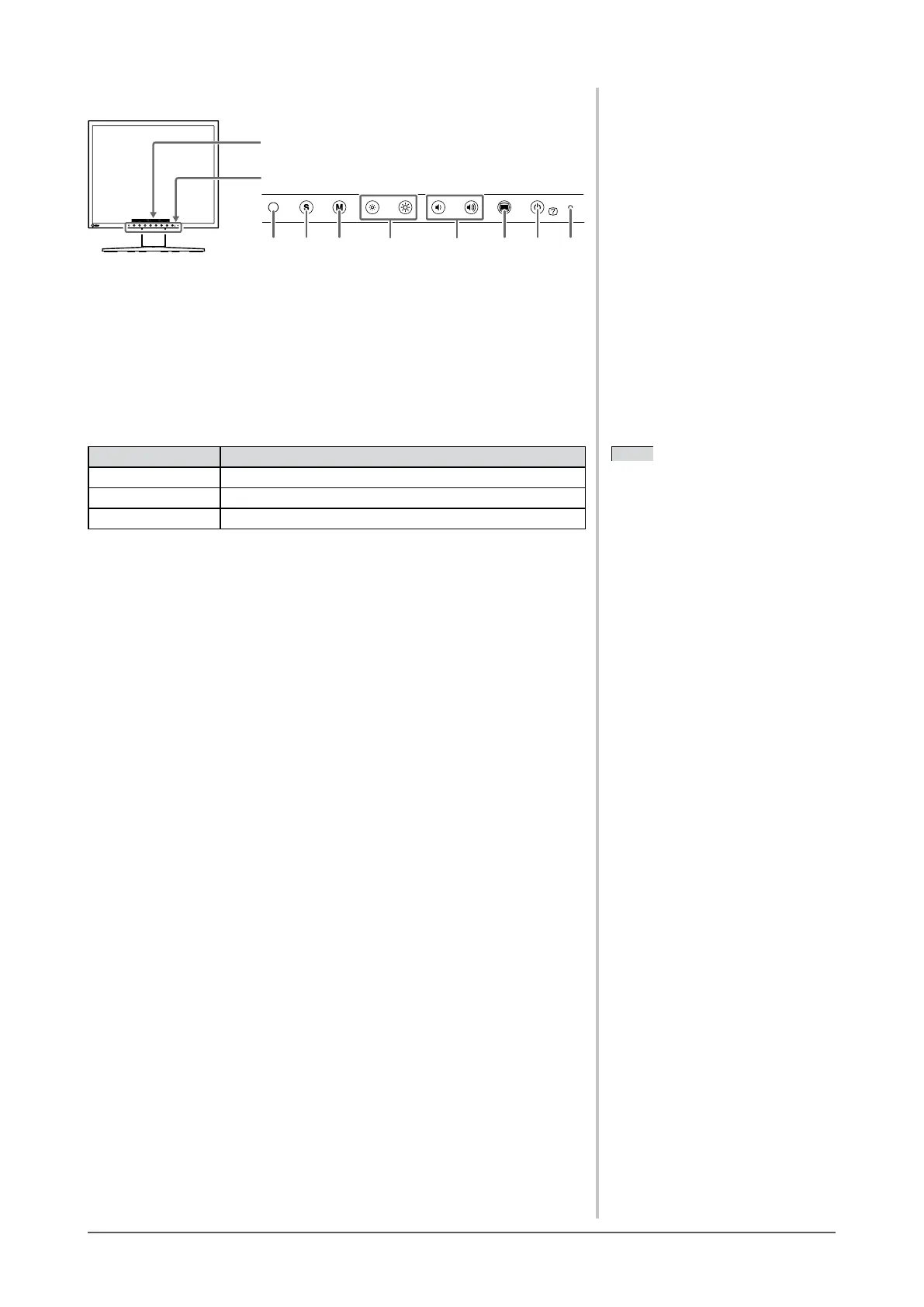
1-2 Buttons and Indicators
Button
Adjustment menu
1. Sensor (BrightRegulator)
2. Input signal selection button
3. Mode button
4. Brightness control buttons
5. Volume control buttons
6. Menu button
7. Power/Help button
8. Power indicator
Indicator status Operation status
Blue The screen is displayed (Power on)
Orange Power saving (Power on)
Off Power off
NOTE
• Whilethescreenisdisplayed,the
power indicator that is lighting blue
can be turned off (see “Setting Power
Indicator ON/OFF” on
page 20).








 To Next Page