21
Chapter 2 Settings and Adjustments
2-13 Resuming the Default Setting [Reset]
There are two types of Reset. One is to reset the color adjustment only to the
default settings, and the other is to reset all the settings to the default settings.
●
To reset color adjustment values
Only the adjustment values in the current FineContrast mode will revert to the
default settings (factory settings).
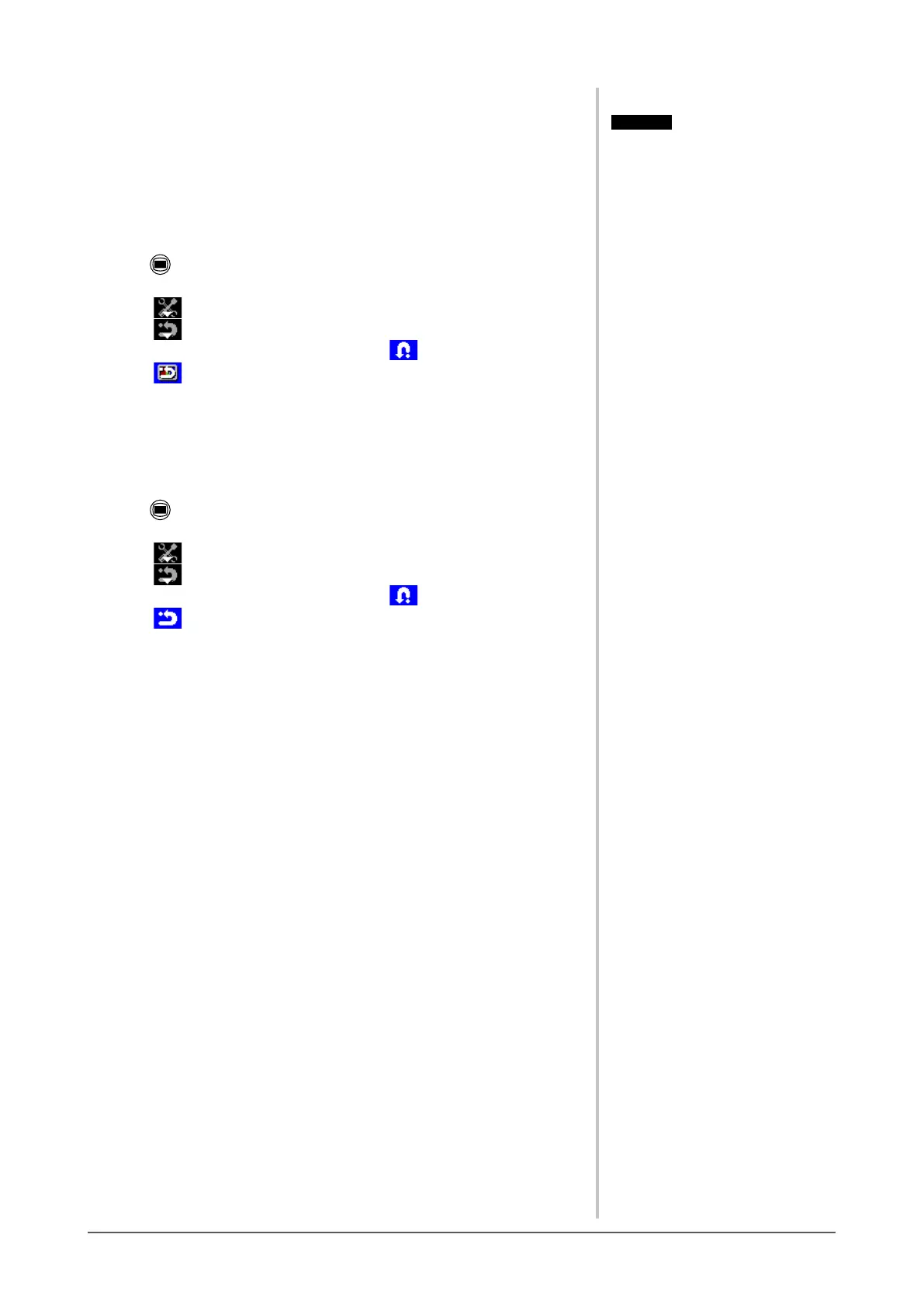
(1) Press .
The adjustment menu appears.
(2) Select (Tool).
(3) Select (Reset).
If you will not perform the reset operation, select .
(4) Select (Color (CUS*)).
The color adjustment values revert to the default settings.
* Current FineContrast mode is displayed.
●
To reset all adjustments to the factory default settings
Reset all adjustments to the factory default settings.
(1) Press .
The adjustment menu appears.
(2) Select (Tool).
(3) Select (Reset).
If you will not perform the reset operation, select .
(4) Select (All).
All setting values revert to the default settings.
Attention
• After resetting, you cannot undo the
operation.
Attention
• After resetting, you cannot undo the
operation.








 To Next Page