MAINTENANCE
26 SM-DK50 DS-EN-20_02-2016
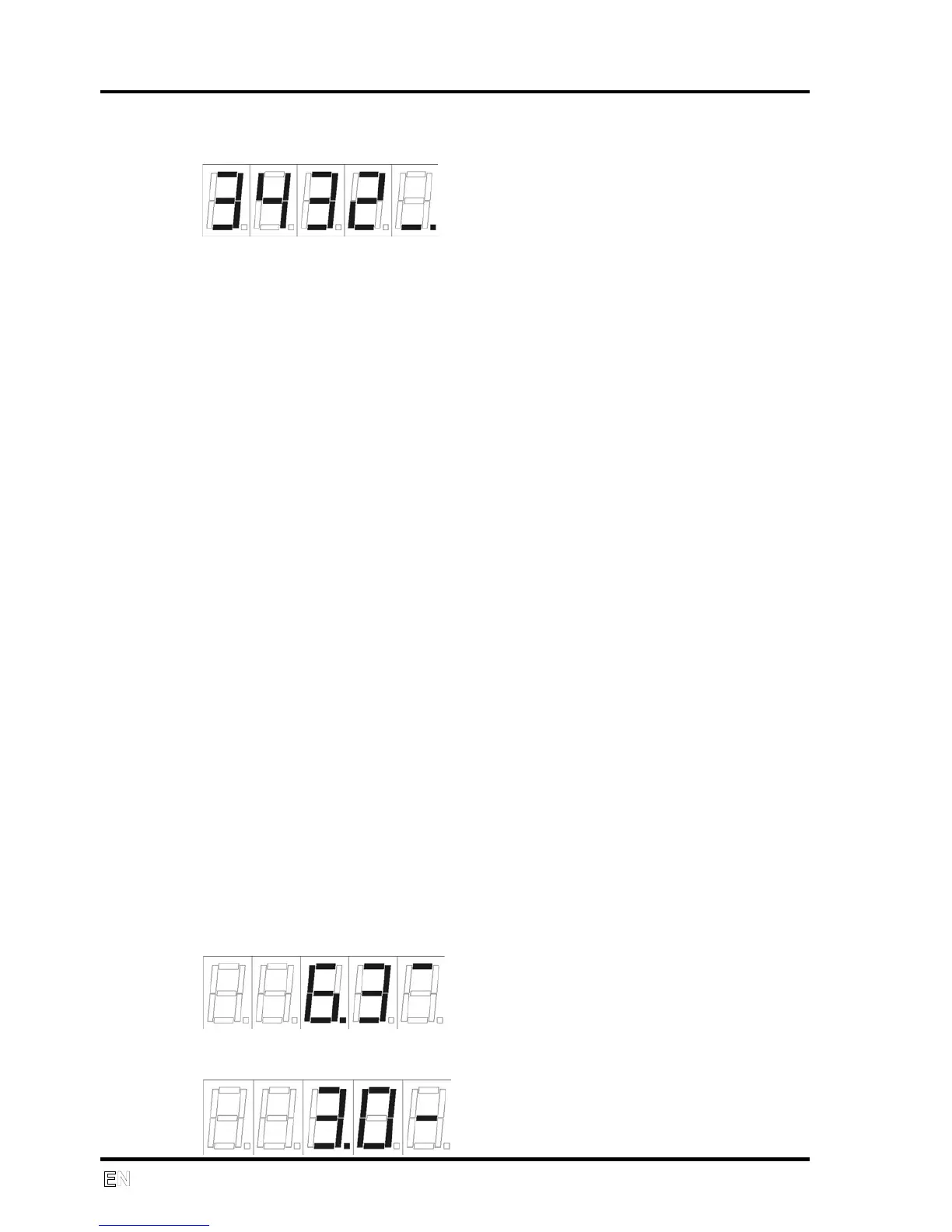
The compressor motor hours since the last service work will be displayed by
pressing the button for about 2 seconds.
If the button is held in, this information will alternate on the display at a 2
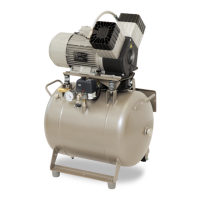
second interval. The outlet pressure in the selected units is shown once the
button is released. The appropriate segment of the final display digit will light
up, indicating the displayed unit.
LED signalization
“ PRESSURE” alarm – yellow LED + acoustic signal – if outlet p2 pressure
drops ≤ 2.0bar
“ TEMP” alarm – yellow LED + acoustic signal – if T1 temperature is ≥ 80 ˚C
“ MAINS” alarm – yellow LED + acoustic signal – if power source to the unit
drops below 10V and main switch is closed (X9 and X10 are connected).
“ BATTERY” alarm – yellow LED if battery voltage drops below 8V
“ DRYING” indicator – measurement of P1 pressure, green LED – P1 ≥ 4
bar, yellow LED – P1 < 4 bar
“ POWER” indicator – green LED
Pressure unit indicator (horizontal mark shown on display) – for bar or psi –
the circuit board jumper can be switched to change the displayed pressure
from bar or psi
Service display
The unit includes a “Service Display” jumper in order to ease access to
parameter measurements and diagnostics. The jumper position is clear from
the positioning of RSK10 components in Fig. 1.
Pressing the button alternates between the information displayed. The right
edge of the display indicates the data shown. Data displayed after jumping
the XP3 pins to the “Service Display” position:
P1 working pressure in bar
P2 outlet pressure in bar


 To Next Page