DmPackagingGroup
s.r.l
StradadelCascinotto156,
10156,Torino(TO)-Italy
Tel:011.99.10.455
e-mail:
info@dmpackagingroup.com
● DIG.OUT. (Digital Outputs): allows writing of the digital outputs state. You can set
the status of an output by pressing on the status cell . If the output is active , the cell
will be displayed in red ;
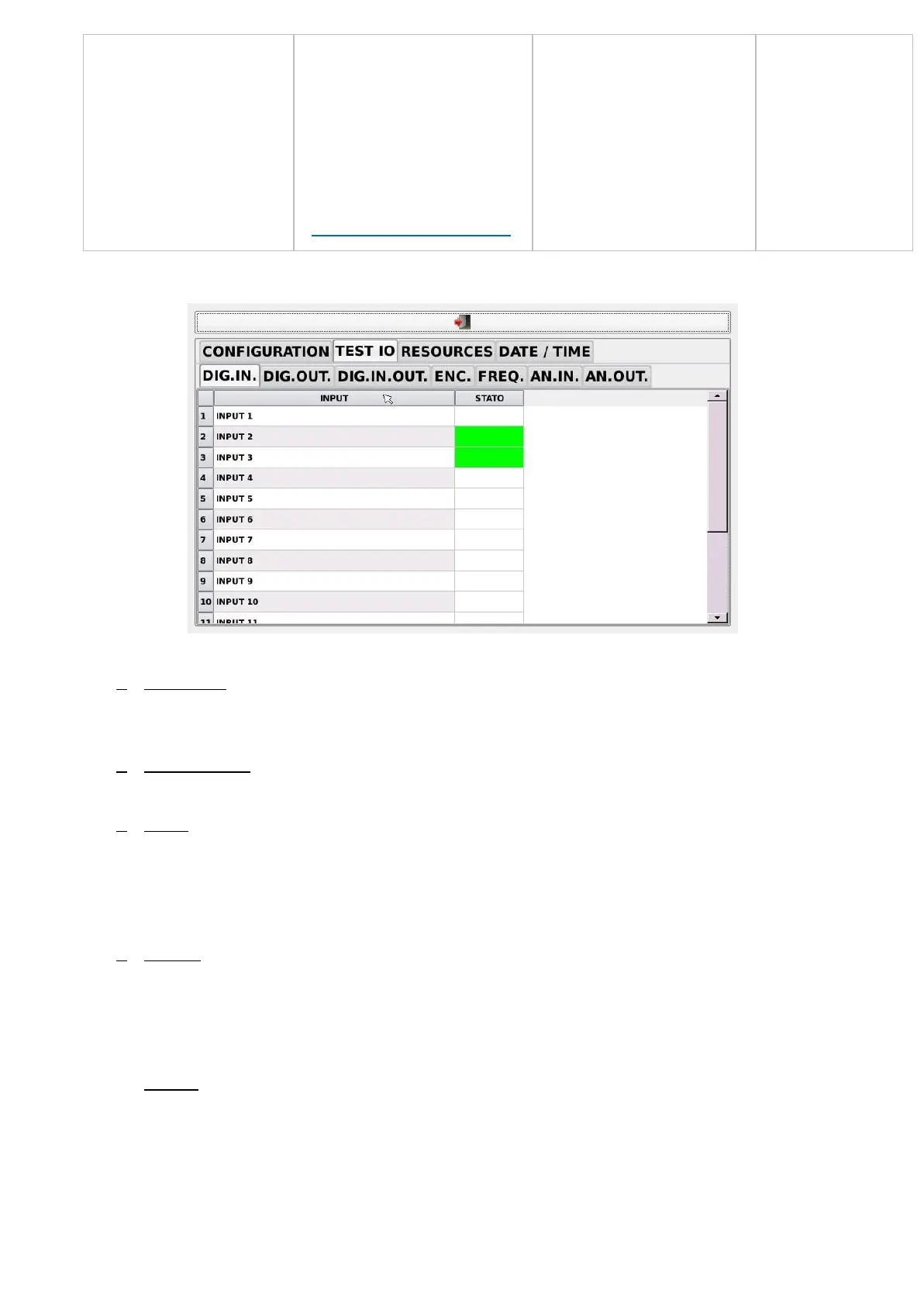
● DIG.IN.OUT. (Digital Inputs Outputs): it allows to read and write in a single
environment. An input or output is colored in green if active.
● ENC. (Encoder): allows reading of the encoder; the number below the main counter
indicates how many encoder zero marks have been detected. The ZERO button
allows you to reset the count of the corresponding channel encoder (the execution
of this operation is equivalent to a calibration of the axis; it must be performed with
particular attention);
● FREQ. (Frequency): it allows you to set the value of the frequency outputs (step /
dir); the plus and minus buttons increase and decrease, respectively, the current
value of 500 Hz output frequency. You can enter any value by pressing the value
and entering the desired value. The stop button resets the frequency of the current
output.
● AN.IN. (Analog Inputs): allows reading of the analog inputs state. The first page
shows the values of the input voltage / current; the second page shows the values
of temperature inputs (PT100);
41


 To Next Page