10
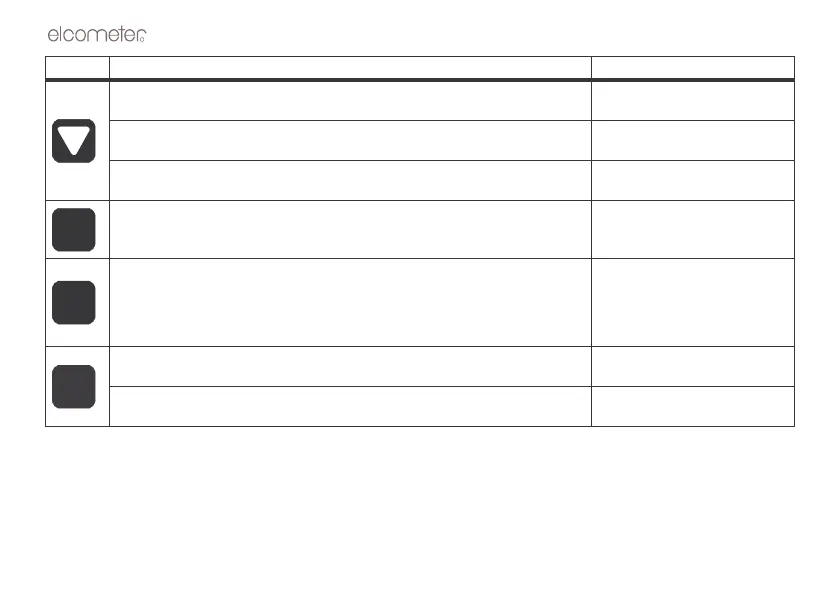
a) Decreases values on the display (press and hold to change values
quickly).
b) When MODE key has been pressed, scrolls through the various features
and settings of the gauge.
c) When MEM key has been pressed, scrolls through the various files,
memory locations, and functions of the data logger.
Press to switch data logging (memory) on/off.
“Using the data logger” on
page 27
Press when data logger is switched on to clear the contents of an entire
batch, or an individual memory location.
The CLR key is also used to send an obstruct message (ObSt) to an
individual memory location. The ObSt symbol would indicate that the user
was unable to take a reading at a particular location.
“Using the data logger” on
page 27.
a) Press to send the displayed thickness measurement to an internal
memory location or an external storage device via the RS232 port.
“Transferring data” on page 27.
b) Press to select data logging functions.
“Using the data logger” on
page 27
Key Functions For more information see



 To Next Page