9
ELCOMETER 207DL
Key Functions For more information see
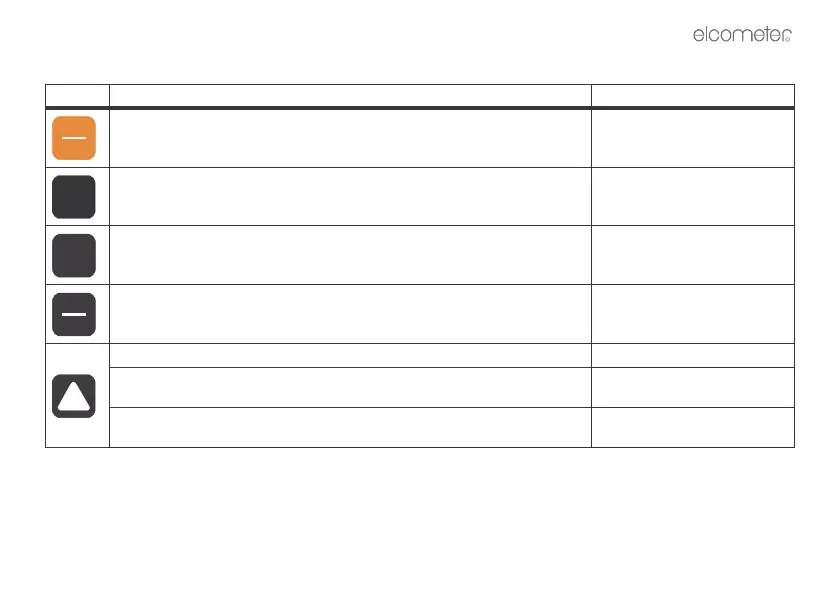
Press to switch the gauge on or off.
When switching off, the gauge retains all of its settings.
If the gauge is idle for 5 minutes, it will switch itself off.
Press to adjust the features and settings of the gauge (alarm, scan, mode,
units, backlight, and beeper).
.
Press to adjust calibration. “Calibration” on page 15.
Press to change units (metric/imperial)
a) Increases values on the display (press and hold to change values quickly).
b) When MODE key has been pressed, scrolls through the various features
and settings of the gauge.
c) When MEM key has been pressed, scrolls through the various files,
memory locations, and functions of the data logger.



 To Next Page