13
R
7.4 Printing readings
The stored data can be printed on the (optional)
HP-IR printer:
All stored Datasets will be sent to the printer.
Printing can be stopped at any time by pressing
.
6. or
Readings in dataset
7.
a.If RECALL does not appear, memory is empty.
b.XX = dataset number (1- 99).
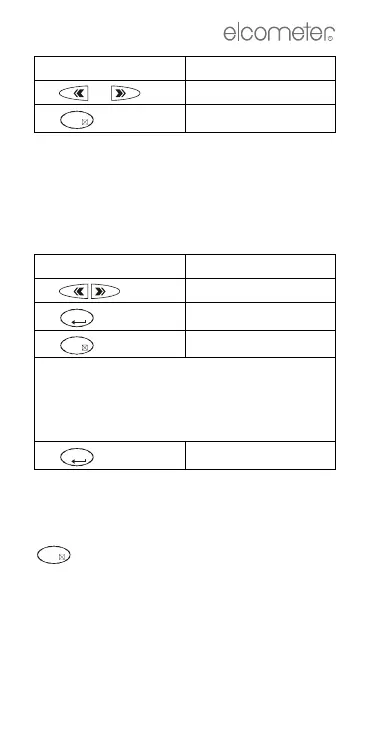
Press Display shows
1.
MEMORY oN
2.
RECALL
a
a.If RECALL does not appear, memory is empty.
3.
PRINT
4. Place the gauge in front of the HP-IR printer
at a distance of about 10 cm (4”). Make sure
that the IR-transmitter on the top of the
gauge is facing the IR-receiver on the
printer.
5.
Press Display shows
OFF
HOLD
OFF
HOLD
OFF



 To Next Page