17
R
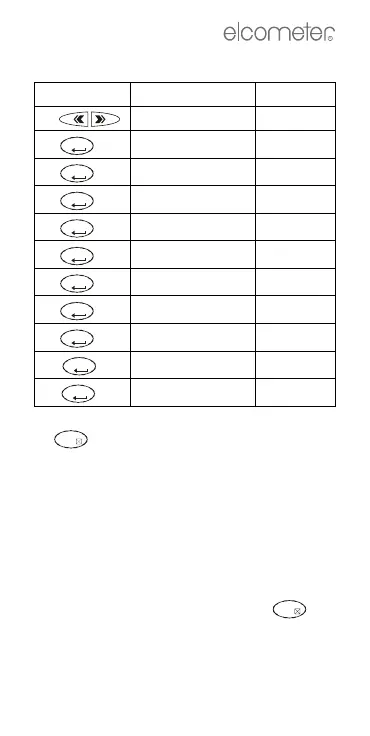
To access gauge set up:
Press Display shows Settings
1.
MEMORY oFF
2.
set up
3.
a
a.If you do not want to change a setting, press
to skip to the next parameter.
CYCLE
b
b.Cycle: Values shown on display change
automatically (ambient > surface > dewpoint
> ∆T). 0=no change, 1=1 second interval, etc.
0 - 10
4.
YEAR
c
c.Year: 0=2000, 99=2099, etc.
0 - 99
5.
MONTH 1 - 12
6.
DAY 1 - 31
7.
HOUR 0 - 23
8.
MINUTE 0 - 10
9.
UNITS
d
d.Units: Also affects date format:
°
C=dd/mm/yy
°F=mm/dd/yy
°C or °F
10.
BRIGHT
e
e.Bright: Display contrast.
_
7 to +8
11.
LOWPWR
f
f. Lowpwr: On=Automatic switch off after 120 s
Off=Gauge stays switched on until is
pressed
oN or oFF
HOLD
HOLD
OFF
HOLD
HOLD
HOLD
HOLD
HOLD
HOLD
HOLD
HOLD
OFF



 To Next Page