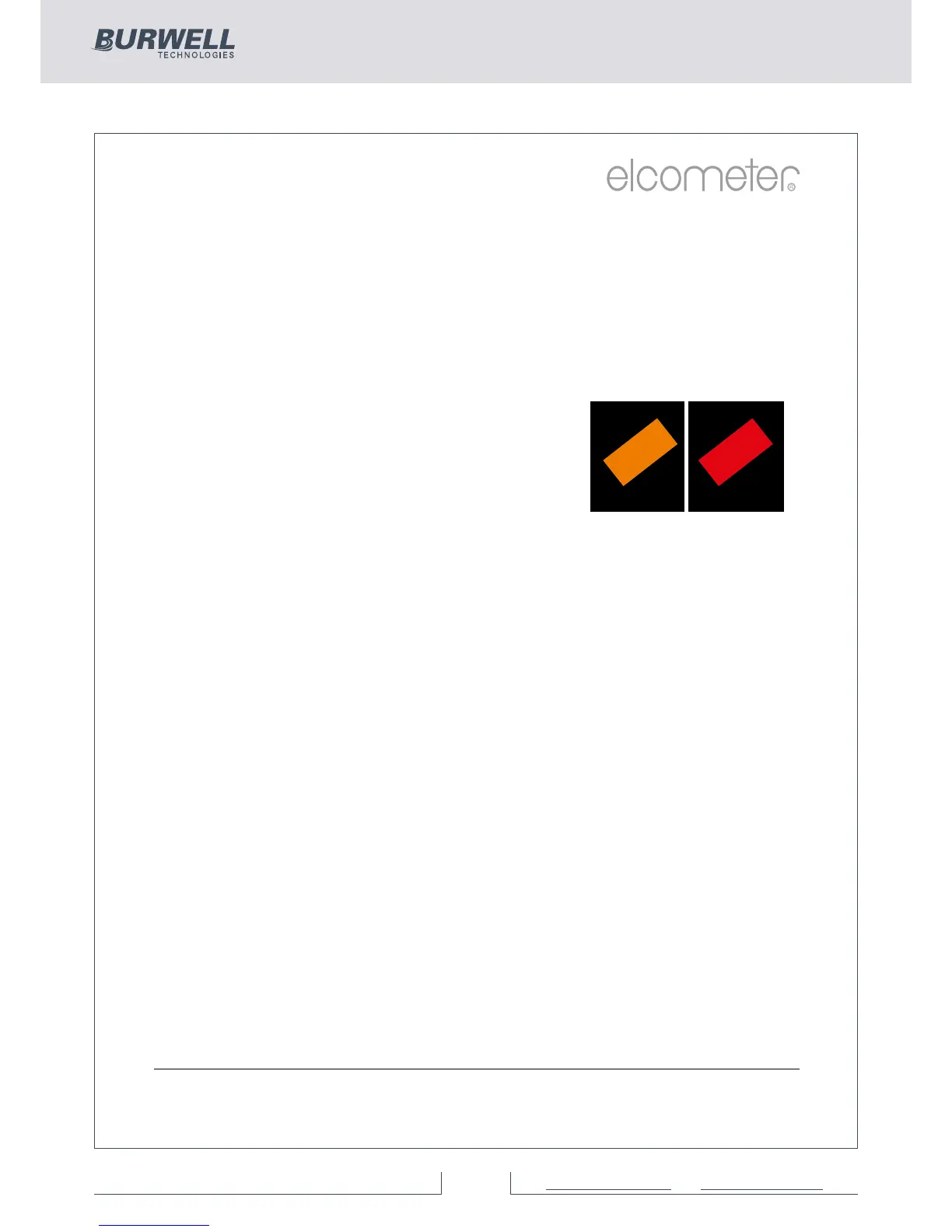
Outside calibration warning (T)
In order to achieve the most accurate reading the gauge should be
calibrated to the substrate type, shape and profile using the
appropriate calibration method together with foil values that are
slightly above the target dry film thickness.
When using the gauge’s calibration memories, or batching (see
Batching on page 26) different calibration foil values may be used in
each calibration.
value if using Rough/ 2 point) the gauge reading alarm sounds a triple
beep and the Calibration Check icon (located above the units symbol)
turns red. This feature does not amend or tag any reading, it is a real
time warning feature only.
Calibration lock (BST)
To avoid accidental amendments to the calibration settings switching
on the Cal/Calibration Lock feature’ locks’ the user from undertaking
any changes to the calibration without first un-checking the
Cal/Calibration Lock feature.
When the Calibration Lock is enabled, users can still test the
calibration via Cal/Test Calibration but will be unable to validate or
re-calibrate the gauge.
The calibration can also be locked using a PIN Code, see page 63 for
more information.
Once the Outside calibration warning
function Cal/Calibration Check has been
switched on, if a coating thickness reading
is taken which is more than 10% above the
foil value (and 10% below the lower foil
www.elcometer.com 22
R



 To Next Page