12 GETTING THE MOST OUT OF ELCOMASTER
ElcoMaster™ has been designed to be a very intuitive method of developing
professional reports, it is however extremely versatile. Here are just a few ways
ElcoMaster™ can be used in the day-to-day activities of a coating professional.
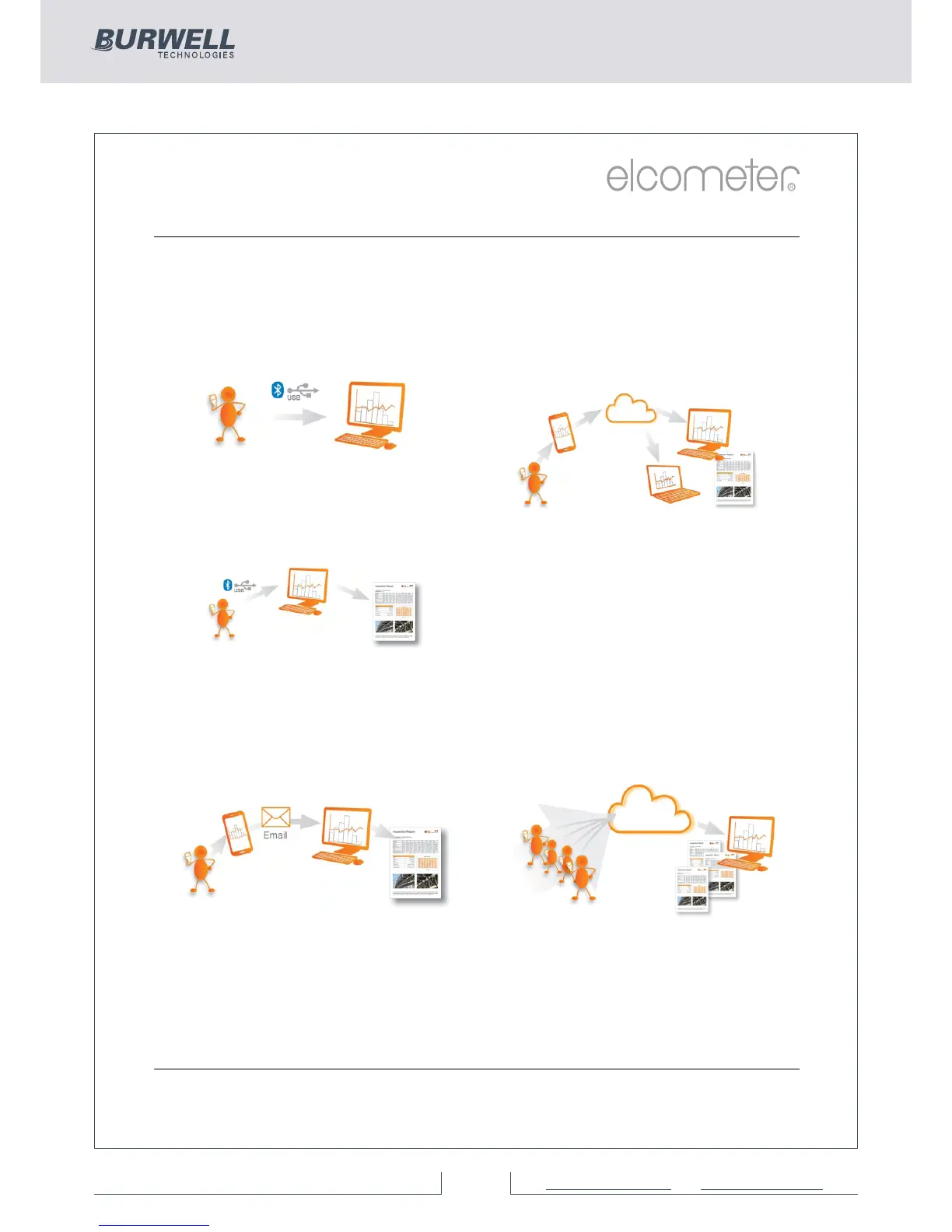
1. Gauge to PC to Excel
Transferring inspection data straight
into Microsoft Excel via Bluetooth® or
USB is simple and easy.
4. Upload to a cloud for real time
analysis anywhere
Using ElcoMaster™ Mobile App you can
upload inspection data, photos, notes
and GPS coordinates direct to a Cloud
account of your choice via 3G/4G or
W
iFi.
All data is instantly visible to other
approved users of the account - through
a secure log-in on any computer or
mobile device anywhere in the world.
2. Gauge to PC data transfer into
ElcoMaster™
®
Using Bluetooth or USB, ElcoMaster™
transfers inspection data in seconds,
archiving data and generating reports at
the click of a button.
3. ElcoMaster™ Mobile App for
immediate data transfer from site
to office
Transfer inspection data straight to
®
mobiles and tablets via Bluetooth
when on site for instant analysis, then
e-mail them back to the office for
storing, review and QA reporting.
5. Seamlessly link multiple sites or
production lines
ElcoMaster™ gives you real time quality
control monitoring from multiple inspection
projec
ts in any location. You can compare
and combine inspection data from
different production lines or different
locations, to produce specific Project
Inspection Reports quickly and easily.



 To Next Page