9 DOWNLOADING DATA USING ELCOMASTER™ (BST)
Measurements from the Elcometer 456 Models B, S and T can be
downloaded to a computer using the ElcoMaster™ software (supplied with
Model S and T gauges, downloadable from the Elcometer website for
Model B gauges), or the older versions of ElcoMaster™.
This instruction book explains how users can download data using
ElcoMaster™.
Installing ElcoMaster™
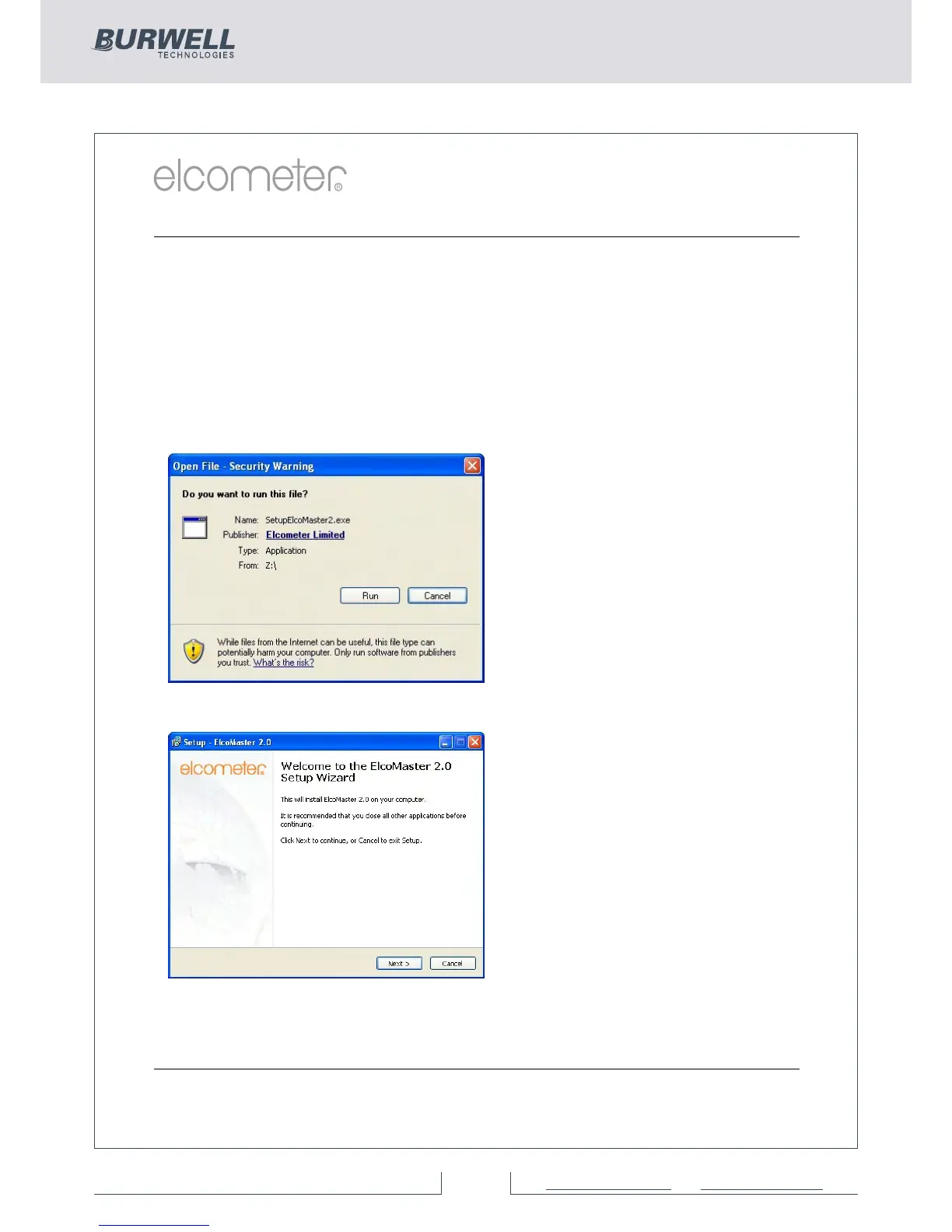
To install ElcoMaster™ insert the
supplied mini-CD into your CD
ROM drive. The software will
automatically begin the install
procedure.
If it does not, or you have
downloaded the software from
the Elcometer website, run the
SetupElcoMaster2.exe file.
The ElcoMaster™ Setup Wizard
will then begin.
Follow the on screen wizard
www.elcometer.com
35



 To Next Page