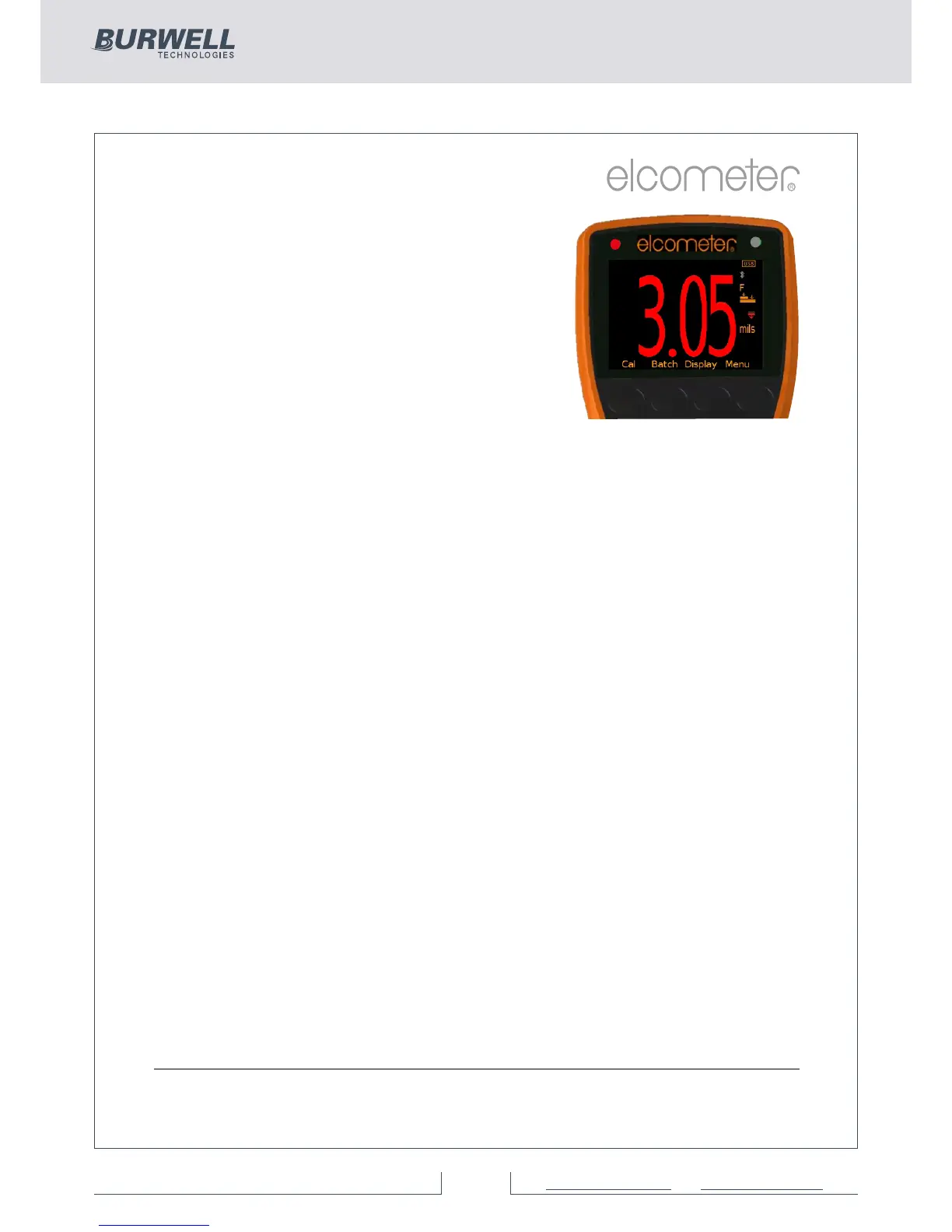
When the Elcometer 456 gauge takes a
reading which is outside the set limits the
following occurs:
Ÿ The Red LED flashes
Ÿ The reading is displayed in red
Ÿ The alarm beeps 3 times
Ÿ The associated limit icon turns red
In addition, the number of readings above limit (or below limit as
applicable) statistic is incremented. In Batching, the reading is
tagged with either the high or low icon as appropriate. For more
information see Batching on page 26.
To switch off a particular limit go to Menu/Set Limits/Set Upper or
Menu/Set Limits/Set Lower and set the limit value to Off using the up
and down soft keys.
The programmed limit values can be displayed on the reading screen
via Display/Statsitics/Select Statistics and checking the appropriate
radio button. The maximum number of statistics that can be displayed
on the reading screen at the same time is 8.
If a low limit has been set up, the upper limit value cannot be lower
than the pre-set lower limit.
Individual limits can also be set up for each batch on Model T gauges.
For more information see Batching on page 26.
Gauge Welcome Screen (BST)
Users can adjust the start up screen on their Elcometer 456 gauges
via the ElcoMaster™ software - see page 64 for more information.
www.elcometer.com
24
R



 To Next Page