18
Noise Reduction
Noise reduction (NR) removes random background
noise (hiss or static). It has a characteristic “hollow”
sound. Higher settings may attenuate weak signals.
Holding NR turns on noise reduction and displays its
setting, which can then be adjusted using the knob
above the switch. Tap any switch to exit the setting
display. Hold NR again to turn noise reduction off.
Noise Blanking
Noise blanking can eliminate repetitive noise such as
that from power lines, appliances, and vehicle ignition
systems. Use the lowest effective setting.
Holding NB (a function of the
AF/MON knob) turns
on the noise blanker. The setting can then be adjusted
using this knob. Tap any switch to exit the setting
display. Hold NB again to turn the blanker off.
Audio Peaking Filter (APF) and Notch Filter
In CW mode, holding APF-AN turns on a very narrow
filter to improve copy of weak CW signals right at the
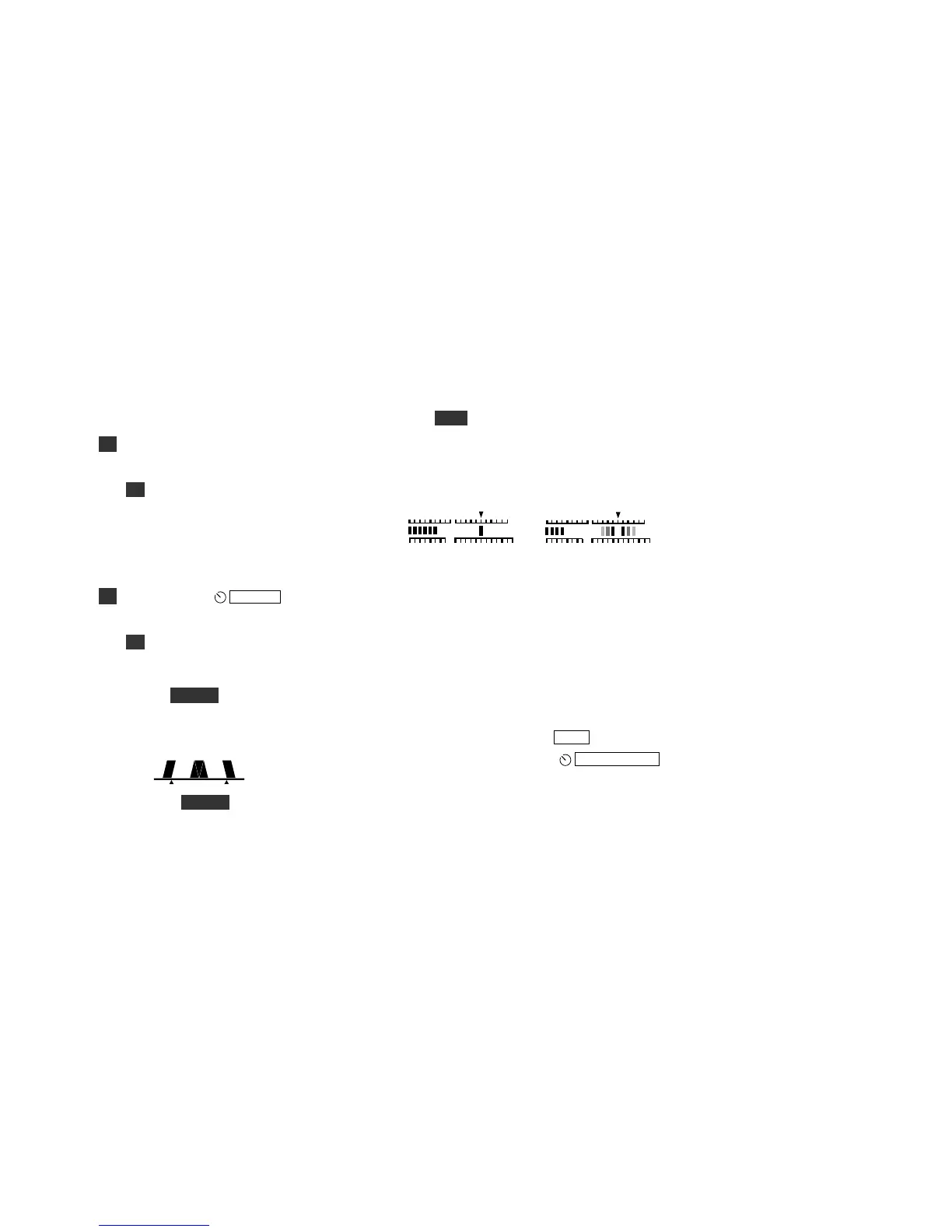
receiver’s noise floor. The filter graphic changes as
shown below, and VFO tuning is set to 1 Hz.
In SSB and AM modes, APF- AN turns on auto-notch
(AN). Auto-notch can suppress one or more audible
carriers (continuous tones) automatically, while having
little impact on speech signals.
CW/DATA Tuning Aid (CWT)
Accurate tuning of received signals is required before
you call a station, or when you’re using built-in text
decode (TEXT, pg. 21). Signals can always be tuned in
by ear, but the KX2 also provides a visual tuning aid
(CWT). With CWT on (MENU:CWT), the upper half
of the S-meter changes as shown below.
CW and PSK31/PSK63 RTTY
A CW signal appears as a single bar. Tune the signal
until the bar is centered beneath “CWT” as shown.
This single-bar display also applies to PSK-D (pg. 28).
In RTTY or radioteletype modes, mark and space tones
appear as bars on either side of the CWT pointer (see
FSK D and AFSK A data modes, pg. 28). With no
signal, you’ll see a “ghosting” effect (above). As you
tune in a signal, solid bars will appear on both sides.
To optimize CW/data text decode, you may need to
fine-tune the VFO position. This is especially true in
PSK-D mode. Use 1 Hz steps (RATE).
Spot and Auto-Spot: Tapping
KYR-SPT/MIC
generates an audible spot tone in CW, PSK-D, and
FSK-D modes. Tune the VFO until the signal pitch
matches the spot tone. If CWT (see above) is turned on
in CW and PSK-D modes, tapping this knob will tune
in the signal automatically, if possible (auto-spot).



 To Next Page