41
Menu Functions
Hold MENU to enter the KX2’s menu. Tap or hold this switch to exit. Up to four menu entries that you’d like
quick access to can be assigned to programmable functions PF1-PF4 using PFn, the programmable function switch
(pg. 25). Note: NOR appears in some parameter displays. This means “Normal,” i.e. the default or recommended
value.
Menu Help Information
Holding MENU for about 3 seconds while in the menu shows information about the present menu entry on VFO
B. For most entries, the default parameter value is shown in parentheses at the start of the help text. Tap the switch
to terminate the help text display.
Tech-Mode menu entries
The
symbol
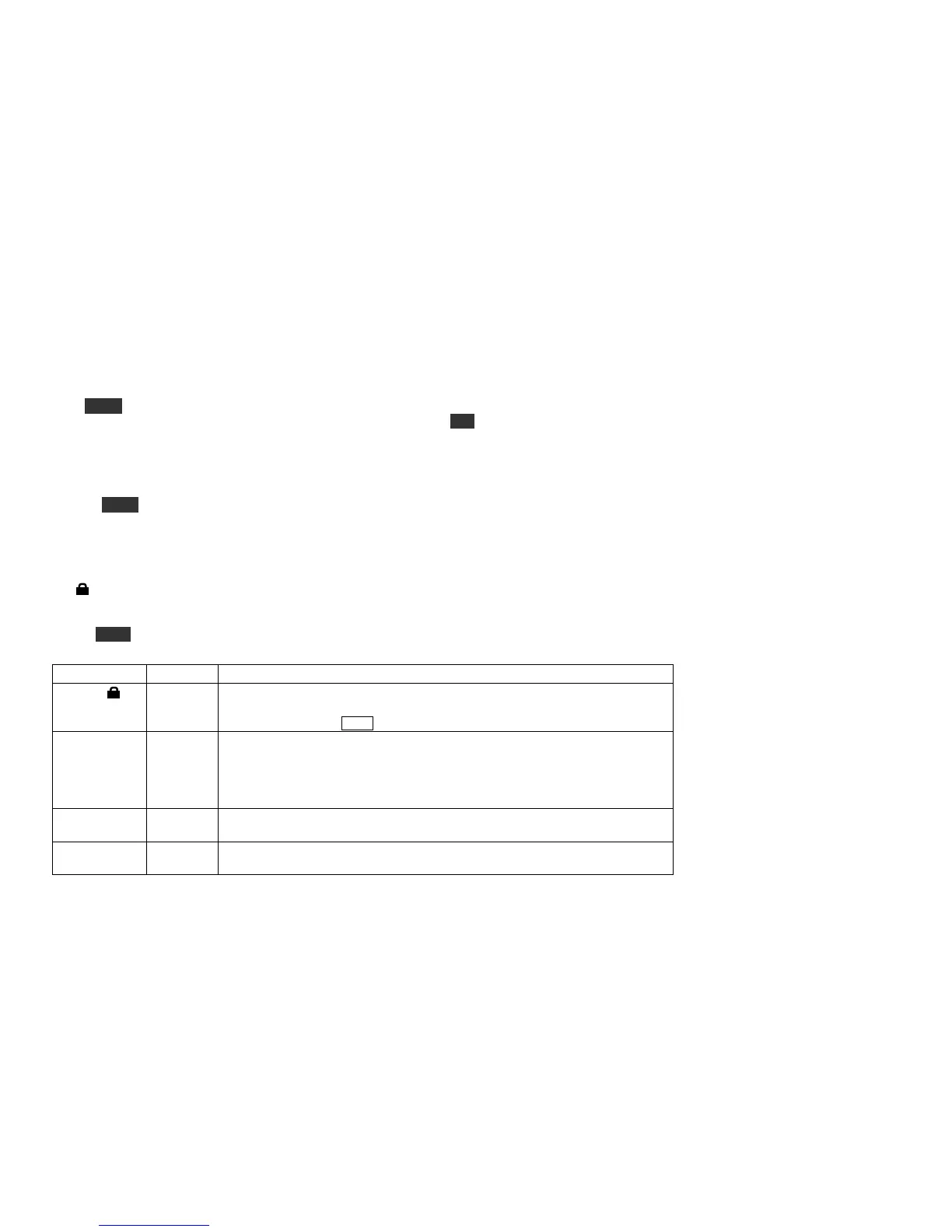
in the table below indicates a tech mode menu entry. These are typically used for calibration. Their
parameter values are locked by default, as indicated by the lock symbol on the display. To reveal all tech-mode
menu entries, set MENU:TECH MD to ON. To change any tech-mode parameter, you must first unlock it by
holding FREQ for about 3 seconds. This turns off the lock symbol.
Enables built-in 2-tone generator for SSB transmit tests. The internal 2-tone
generator only works if LSB or USB mode is selected. After setting 2-tone ON,
exit the menu and tap XMIT.
Adjustable AF output limiter for use when AGC is turned off (MENU:AGC MD).
This can protect your ears if a large signal appears. Signals or noise above the
threshold will sound distorted due to the limiting, reminding you to back down AF
gain (or RF gain, if you’re using MENU:RF GAIN to control receive gain).
Typical settings for those who often turn AGC off are 17 to 23.
DELAY setting (default) provides quasi-stereo audio, reducing operating fatigue
when using stereo headphones or dual external speakers.
Some operators prefer to turn AGC off and control RF gain manually. This can be
done with the preamp and attenuator, or using MENU:RF GAIN. (When AGC is



 To Next Page