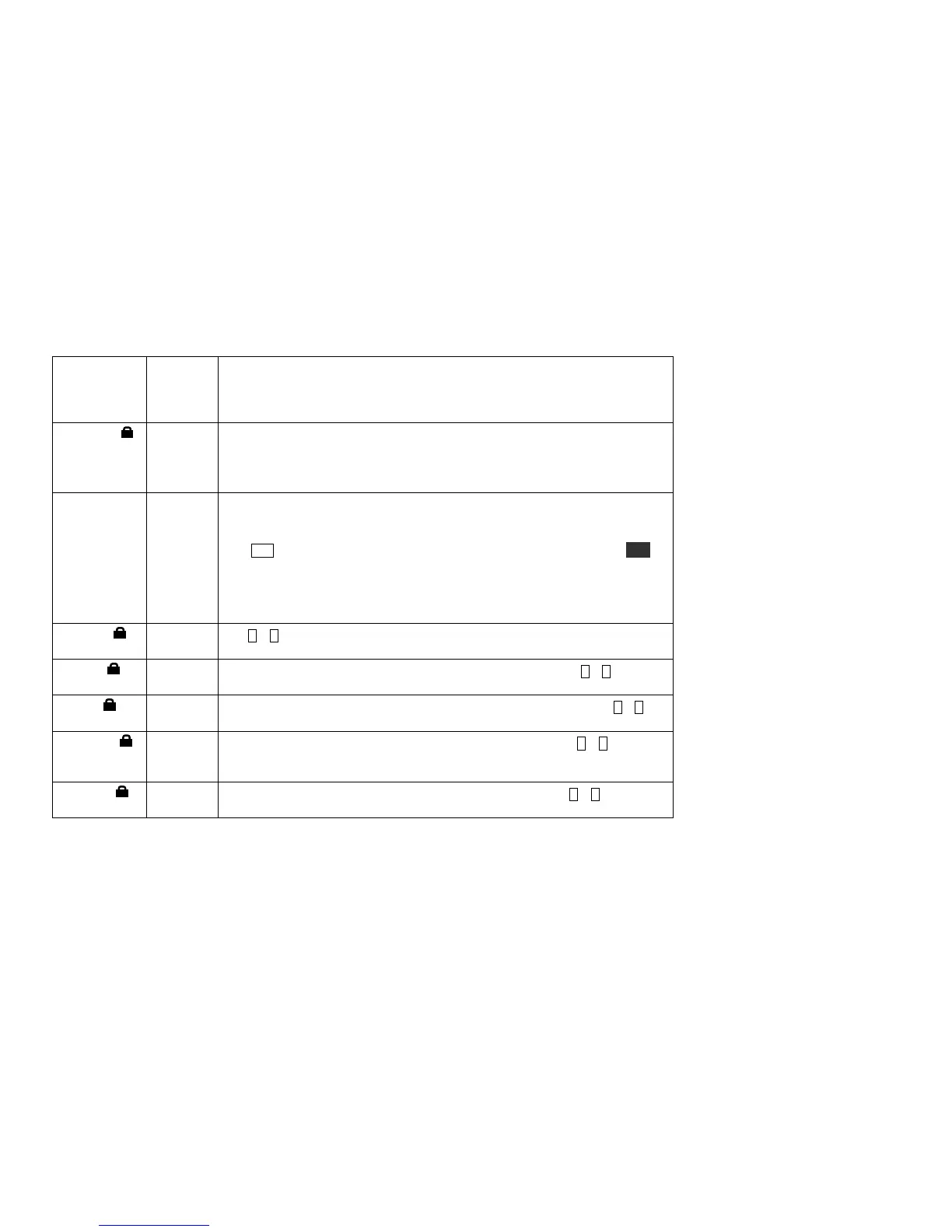
VOX=ON allows transmit to start when you start speaking. In audio data modes,
VOX starts transmit when a computer connected to the mic jack outputs an audio
signal. VOX is always ON in PSK-D and FSK-D modes; PTT is not available.
VOX cannot be used with the built-in microphone.
Wattmeter calibration parameter. If an external, known-accurate wattmeter reads
lower than the KX2’s wattmeter, decrease the parameter value (and vice-versa).
Internal wattmeter accuracy may vary by up to +/- 1 dB, per band.
On transverter bands, the menu entry name changes to WMTR XV.
XIT is short for Xmit Incremental Tuning. Set to ON to offset the transmit
frequency without affecting the receive frequency. The XIT icon will turn on. Use
OFS/B to set the offset (+/- 9.999 kHz). This is also the offset that will be used
with RIT (pg. 16). If you use XIT frequently, you may wish to access it via PFn.
XIT can be useful for applying a small offset to your transmit signal to improve
copy by other stations, especially in PSK-D mode (such an offset must be
determined experimentally). It can also be used as an alternative to SPLIT, leaving
VFO B free for other purposes. For more on XIT and RIT, see pg. 16.
Tap 1 – 7 to select the applicable transverter band display (1 - 7 ). Set parameter to
YES to enable or NO to disable.
Lower edge for transverter band <n> (1-7 ); 0 -24999 MHz. (Tap 1 – 7 to select
applicable transverter band.)
Specify KX2 band to use as the I.F. for transverter band <n> (1-7 ) . (Tap 1 – 7 to
select the transverter band.) I.F. selections include 7, 14, 21, and 28 MHz.
Sets upper limit on power level in watts for XVTR band <n>. Tap 1 – 7 to select
band. Note: The KX2 does not have a low-level transverter port, so transverters
must have their own T/R switching and be able to handle the specified power level.
Offset (–9.99 to +9.99 kHz) for transverter band n (1-7). (Tap 1 – 7 to select
band.) Compensates for oscillator/multiplier chain errors in external transverters.



 To Next Page