32
Auto Broil Chart
Setting/Food Amount Default Rack Procedure
Hamburgers1. 1 - 8 pieces
0.25 lb each
1 piece Low Use this setting to broil hamburger patties. Place on
low rack.
Chicken 2.
pieces
0.5 - 3.5 lb 0.5 lb Low Arrange pieces on low rack. After cooking, let stand, 3-5
minutes.Darkmeatshouldbe180°F,andwhitemeat
should be 170°F.
Steaks3. 0.5 - 2 lb 0.5 lb Low Use this setting to broil steaks from 3/4" to 1" thick.
Individual boneless steaks broil evenly. Place steak on
lowrack.Forwelldone,touchPOWERLEVELonce;
forrare,touchPOWERLEVELtwice.
Fish steaks4. 0.5 - 2 lb 0.5 lb Low Use this setting to broil fish steak which is 3/4" to 1"
thick. Place on low rack.
Auto Broil
auto broil automatically broils hamburgers, chicken
pieces, steaks and fish steaks.
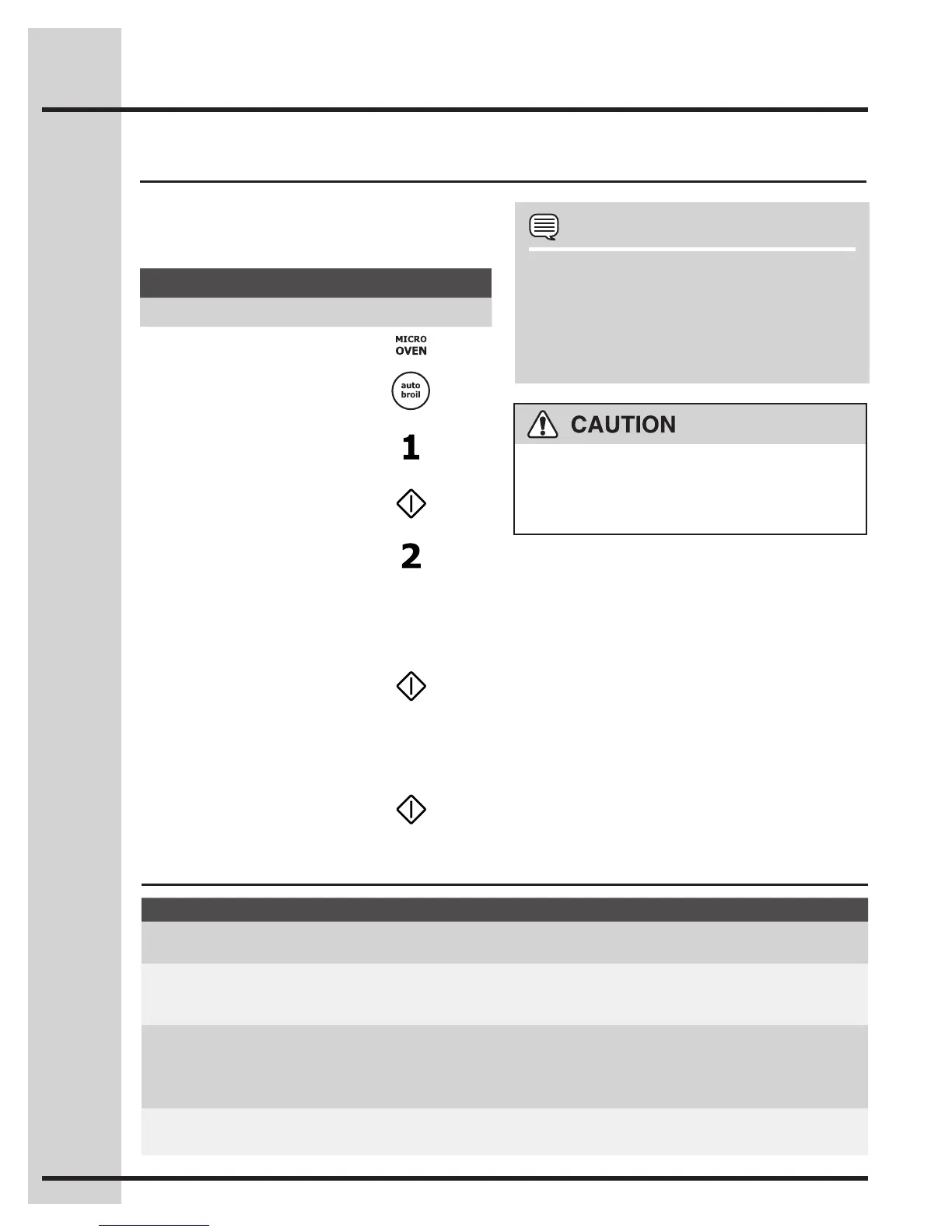
Suppose you want to broil 2 hamburgers.•
Example
Step Press
1. Press MICRO OVEN.
2. Press auto broil.
3. Select desired setting.
Ex: for hamburgers,
touch number 1.
4. Press START.
5. Press number pad to
enter quantity.
Follow information in display for cooking information.
For well done or rare burgers, touch POWER LEVEL
padtoselectMoreforwelldoneorLessforrare.See
More/LessTimeAdjustment.
6. Press START.
After broil preheat cycle ends, the oven will stop and
directions will be displayed. Follow the indicated
message. Open the door and place hamburgers
into oven. Close the door.
7. Press START.
NOTES
1. Auto Broil can be programmed with More/
Less Time Adjustment. See corresponding
section.
2. Should you attempt to enter more or less
than the allowed amount, an error beep will
sound.
The oven cabinet, cavity, door, turntable, turntable
support, racks and dishes will become hot. To
PREVENTBURNS,usethickovengloveswhen
removing the food or turntable from the oven.
Setting Microwave Controls






 To Next Page