53
Setting bread proof
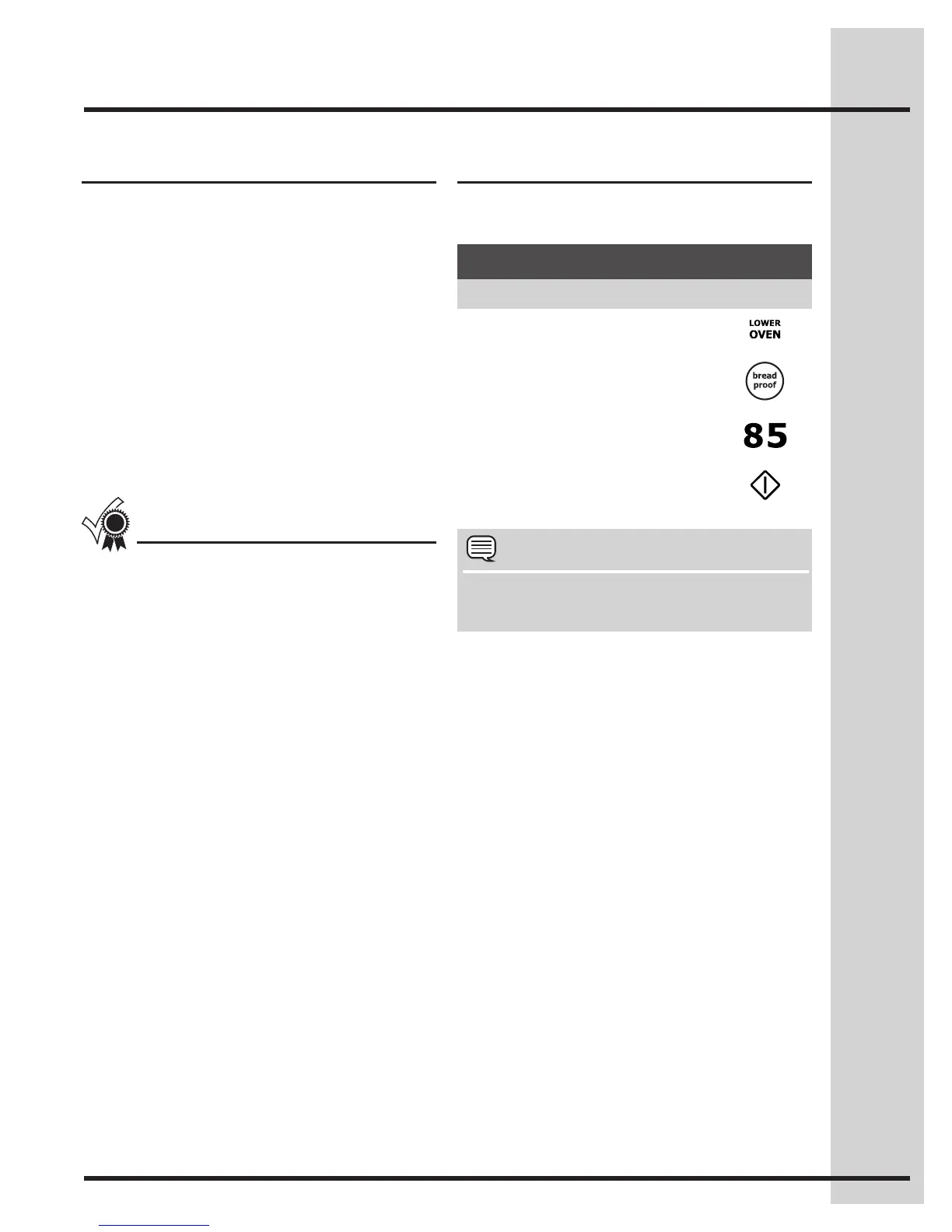
See example below to set bread proof for 85°F /
30°C.
Example
NOTE
YoumaypressCANCELanytimewhensetting
the control or during the cooking process.
To add or change any cook settings after this
feature has started:
• SelecttheLOWERoven.Maketemperature
changes using the + or - keys. Each press of +
or -willadjustthetemperatureby5°F(or2°C).
• Ifchangingcookingtimes,selectthecook time
or end time keys needed to make the changes.
About bread proof
The bread proof feature maintains a warm
environment useful for rising yeast-leavened
products.
Breadproofmaybesetinconjunctionwiththe
following feature:
• Myfavorite
The following temperature settings apply to the
bread proof feature:
• Auto-suggest(default)setting: 100°F/38°C
• Min.breadproofsetting: 85°F/30°C
• Max.breadproofsetting: 100°F / 38°C
For best results
• Lightlycoverthedough
• Placeabowlofhotwaterontherackbelow.
• Usetheovenlighttocheckprogress.Donot
open the oven door.
Example
Step Press
1. Press LOWER OVEN
2. Press BREAD PROOF
3. Enter 85°F
4. Press START
Setting Lower Oven Controls






 To Next Page