51
Setting Lower Oven Controls
About dehydrate
The dehydrate feature dries with heat from
the convection element. The heat is circulated
throughout the oven by the convection fan. Use
dehydrate to dry and/or preserve foods such as
fruits, vegetables, herbs and very thin slices of
meat. The Convection fan may operate while
dehydrating.
The following temperature settings apply to the
dehydrate feature:
• Auto-suggest(default)setting: 120°F / 48°C
• Min.dehydratesetting: 100°F / 38°C
• Max.dehydratesetting: 225°F / 108°C
See the example below to set dehydrate at the
default temperature of 120°F.
To add or change any cook settings after this
feature has started:
• SelecttheLOWERoven.Maketemperature
changes using the + or - keys. Each press of +
or -willadjustthetemperatureby5°F(or2°C).
• Ifchangingcookingtimes,selectthecook time
or end time keys needed to make the changes.
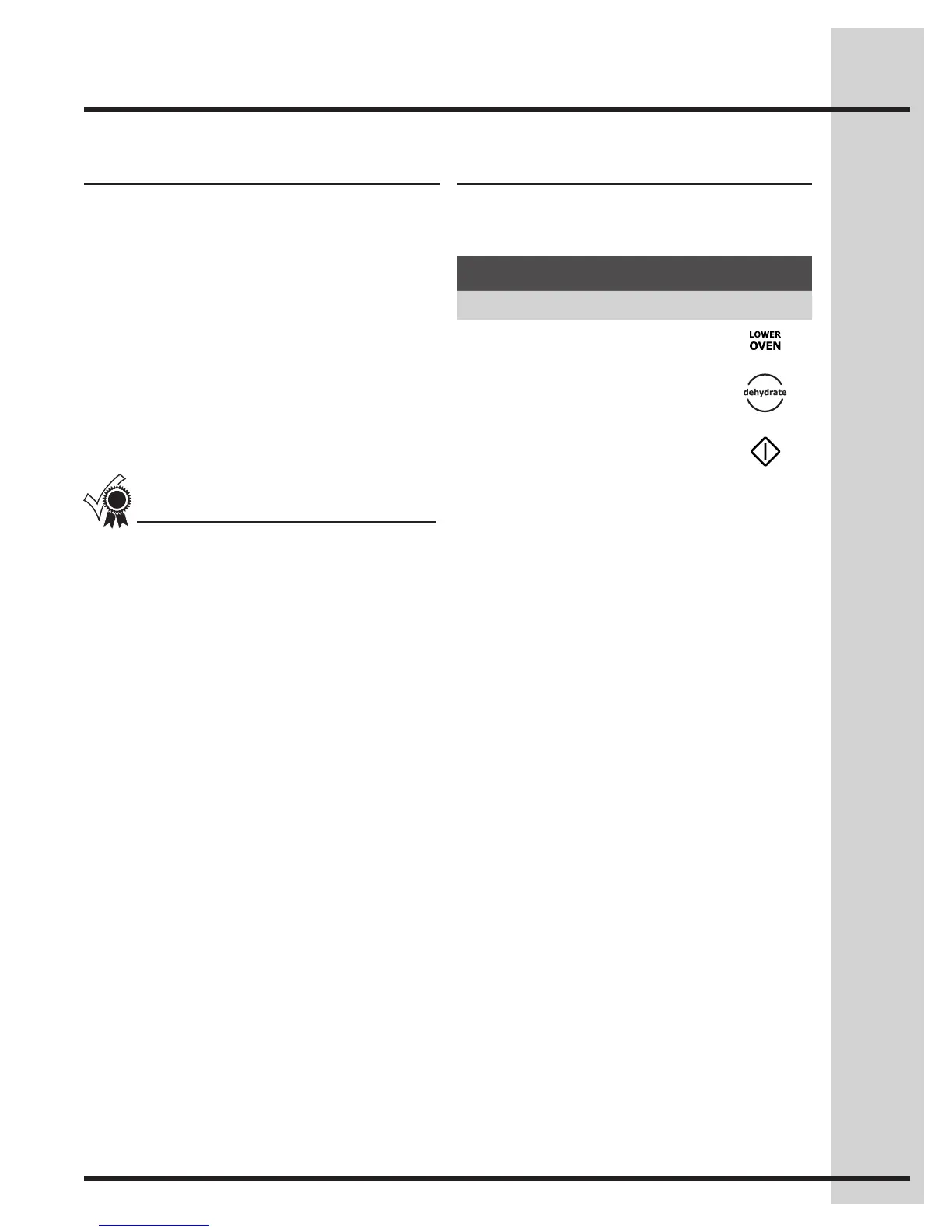
Setting dehydrate
Example
Step Press
1. Press LOWER OVEN
2. Press DEHYDRATE
3. Press START
For best results
• Drymostfruitsandvegetablesat140°F.Dry
herbs at 100°F.
• Dryingtimesvarydependingonthemoisture
and sugar content of the food, the size of the
pieces, the amount being dried and the humidity
in the air.
• Treatfruitswithantioxidantstoavoiddiscoloration.
• Tightlywovencoolingrackscanbeusedtoallow
the air to circulate around the food; or use drying
racks to allow the air to circulate around the food
(this type of oven rack is not supplied with this
appliance).
• Consultafoodpreservationbookorlibraryfor
information.






 To Next Page