36
Setting Lower Oven Controls
About rapid preheat
Use the rapid preheat option on single rack
baking to quickly bring the lower oven to baking
temperature.
The rapid preheat option may be set with the
following cooking features:
• Bake
• Convbake
The following temperature settings apply to the
rapid preheat feature:
• Auto-suggest(default)setting: 350°F/176°C
• Min.rapidpreheatsetting: 170°F / 76°C
• Max.rapidpreheatsetting: 550°F / 288°C
Setting rapid preheat
NOTE
YoumaypressCANCELatanytimewhen
setting the control or during the cooking process.
See example below to set a rapid preheat
with bake to start immediately using default
temperature.
When START is pressed the oven will preheat
quickly.ThecontrolwilldisplayPRE-HEATING
duringthistime.WhilePREHEATINGthe
Convection fan may operate.
After a few minutes a beep will sound and PRE-
HEATINGwillnolongerdisplay.Placeprepared
food on a single oven rack. The oven will continue
to bake at the set temperature until bake is
canceled.
• Single oven rack cooking ONLY.
• Useinovenrackpositions2or3.
For best results
To add or change any cook settings after this
feature has started:
• SelecttheLOWERoven.Maketemperature
changes using the + or - keys. Each press of +
or -willadjustthetemperatureby5°F(or2°C).
• Ifchangingcookingtimes,selectthecook
duration or end time keys needed to make the
changes.
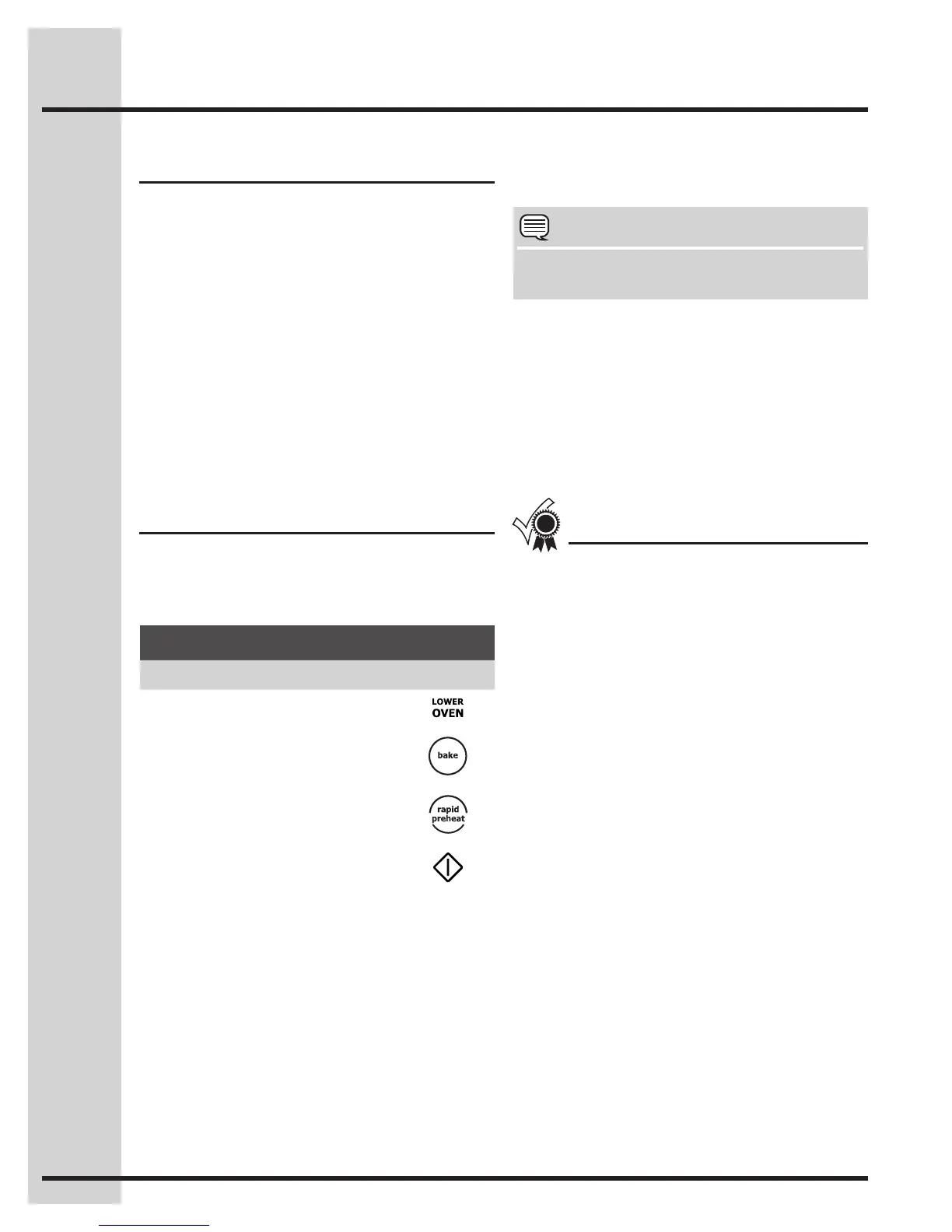
Example
Step Press
1. Press LOWER OVEN
2. Press BAKE
3. Press RAPID PREHEAT
4. Press START






 To Next Page