Prepare a Sample
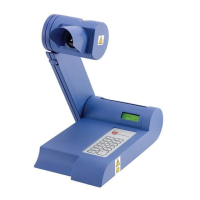
Up to three samples may be accommodated in the tube
guide. To prepare a sample proceed as follows:
Break a new capillary tube in half and insert the powdered
sample in the tube. The quantity should be such that the
height dose no exceed 1mm.
Locate the sample in the tube guide. It is recommended
that three tubes are inserted even if each tube dose not
contain a sample.
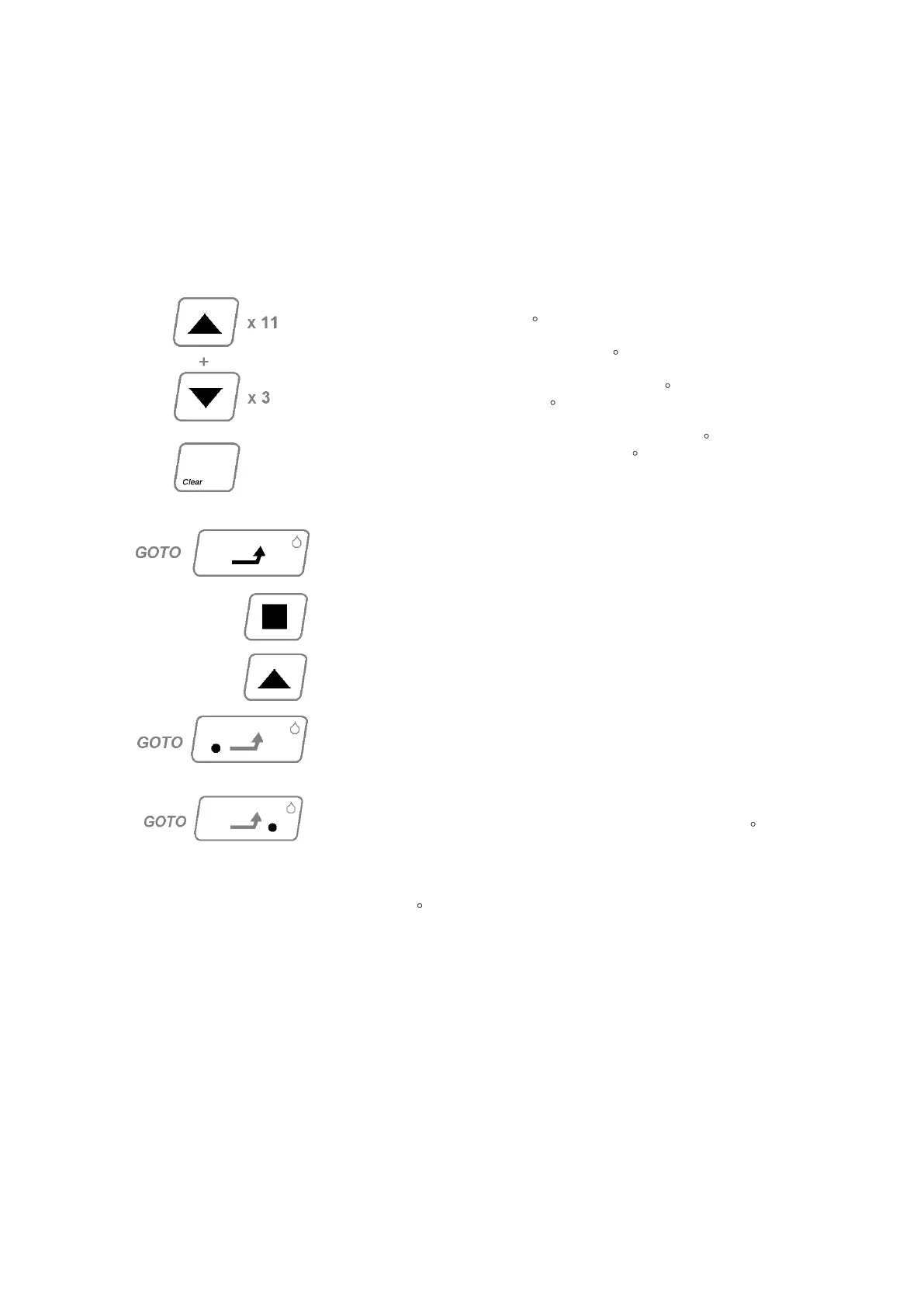
Enter the ‘set Point’
(This should be 2 to 5 C below the expected melt point).
Proceed as follows (a figure of 107 C is given as an example):-
Press arrow UP key eleven times (value 10 C per keystroke) to
set a temperature of 110 C.
Press the arrow DOWN key three times (value –1 C per key
stroke) to reduce the „set-point‟ to 107 C.
If an error is made, press the CLEAR key and recommence
entering the set point.
GOTO ‘Set Point’
Press GOTO key.
The four bar L.E.D‟s will illuminate consecutively as the
temperature rises.
To review the „Set Point‟ Press the UP arrow key and the
„Set Point‟ will be displayed for approximately 1 second.
When the „Set Point‟ temperature is reached the left hand
L.E.D. on the GOTO key will illuminate and three audible
bleeps will sound to indicate the temperature has
stabilised.
Initiate Ramp.
Press GOTO to initiate the temperature ramp of 1.0 C per
minute. The four bar L.E.D‟s and the left hand L.D.D on the
GOTO will go out. The right-hand L.E.D will illuminate.
After a brief delay the oven temperature will commence to rise at
1.0 C per minute.
Fast Ramp Selection – See Appendix B (Page 27).



 To Next Page