Store
To store the current values in each
memory:
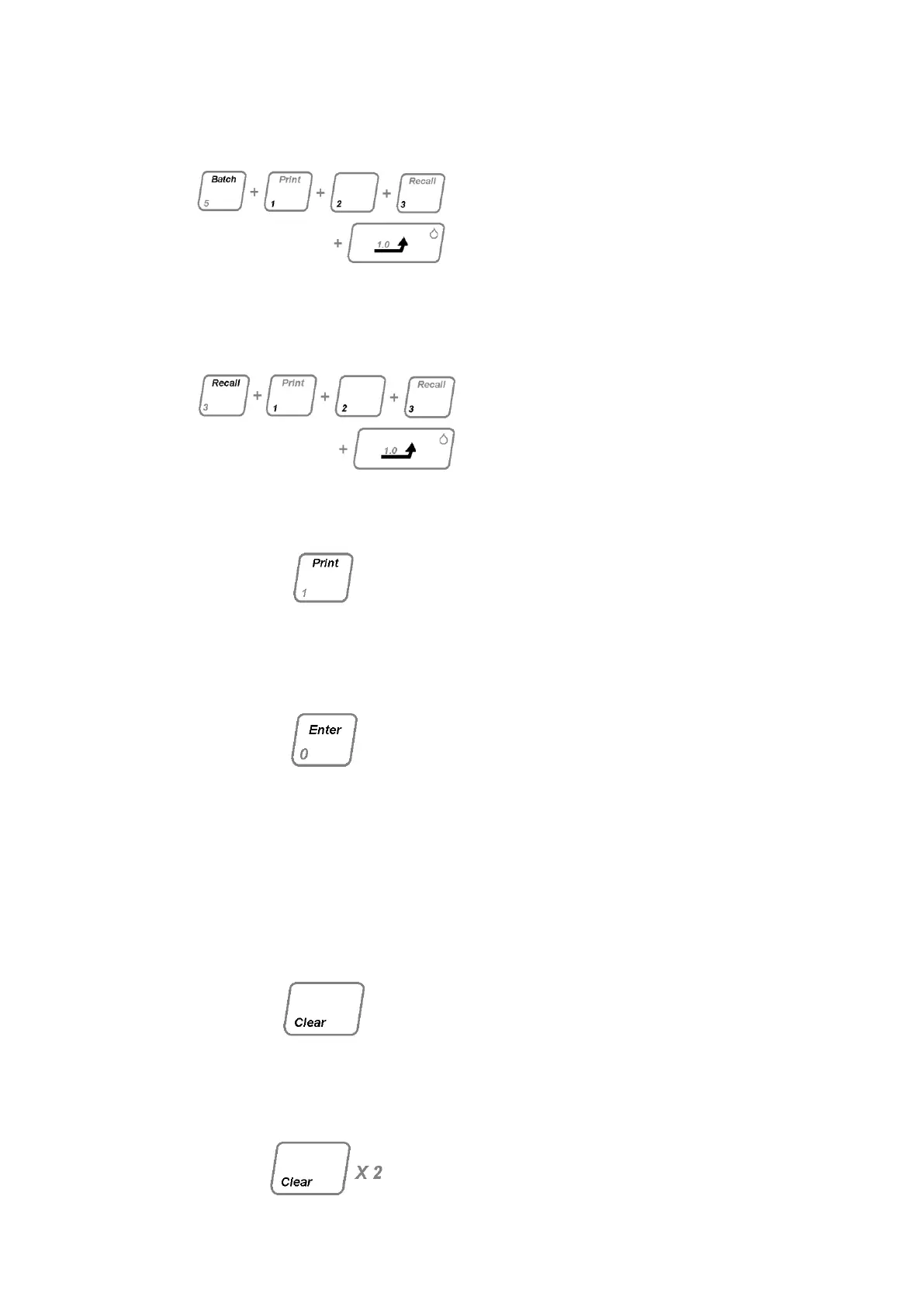
Press the BATCH, key in batch number
between 0000 and 9999, for example,
123 an press GOTO.
Previously stored valued having the
sane Batch Number will be
overwritten.
Recall
To recall values previously stored
against a Batch Number, press RECALL
the key in the desired batch number and
press GOTO. The stored batch melt
parameters will be available for review
(see paragraph a) and may be printed
out if required.
Print.
If a line printer is suitably connected:
Press PRINT, the current or recall batch
melt parameters will be printed out in
hard copy.
To carry out a further melt.
To initiate analysis of a further batch;
Press ENTER. The display will indicate
the current ‟Set Point‟ that can be
updated if necessary to commence the
next analysis. Proceed as from section
4.3.7. Do not insert samples until oven
temperature has stabilised at „Set Point‟
as indicated in section 4.3.8. After
insertion of samples allow at least 2
minutes to elapse for samples to
stabilise at „Set Point‟ before initiating
ramp.
Pressing CLEAR at any point (except at
the value entry stage when CLEAR is
used to cancel an incorrect entry) will
clear the current stage of the melt and
return the instrument to the condition to
condition prior to the Set Point‟ entry
state.
Press the CLEAR key twice at any stage
(except at value entry stage when you
must press GOTO first) will switch oven
off and display current temperature.



 To Next Page