Analysis and Storage of Melt points.
The four basic stages of melting should be
anticipated as described in Principals of Operation on
Page 6. Proceed as follows:
Adjust the object lens by rotation until a sharp focus
on the sample is obtained.
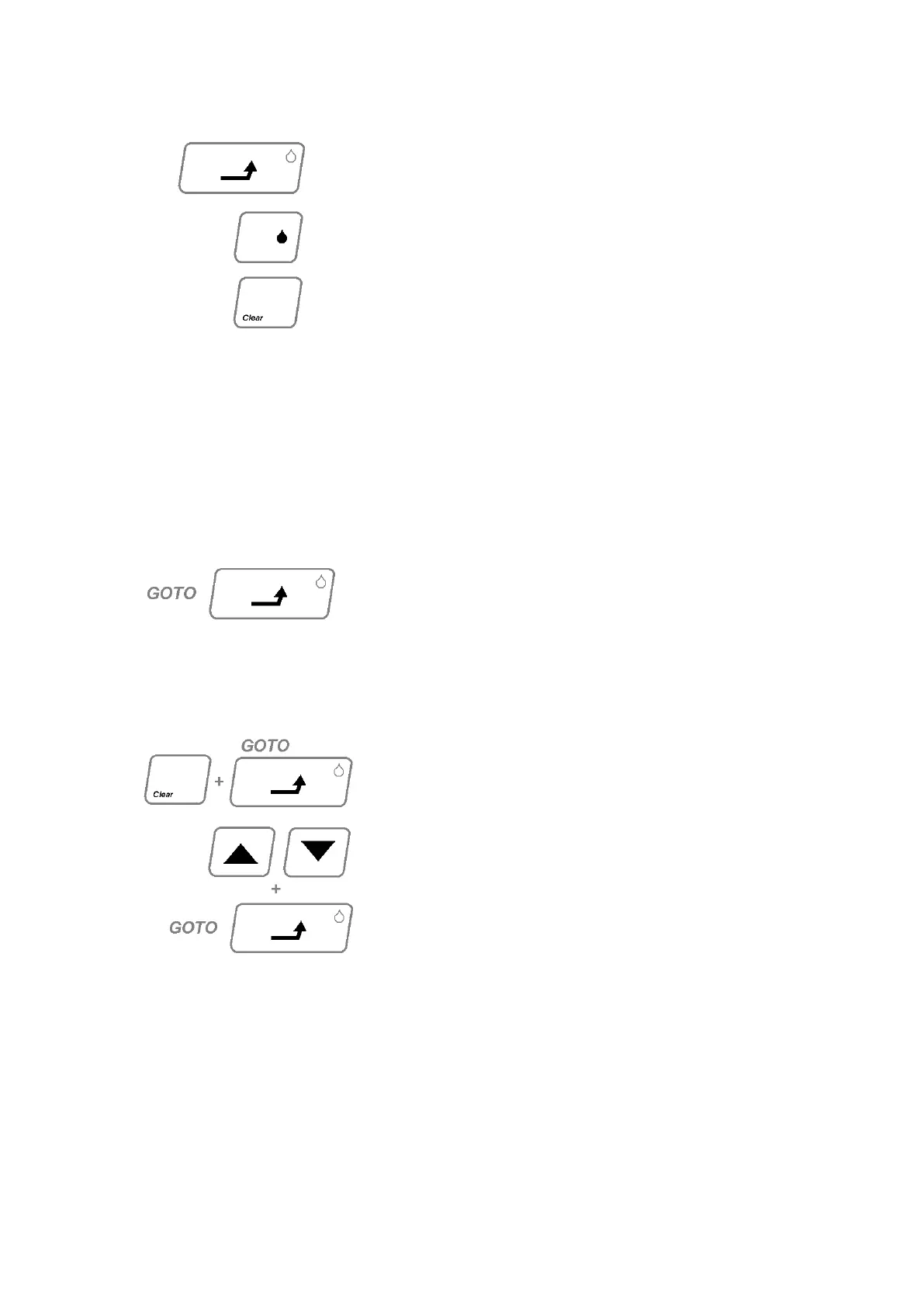
When the desired stage of melt is observed press the
GOTO key to store that temperature in the memory.
Up to four values can be stored. An additional L.E.D.
above the GOTO key will illuminate as each value is
stored. After the fourth value is stored the oven
temperature will return to the „Set Point‟.
N.B. If less than four melt points are to be stored,
press the CLEAR key once only after the last
temperature has been stored, the oven temperature
will return to „Set Point‟.
Recall of Information.
To review the melt points:
The display will show the temperature of each
successive melt point held in the memory with each
subsequent depression of the GOTO key. An L.E.D.
above the GOTO will indicate which of the stored
temperatures is being displayed. If less than four
temperatures have been recorded then unused
memory will be displayed by 0000.
N.B. Temperatures must be recorded on paper at this
point.
To Carry out further melt
Press CLEAR only once. The current „Set Point‟ will
be displayed. If this is the value desired, press GOTO
keys as in section 4.2.7.
If a new „Set Point‟ is desired press the UP/DOWN
keys as in section 4.2.6. Press GOTO key as in
section 4.2.7. Do not insert new samples until
temperature has stabilised at the new „Set Point‟ (as
indicated in section 4.2.7). After insertion allow 2
minutes for tubes and samples to stabilise at the „Set
Point‟ before initiating ramp as in section 4.2.8.
N.B. Faster cooling where required can be achieved
by the insertion of a Cold Finger (Accessory AZ9001).



 To Next Page