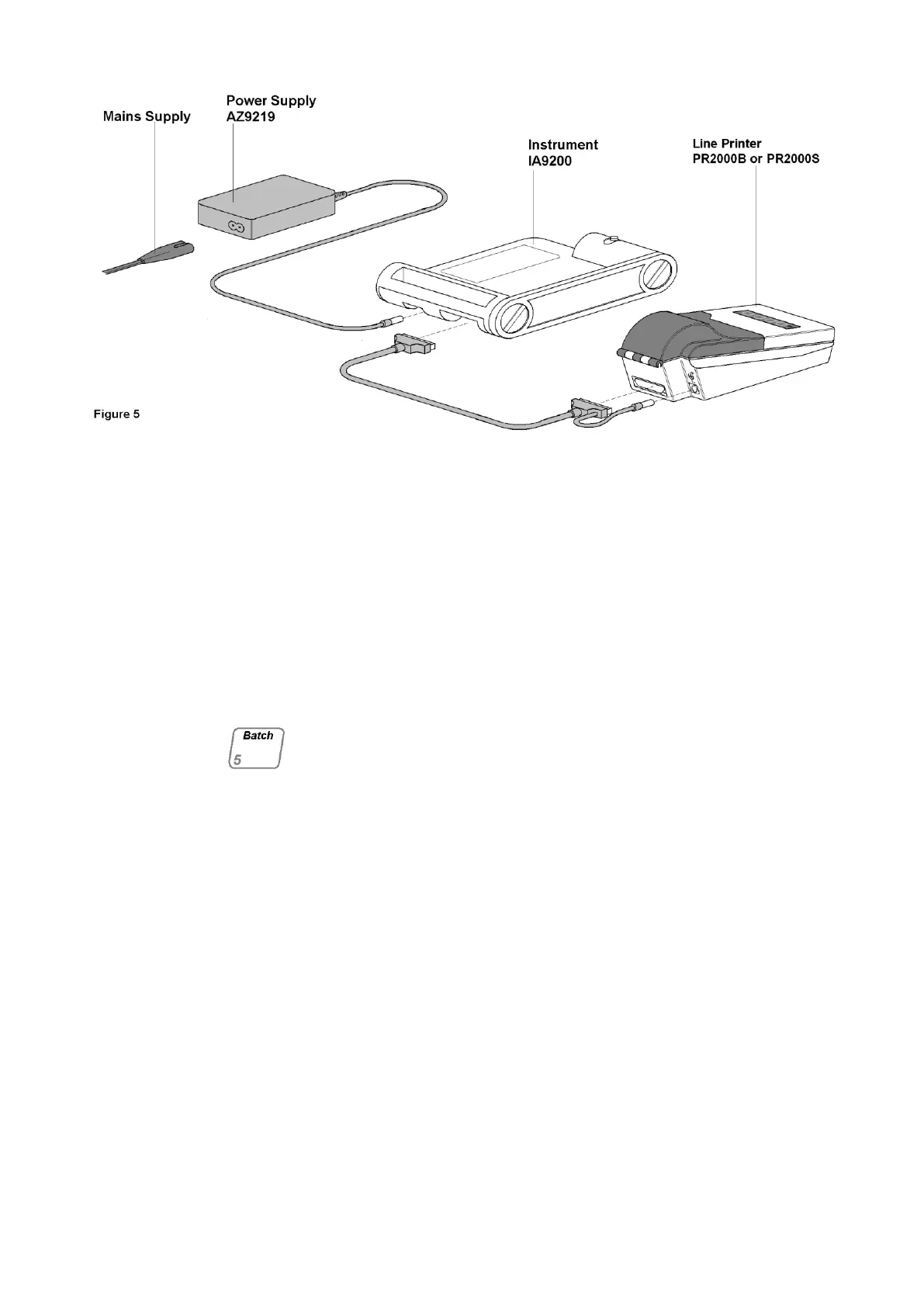
When the instrument is first received the following
procedure should be followed in order to set the
clock and print parameters.
For Instrument MK4 and below: Press the Batch
key and maintain the depression while the mains
power is switched on. The key must be kept
depressed until a second „Beep‟ is heard. Observe
all the indicator lights flash momentarily during this
procedure and ensure the display rolls from 9999 to
0000.
For Mark 5 Instruments: Switch on the Mains
Power. The display will roll from 9999 to 0000, while
this occurs momentarily press the Batch key. The
instrument will „Bleep‟ to indicate the key has been
pressed.
NOTE: The unit is equipped with a „Battery
Augmented Memory (BAM). A fully charged battery
will keep all data stored for one month even when
the unit is switch off. During normal mode of
operation the battery will remain charged. If the unit
has been switched off for more than a month reset
the clock and print parameters as described on page
17 and then leave the unit on for at least 24 hours to
recharge the battery.
If the set time is incorrect or the memory back-up
battery is flat (quite possible with a new instrument
prior to charging) operation of the BATCH key during
start-up is unnecessary. When the instrument is
switched on without depressing the BATCH key it
will de-fault to initial set-up mode and will indicate
this by a colon(:) in the display. Any figures
associated with the colon should be disregarded.



 To Next Page