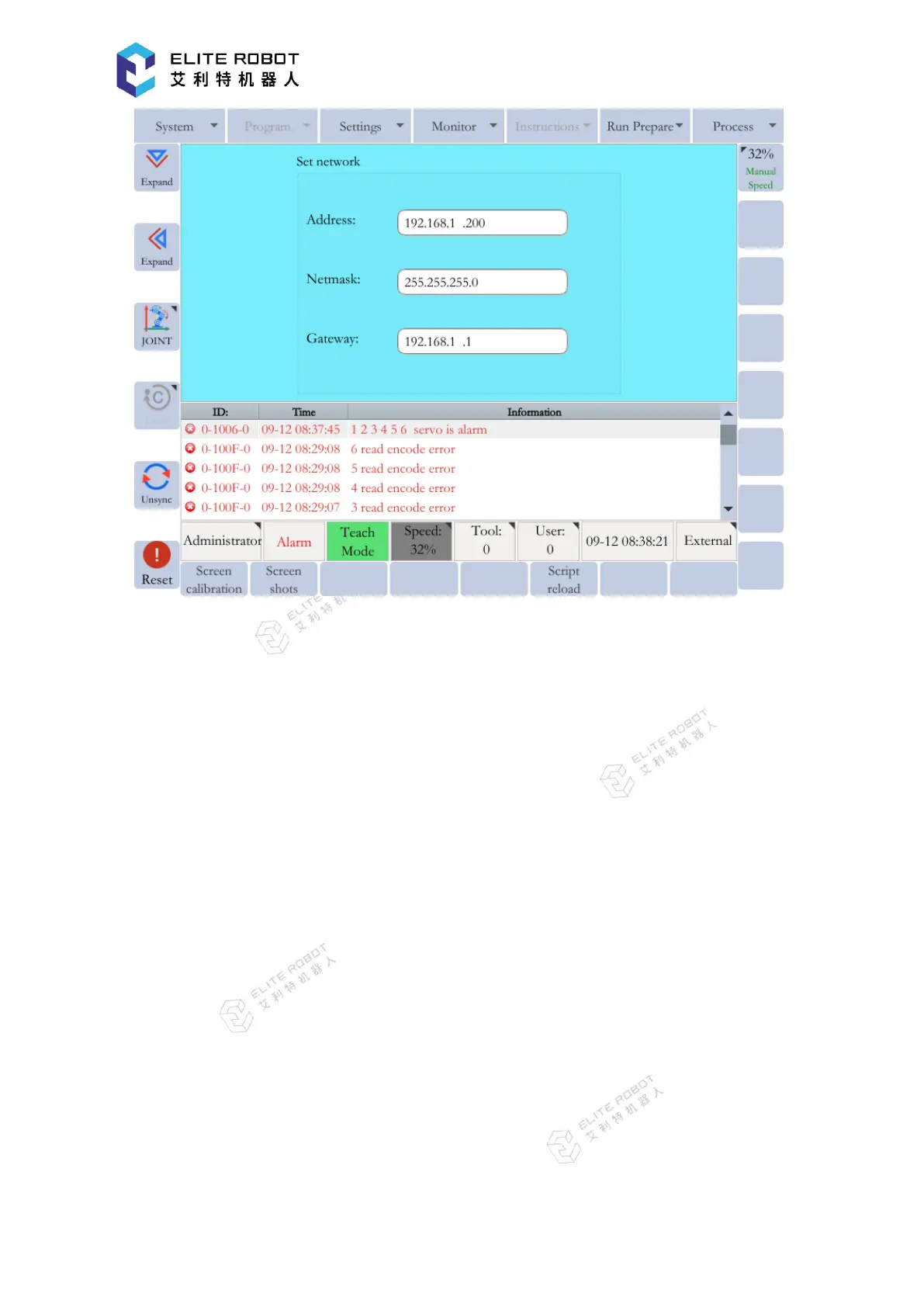
9.8.8.3 Language Configuration
The current system supports two display languages: Simplified Chinese and English. Select
the language configuration, and choose Simplified Chinese or English in the popup window.
Press [OK] button, and the selected language will take effect after the restart.
9.9 Backup and Upgrade
The backup and upgrade operations of the system software are simple, fast, and convenient,
which only need an ordinary USB flash disk. After preparing the USB flash disk according to the
upgrade or backup requirements, insert it into the USB port of the controller (for the collaborative
robot, the USB port is on the surface of the cabinet), and simply a few operations on the
programming pendant can complete the backup or upgrade of the system software.


 To Next Page