6. The main menu area can only be operated by clicking on the screen.
7. The status control area, coordinate area, and sub-menu area can be switched or directly
pressing by the corresponding keys outside of the screen; The button with corner mark will pop
up when pressing, while it will directly switch the status when the key has no corner mark.
8. Icon or area with triangular corner mark can be clicked, and a dialog box will
pop up.
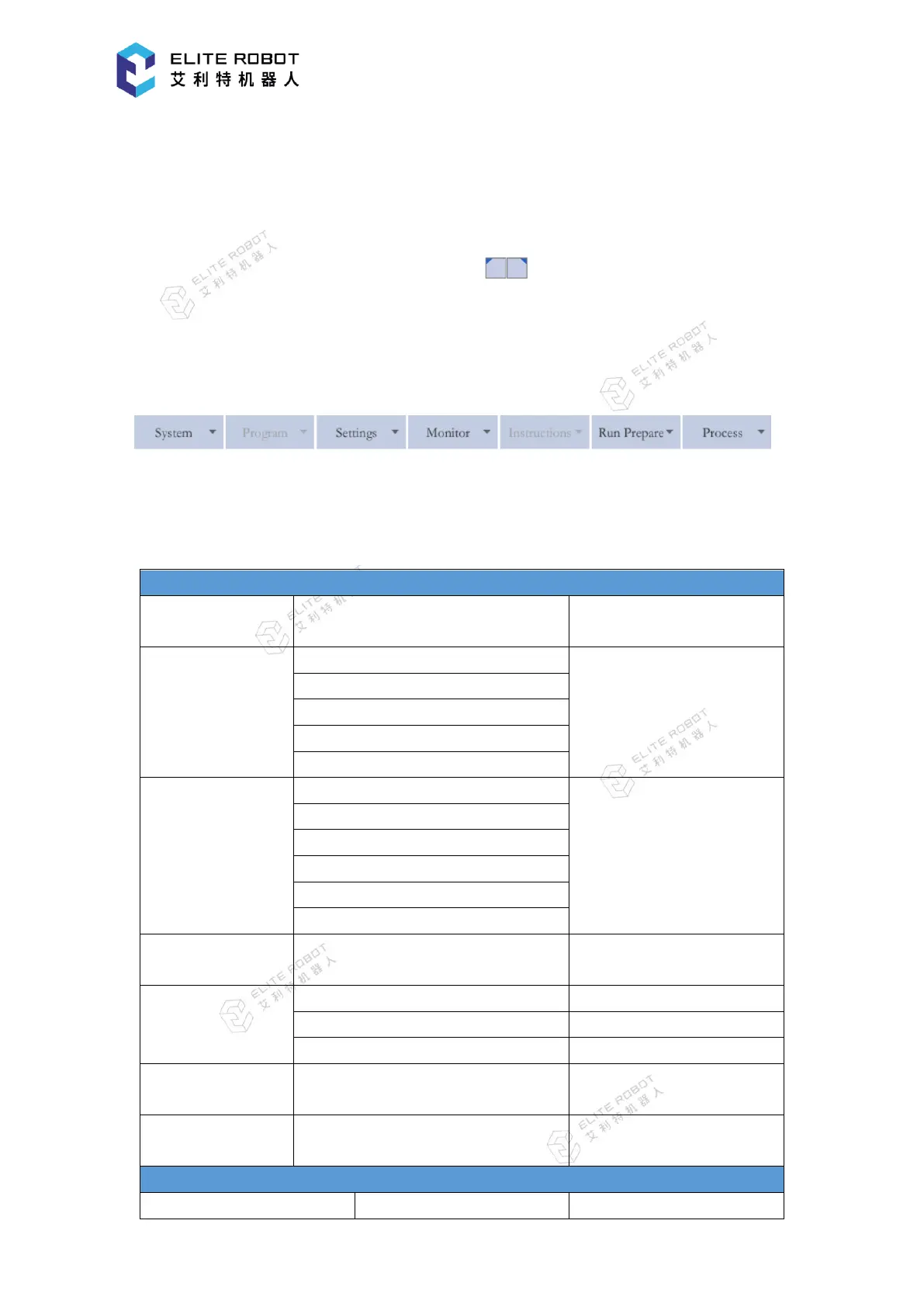
9.1.1 Main Menu Area
The main menu options are mainly used for various parameter settings, such as system
setting, program editing, parameter setting, monitoring, instructions editing, operation
preparation, and user process.


 To Next Page