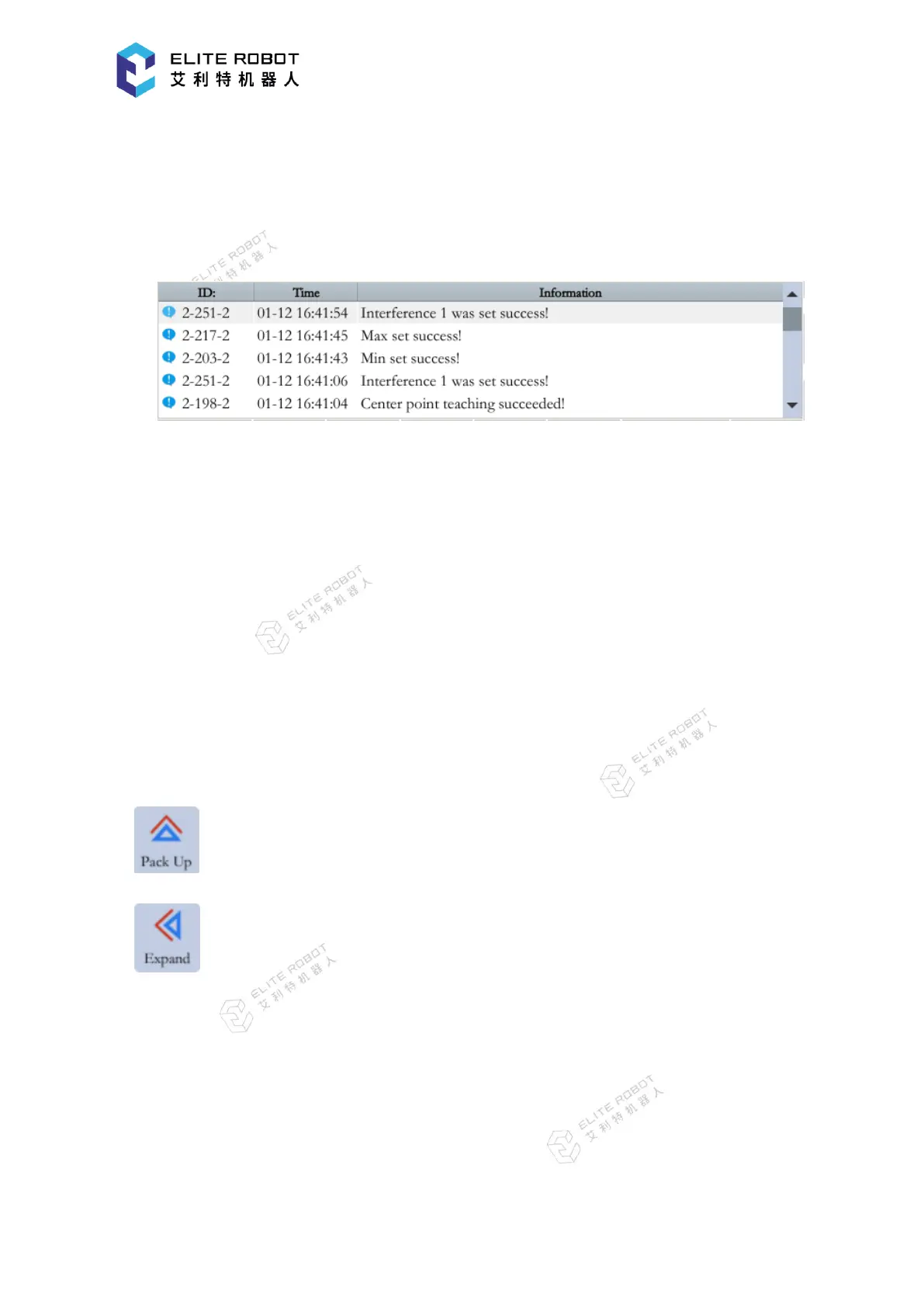
9.1.4 Information Prompt Area
The information prompt area is mainly used to display work information, alarms, prompts,
records of the manipulator.
9.1.5 Status Control Area
The status control area mainly contains state control related to the robot, such as area
folding/unfolding, coordinate system selection (joint, cartesian, tool, user, cylinder), operation
cycle selection (single step, single cycle, continuous cycle), synchronized / unsynchronized state
switching, reset, etc.
The area can be operated by directly clicking the icon or clicking the corresponding button.
The coordinate and operation cycle need to be selected finally in the pop-up window and can
only be operated by clicking the icon.
:Information prompt area expands and collapses;
:monitoring area expands and collapses;


 To Next Page