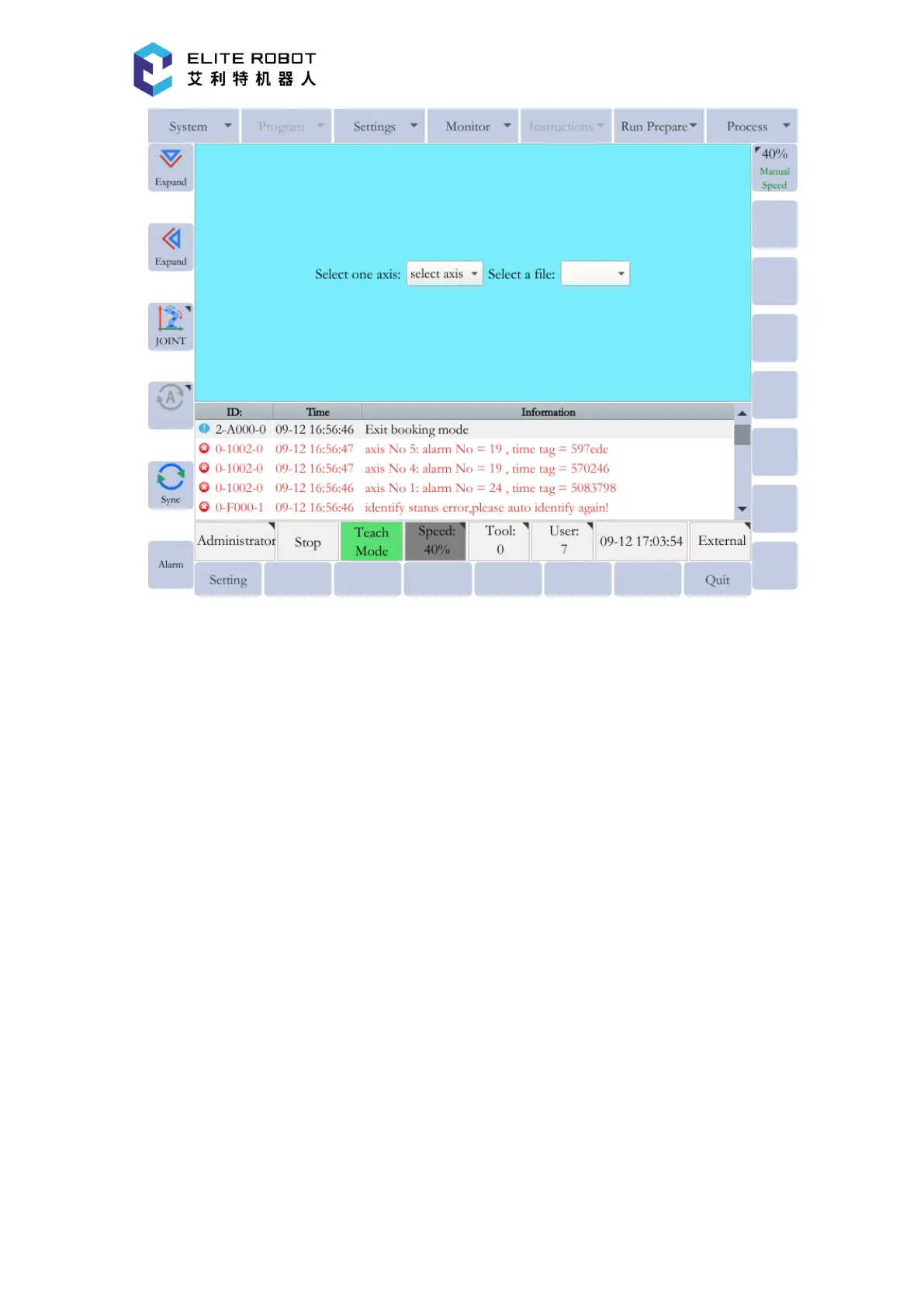
For the robot EC66, select:
The file "Boot_Big-xxxx-xx-xx.bin" for Axis 1 and Axis 2;
The file "Boot_Middle-xxxx-xx-xx.bin" for Axis 3;
The file "Boot_Small-xxxx-xx-xx.bin" for Axis 4, Axis 5 and Axis 6.
For the robot EC63, select:
The file "Boot_Middle-xxxx-xx-xx.bin" for Axis 1, Axis 2 and Axis 3;
The file "Boot_Small-xxxx-xx-xx.bin" for Axis 4, Axis 5 and Axis 6.
Press [SET] button every time the upgrade file is selected for an axis until the upgrade for all
axes are finished.


 To Next Page