Inserting Other Instructions
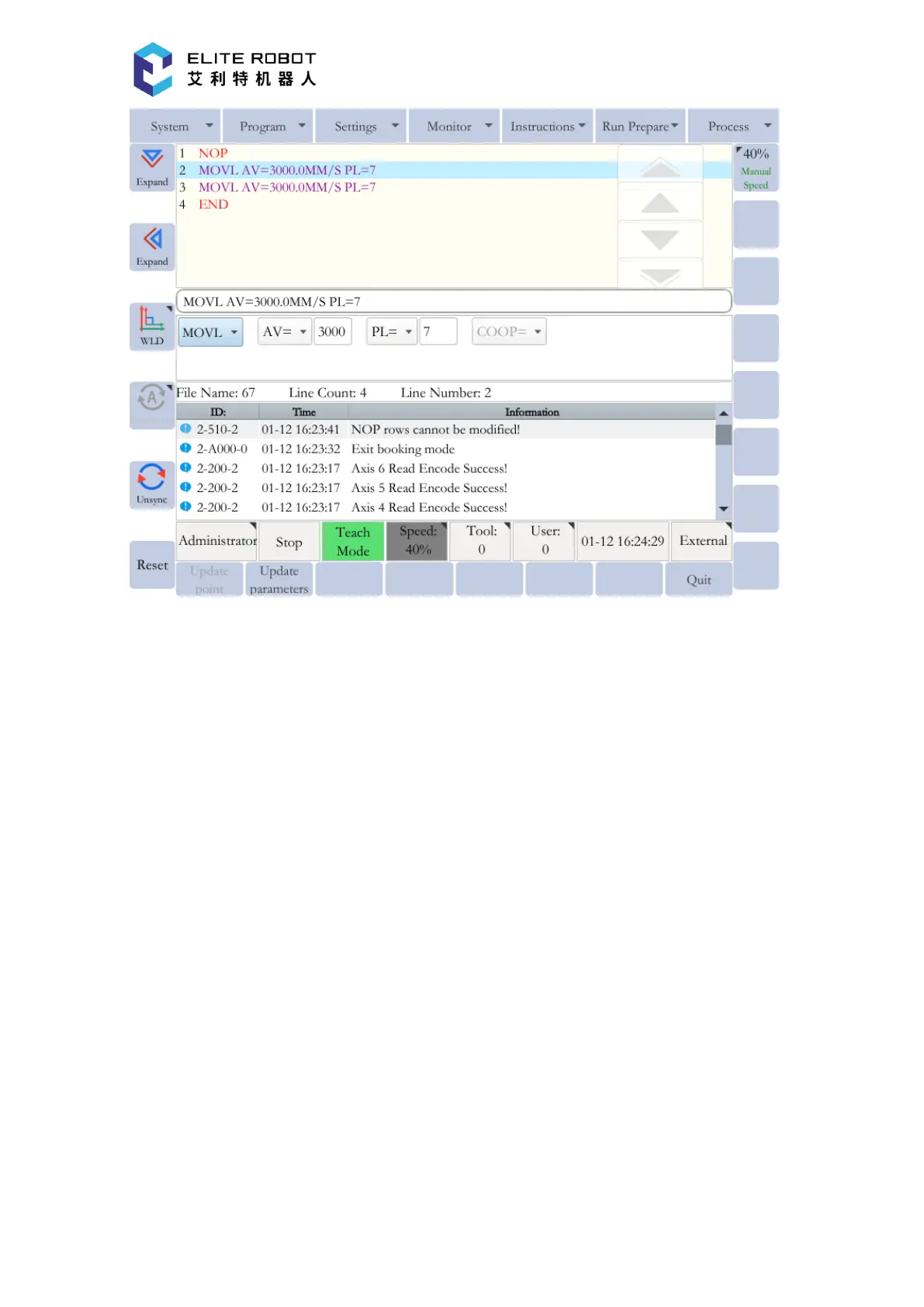
The methods of inserting other instructions except the move instruction are identical. In the
program editing page, move the cursor on the line immediately before the position where the
instruction to be inserted. Then press [EDIT INSTRUCTIONS] under the main menu or [QUICK
INSTRUCTIONS] in the submenu area to select the instruction to be inserted. After editing the
additional items, press [OK] to insert the instruction.
[QUICK INSTRUCTIONS] in the submenu area contains only part of the instructions, and
all instructions can be found by pressing [EDIT INSTRUCTIONS] under the main menu. Select
the appropriate one according to your requirements.


 To Next Page