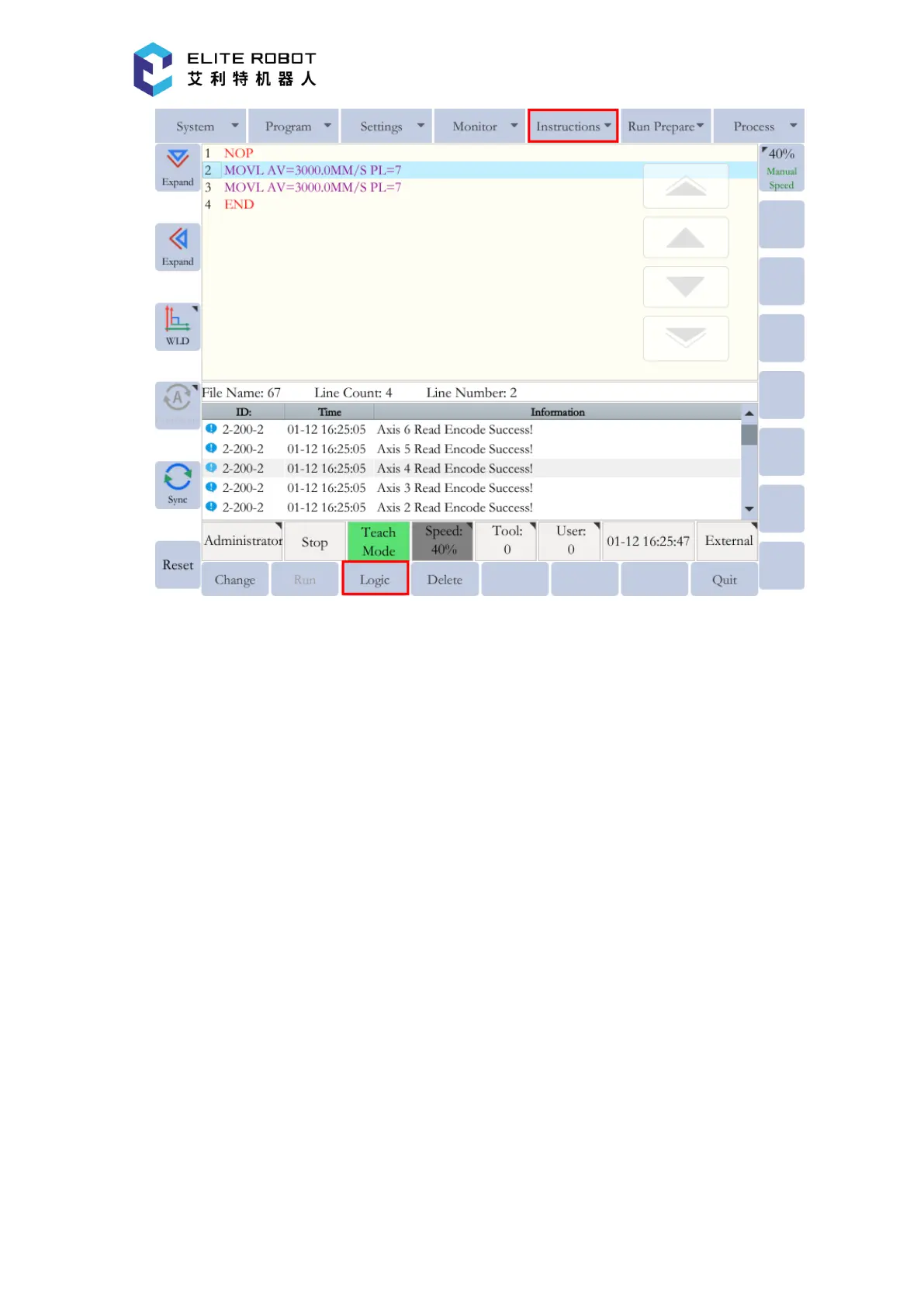
Modifying Instructions
Select the instruction to be modified in the program editing page. Then press [MODIFY] in
the submenu area, and the instruction editing window will pop up.
For the non-motion instructions, only [UPDATE PARAMETERS] can be used. After
modifying the instruction, press [UPDATE PARAMETERS] to use the modified instruction. Press
[CANCEL] to exit the modification operation.


 To Next Page