SECTION 1
INTRODUCTION
1.2 Touchscreen and User Interface
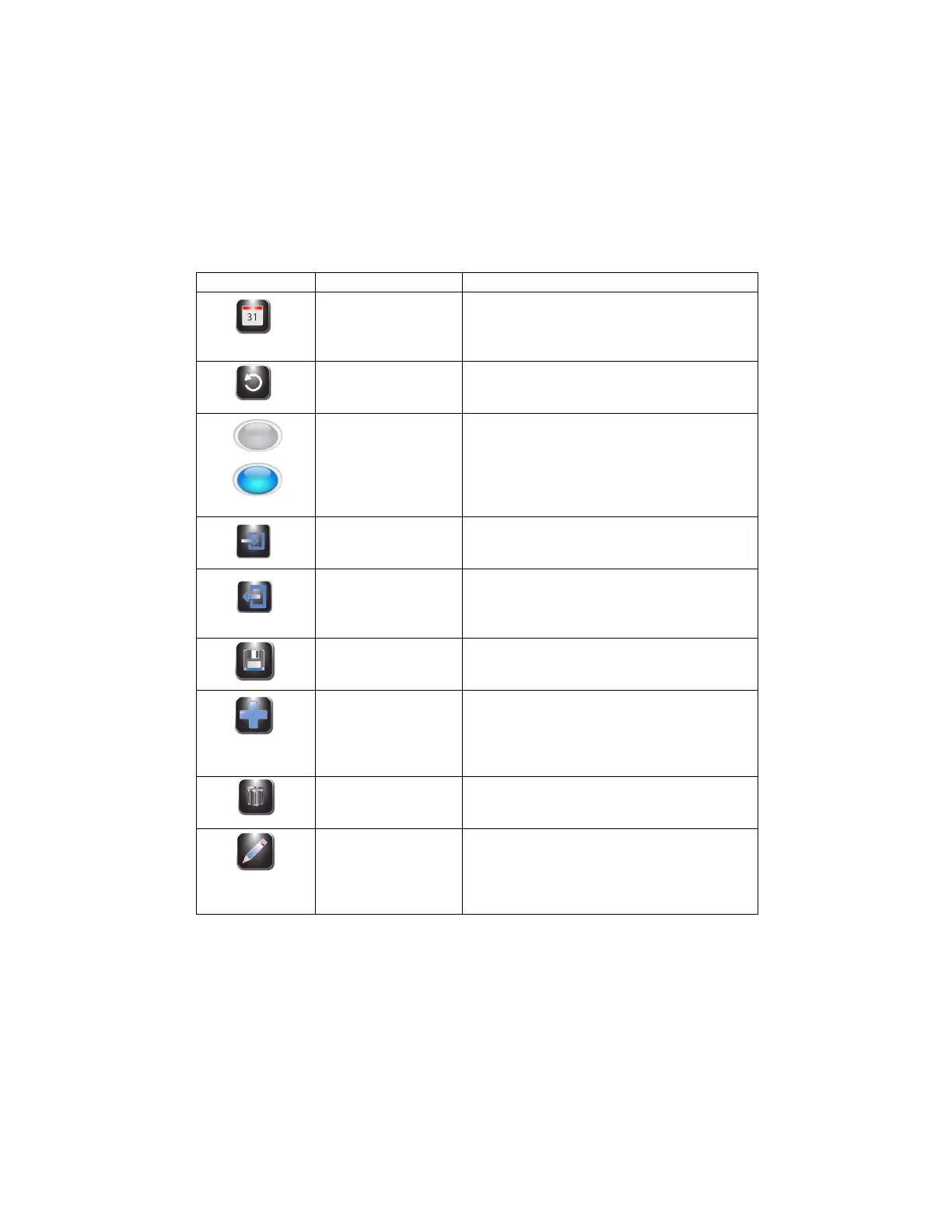
Table 6: System Setup Keys (continued)
Allows users to set the date and time
Restore programming to default settings
Shows an unselected option
Shows a selected or enabled option
Enters Login sequence for authorized users.
Logs authorized users out. Users must log in
again to use the stainer.
Saves the entered or selected information.
Enters programming mode for creating
cytocentrifuge programs. Also allows the system
administrator to authorize new users. Allows
manual entry of slide or specimen information.
Deletes or erases the selected item.
Allows editing of an existing cytocentrifuge
program. Allows manual entry of slide or
specimen information. Also allows system
administrator to edit user information.



 To Next Page