SECTION 2
CONTROLLING AND CUSTOMIZING CYTOCENTRIFUGE FUNCTIONS
2.2 Recording Specimen and Slide Information
Scanning Slides with the Barcode Reader
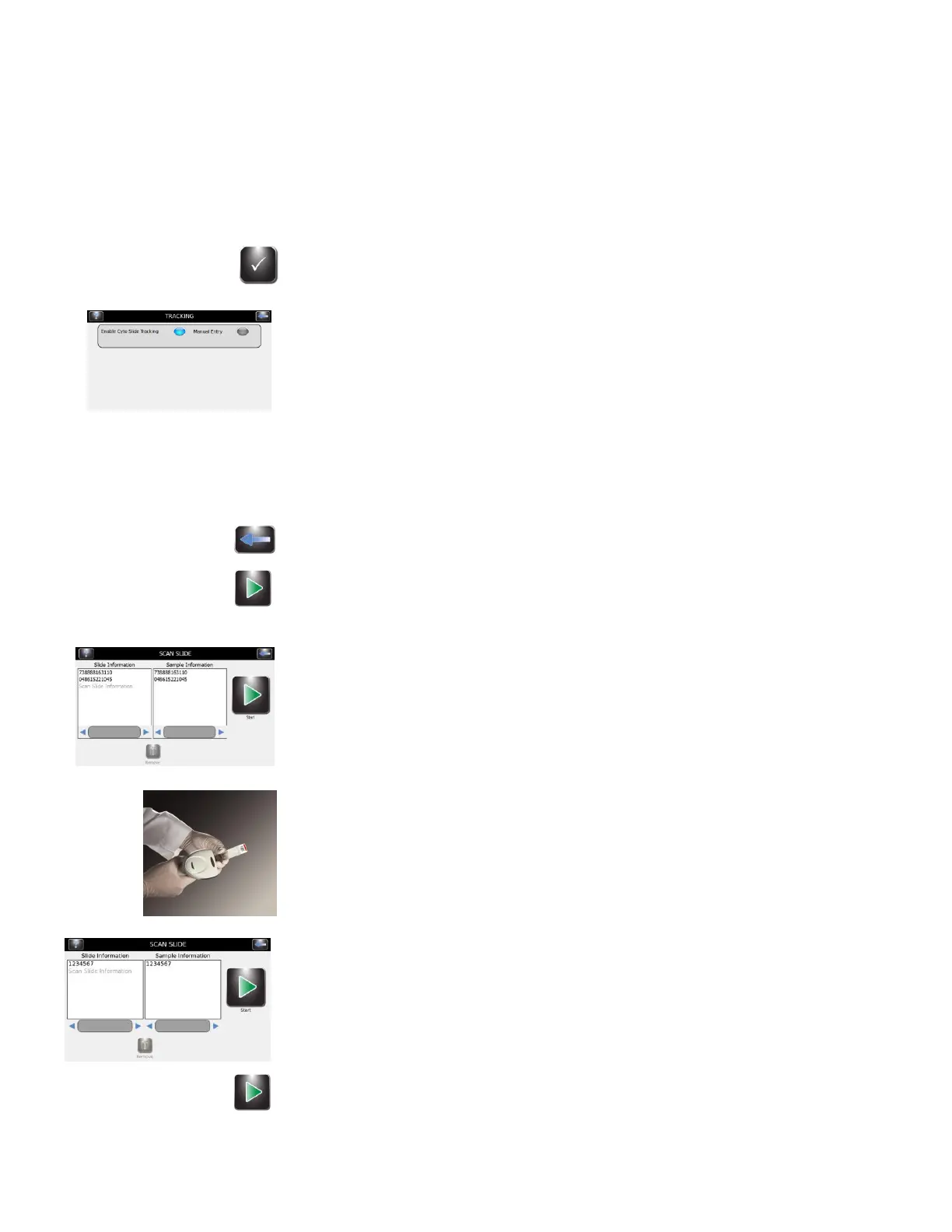
1 From System Setup select Tracking.
2 Select Enable Cyto Slide Tracking.
NOTE: Selecting Enable Cyto Slide Tracking changes the Start button on the Main
menu to: “Load Slides.”
3 Press Back twice to return to the Main menu.
4 Press Load Slides on the Main menu. The Scan Slide menu will appear.
5 Scan the barcode of each slide and specimen (using the ID barcode
accompanying the specimen) in the batch. Load the rotor according to
instructions in Section 3.
6 Verify that each barcode appears on the Scan and Load Slides menu.
7 When you have completed preparations, (Section 3) press Start.


 To Next Page