SECTION 1
INTRODUCTION
1.3 Instrument Setup
Unpacking and Installing the Instrument
CAUTION:
Contact Elitech Group before installing the instrument if you observe any damage to the
packaging or equipment.
1 Unpack and inspect the instrument.
2 Check that the contents of the boxes match the packing lists for instrument and
accessories.
3 Open the instrument lid and remove the cardboard tube that protects the hub.
NOTE: Keep the box and packaging material to repack the instrument if you intend
to ship it to the manufacturer for service.
4 Place the instrument on a flat surface, free from dust and vibration and away
from direct sunlight.
NOTE: Position the instrument with the rear panel at least 30 cm (12 in.) from
obstructions or hazardous materials.
Connecting Power
1 Make sure the power switch is OFF (O).
2 Plug the power cord into the power connector on the rear panel of the
instrument.
NOTE: Use a surge protector to isolate the instrument from spikes and surges.
3 Plug the power cord into a properly rated AC electrical outlet.
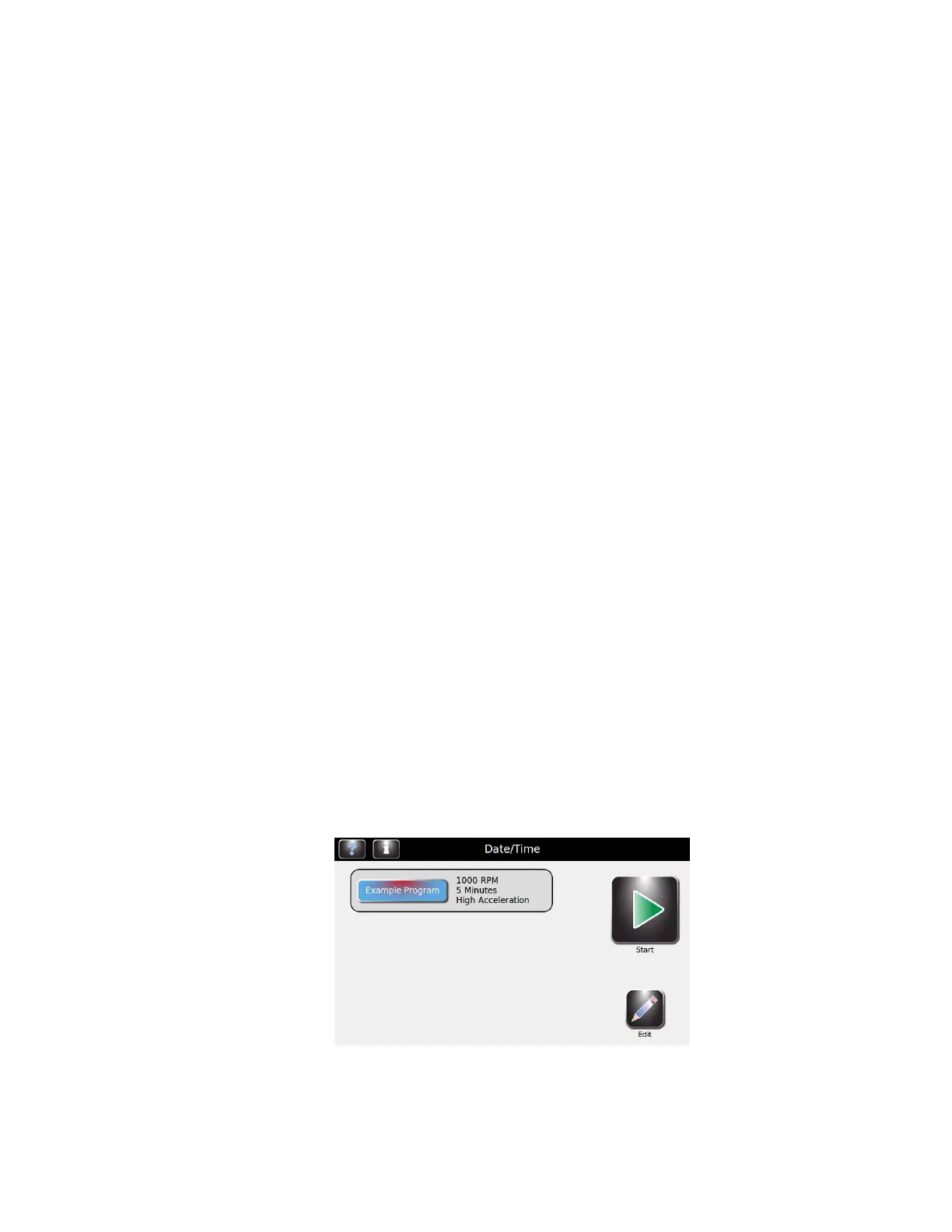
4 Turn the power switch ON (I). After a brief delay the Main menu will appear.


 To Next Page