EasyManua.ls Logo

Elka MK55 - Page 33

Default Icon
47 pages
Print Icon
To Next Page IconTo Next Page
To Previous Page IconTo Previous Page
Loading...
M
Dl
IN
rant'd
5.
P
ress
SPLIT
Sj
in
HANK/SPLU/FfiEt
section
(19}
and
kraothis
pressed
until
the
display
gives
the
following
message:
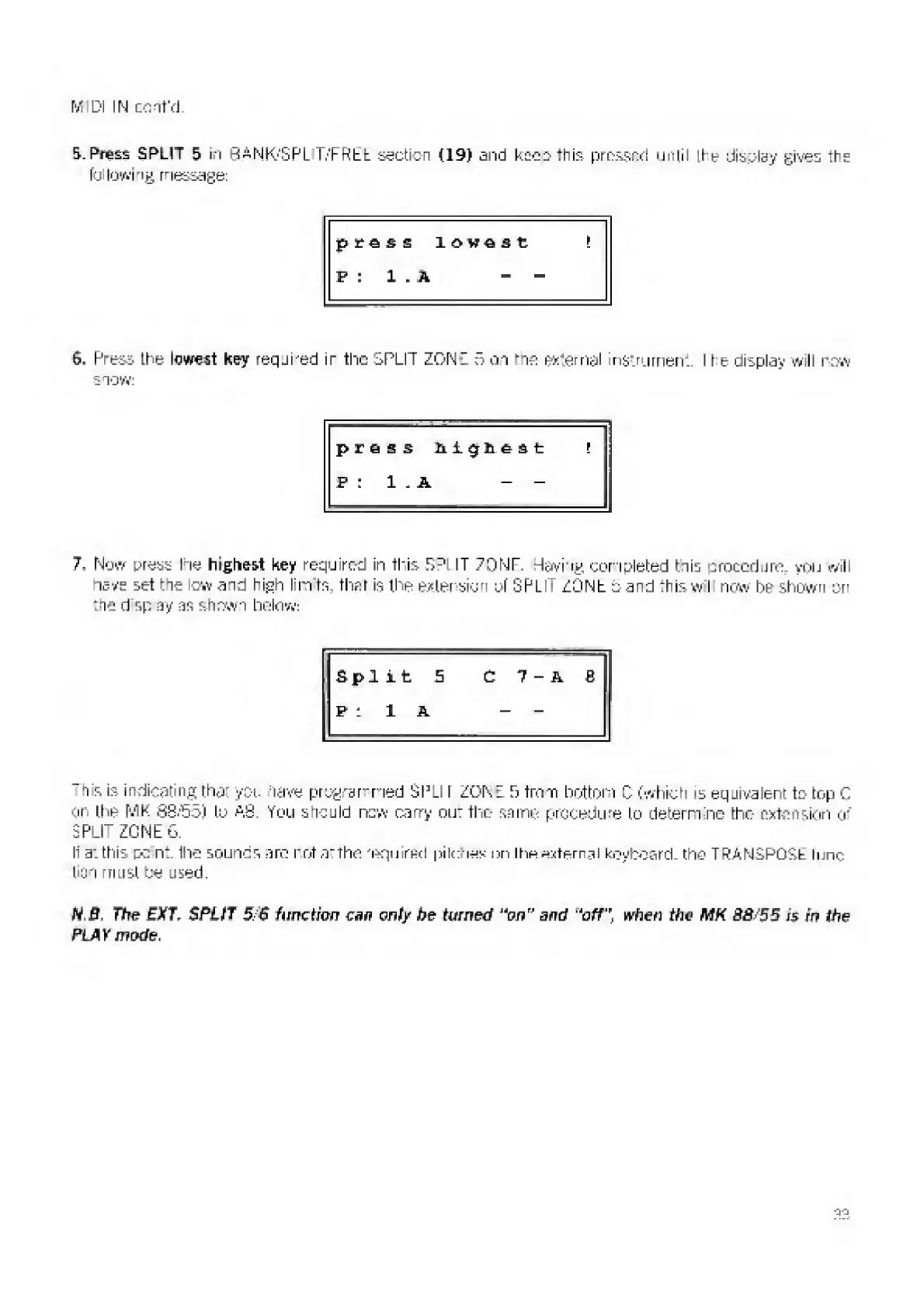
press
lowest
!
P
:
1
.
A
-
6.
P
ress
Ihe
lowest
hey
reqji-ed
ir
the
SPLIT
ZONE
o
on
-is
external
instrument.
I
te
display
will
row
snow.
press
highest
r
P
:
1
.
A
-
-
7,
N
ow
press
Ihe
highest
key
required
in
this
S
D
L
IT
7DNF.
Having
completed
his
procedure
you
will
nave
set
the
low
and
high
lim
ts
that
is
the
extension
of
GPL
ZONE
5
and
+
his
w
I
now
be
shewn
on
the
d
sp
ay
as
shown
belay.
1
:
Split
5
C
7
-
A
B
p:
l
a
_
_
h
s
is
indicating
that
you
days
programmed
SPLI
I
ZONE
5
from
bottom
C
(which
is
equivalent
to
top
C
or
the?
MK
8S.'55)
to
AS.
You
should
new
carry
out
the
same
procedure
to
de
f
ern
nc
the
extension
O'"
SPLIT
ZONEG.
It
a:
this
pc
nt.
Ihe
souncs
arc
not
at
the
'squired
pitches
nn
the
eternal
keyboard
tho
TRANSPOSb
func
tion
must
be
used.
N,B-
The
EX(T.
SPLIT
5/S
function
can
only
be
turned
'‘on"
and
,J
offwhen
the
MK
88s55
j$
in
the
PLAY
mode.
a:-.

Related product manuals