EasyManua.ls Logo

Elka MK55 - Page 39

Default Icon
47 pages
Print Icon
To Next Page IconTo Next Page
To Previous Page IconTo Previous Page
Loading...
HEX
CODES
-
SPLIT
DETUNE
Using
Pitch
command
want'd.
11.
Press
DIRECT
.'ENTER
(20).
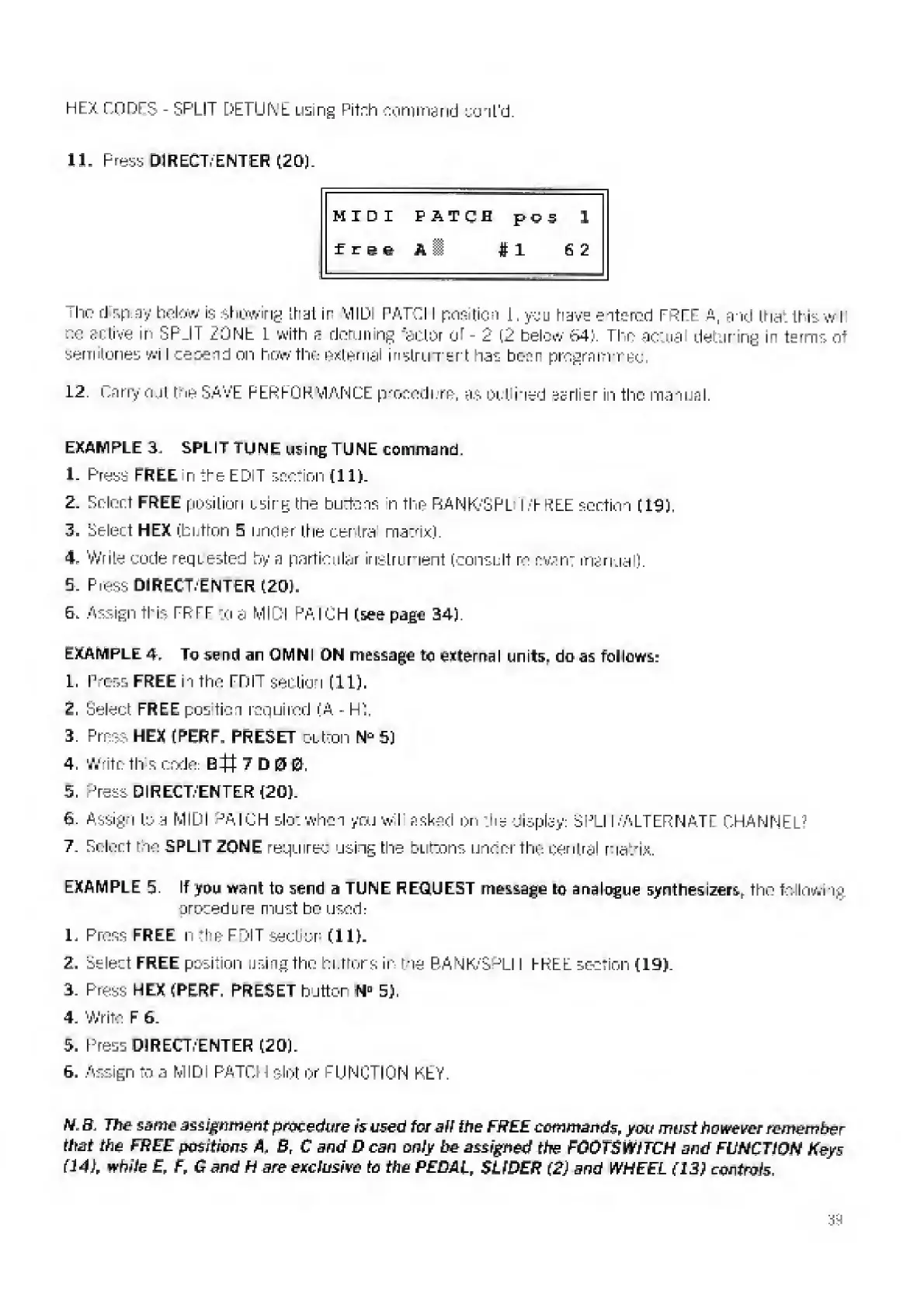
MIDI
PATCH
p
V
3
1
free
A
1
#1
6
2
The-
d
sp
ay
below
is
showing
that
ir
MID
PATCII
position
1.
you
have
entered
FREE
a,
and
that
thiswil
be
active
in
SPLIT
ZONE
I
with
e
detuning
"actor
oi
-
2
(2
below
L4:>.
The
actua
detuning
in
terms
a*
semitones
wi
Icesend
on
hew
the
external
in
Strum
ert
has
been
programmed:.
12.
Carry
out
I
he
SAVE
PERFORMANCE
procedure,
as
out
ihed
sarlier
in
the
manual.
EXAMPLE
3.
SPLIT
TUNE
using
TUNE
command.
1-
Press
FREE
n
the
EDIT
section
til).
2
.
Select
FREE
position
csirg
the
butte
in
n
the
EsANK-'SPL
I
FREE
section
[19).
3.
Select
HEX
(button
5
under
the
centra
matrix).
4.
Write
code
req
tested
by
a
particular
instrument
(consult
re
ev.int
manual).
5.
Prest
DIRECT.
ENTER
(20).
6.
Assign
this
TP
IT
to
a
MIDI
PA
I
OH
(see
page
34).
EXAMPLE
4.
To
send
an
QMNI
ON
message
to
external
units,
do
as
follows:
1.
Press
FREE
in
the
EDIT
section
(11).
2.
Select
FREE
postion
required
(A
-
HI
3.
Press
HEX
(PERF,
PRESET
button
5)
4.
Write
th
s
code:
E#7D00.
5.
Tess
DIRECT/ENTER
(20).
6.
Assign
to
a
MIDI
PAl'CH
slot
when
you
wl
asked
on
lie
display:
SFLIT.'ALTERNATE
CHANNEL?
7.
Select
me
SPLIT
ZONE
required
using
the
buttons
under
the
central
matrix.
EXAMPLE
5.
If
you
want
to
send
a
TUNE
REQUEST
message
to
analogue
synthes
izeis
r
the
to
I
In
wing
procedure
must
bo
used:
1.
Press
FREE
n
"ho
FDIT
section
(11).
2.
Select
FREE
position
using
the
h
errors
ir
me
BA
N
K/SPLII
FREE
section
(19).
3.
Press
HEX
(PERF.
PRESET
button
N
D
5).
4.
Write
F
6.
5.
Press
DIRECT-ENTER
(20).
6.
Assign
to
a
MIDI
PATCH
slot
or
FUNCTION
KEY.
N.
B.
The
same
assignment
procedure
is
used
for
alf
the
FREE
commands,
you
must
however
remember
that
the
FREE
positions
A
,
B,
C
and
D
can
only
be
assigned
the
FOOTS
Wi
TCH
and
FUNCTION
Keys
(14),
white
£,
f,
C
and
H
are
exclusive
to
the
PEDAL,
SUPER
(2)
and
WHEEL
(13)
controls.

Related product manuals