18
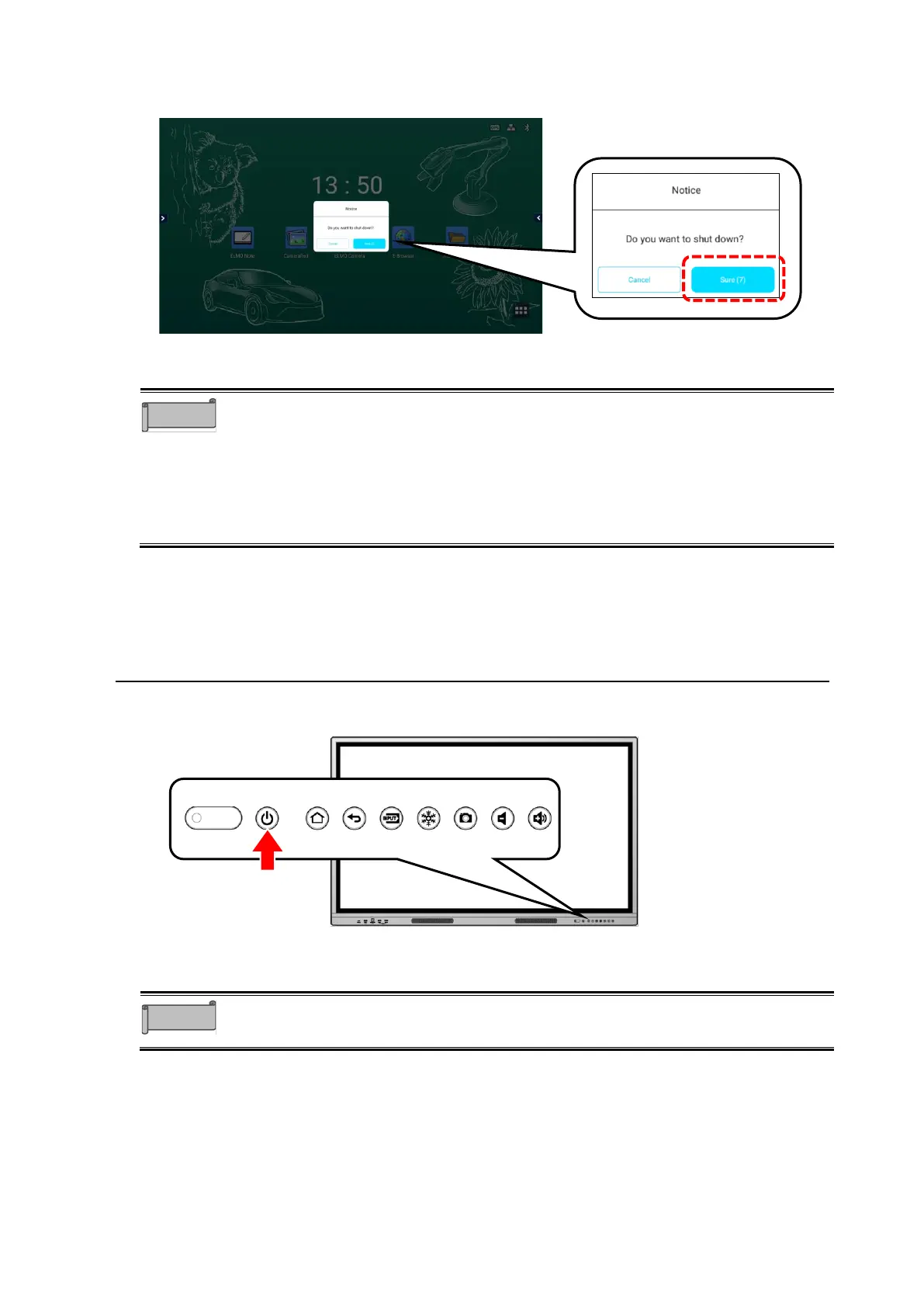
2 Select “Sure” in the Shutdown confirmation dialog.
Select “Cancel” if you want to cancel the shutdown.
3 Press on the Main power switch on the bottom.
⚫ If there is no operation after the Shutdown confirmation dialog is displayed
and the countdown timer reaches zero, the product will automatically shut
down.
⚫ Do not press on the Main power switch on the back before shutting
down the product. By doing so may cause a malfunction.
⚫ If you do not use the product, shut it down.
⚫ If the product freezes or is unstable, try shutting it down.
4 Standby Mode
Press the Power button on the front while the product is turned on to enter the Standby mode.
To cancel the Standby mode, press the Power button again.
⚫ The Power LED turns green in the Standby mode.
⚫ The Power LED turns red when the product is shutdown.



 To Next Page