23
◆
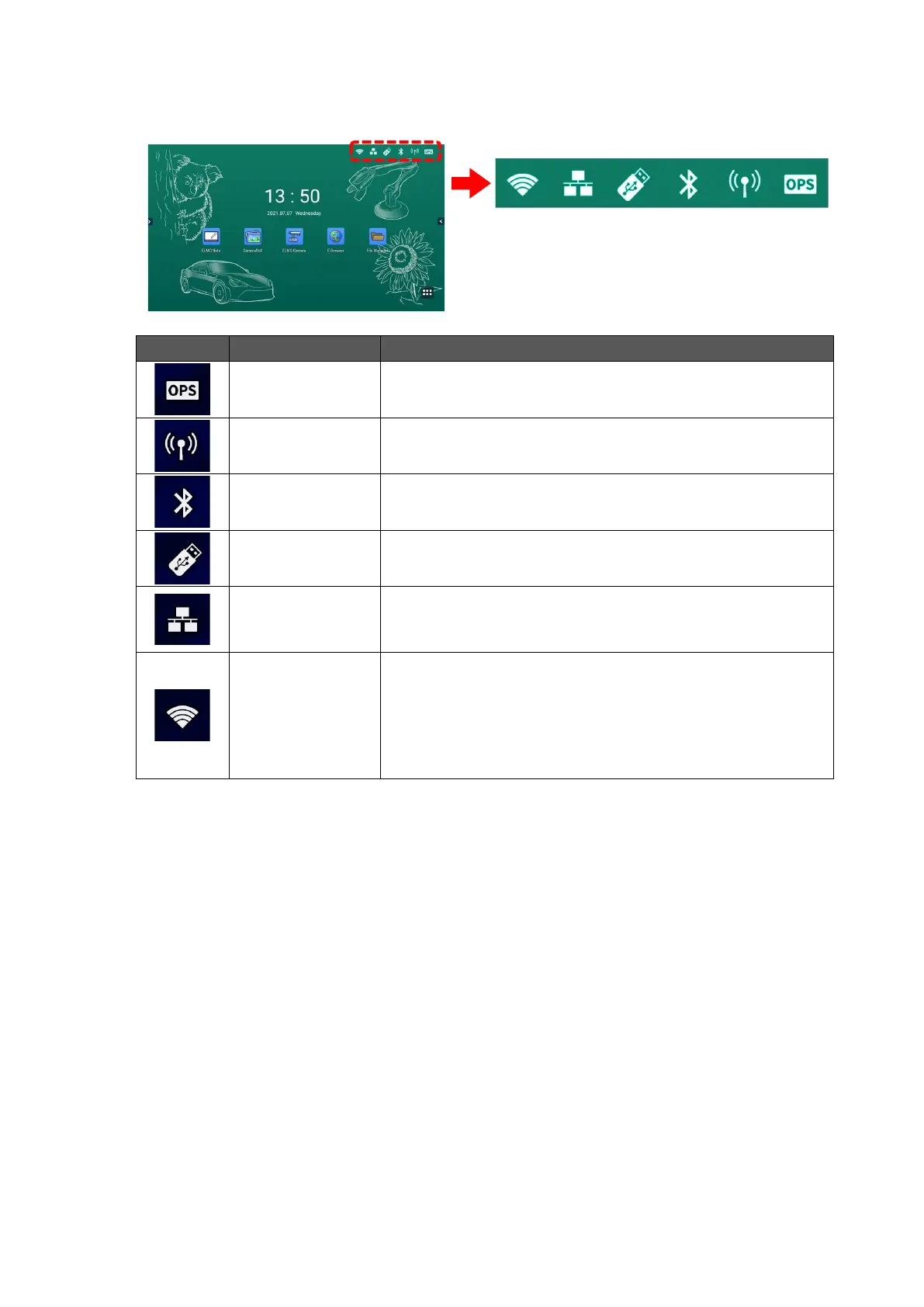
Connection Status Icons on the Home Screen
The icons displayed at the top right of the Home screen provide information about the status
of the network connection of the product.
This icon appears when the product is connected with OPS
(sold separately).
This icon appears when the Hotspot setting is on.
This icon appears when the product is connected with a
Bluetooth device.
This icon appears when the product is connected with a USB
flash drive.
This icon appears when the wired network setting is on.
A diagonal line appears over the icon when the product is
not connected to the Internet.
This icon appears when the wireless network (Wi-Fi) setting
is on.
The number of bars indicates the strength of the wireless
signal. (Max. 4 bars)
A diagonal line appears over the icon when the product is
not connected to the Internet.



 To Next Page