65
◆
Controlling the Product from a Computer (Serial Control)
◼
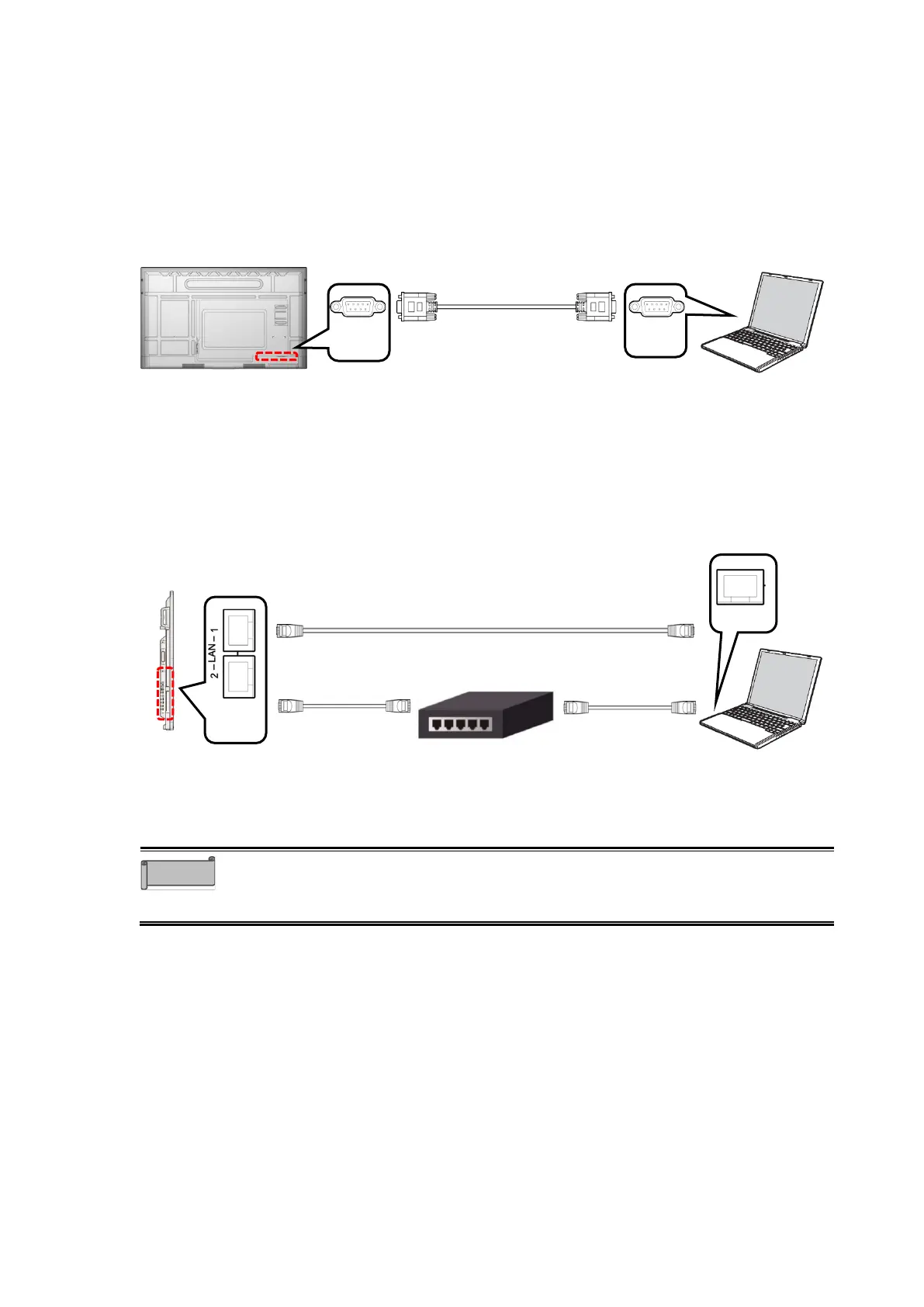
Controlling via RS-232C Commands
By connecting the RS-232C port on the bottom of the display monitor to the RS-232C port of
the computer, you can control the functions of the product from the computer.
Note that not all functions can be controlled.
◼
Controlling via LAN
By connecting the LAN port on the side of the display monitor to the LAN port of the computer
with a LAN cable, you can control the functions of the product from the computer.
Note that not all functions can be controlled.
⚫ For information about commands used for RS-232C and LAN control, contact
the dealer from whom you purchased the product or the nearest ELMO sales
office.



 To Next Page