34
◼
Video Object Operations
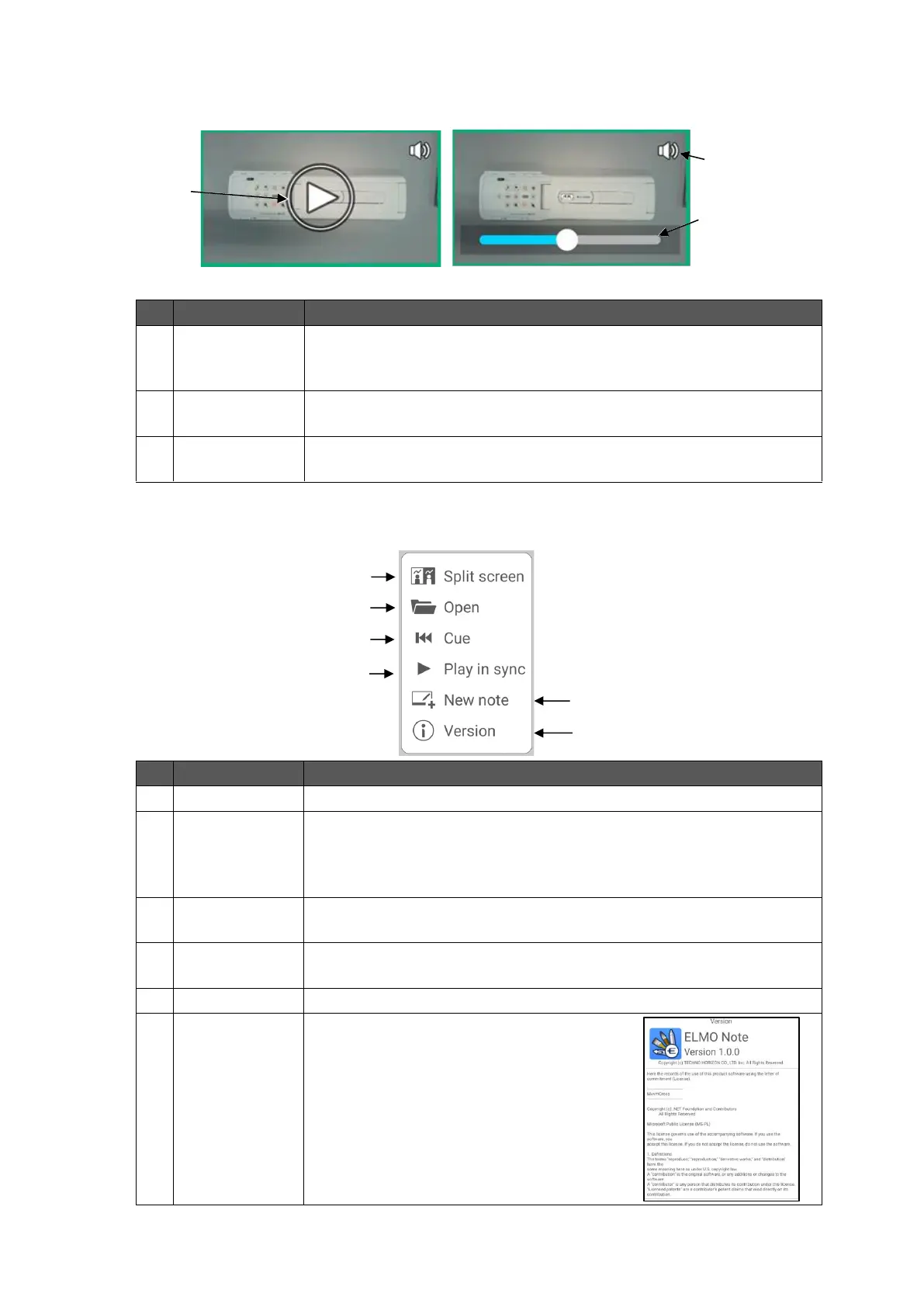
Tap the Operation icon in the toolbar to operate a video object.
To play the video. The Playback mode and the Pause mode can be
switched by tapping on the video object. During playback, the video
will be stretched to fit the object size.
To change the playback position. The seek bar will disappear over
time. Tap the screen to display it again.
To display the volume bar by tapping on the video object.
The volume decreases as the bar is dragged to the left.
To enter the Split screen mode. P.35
To open files.
All pages will be loaded for pdf files with multiple pages and note
format files.
Image data files will be loaded as the background image file.
To play the video from the beginning. This function is not available
when there is no video.
To play two videos at the same time. This function is not available
when there is no video.
To display version information and license
information.
Scroll down to read all information.



 To Next Page