Caution
⚫ Be sure to disconnect the power plug from the outlet before cleaning.
⚫ Rubbing or wiping the screen strongly may scratch the surface of the LCD display.
⚫ Do not wipe with chemicals such as thinner, benzene or alcohol, and do not apply
insecticide.
It may cause discoloration or damage the surface finish.
⚫ If the IR receiver becomes dirty, it may not operate properly. Wipe off any dirt with a soft
cloth.
⚫ If dust collects inside the IR receiver, infrared rays cannot be transmitted or received
correctly, causing malfunction.
⚫ For cleaning the inside of the product, consult with the dealer where you purchased the
product. (Chargeable)
⚫ Be sure to pull out the power plug when the product is not used for a long time.
◆
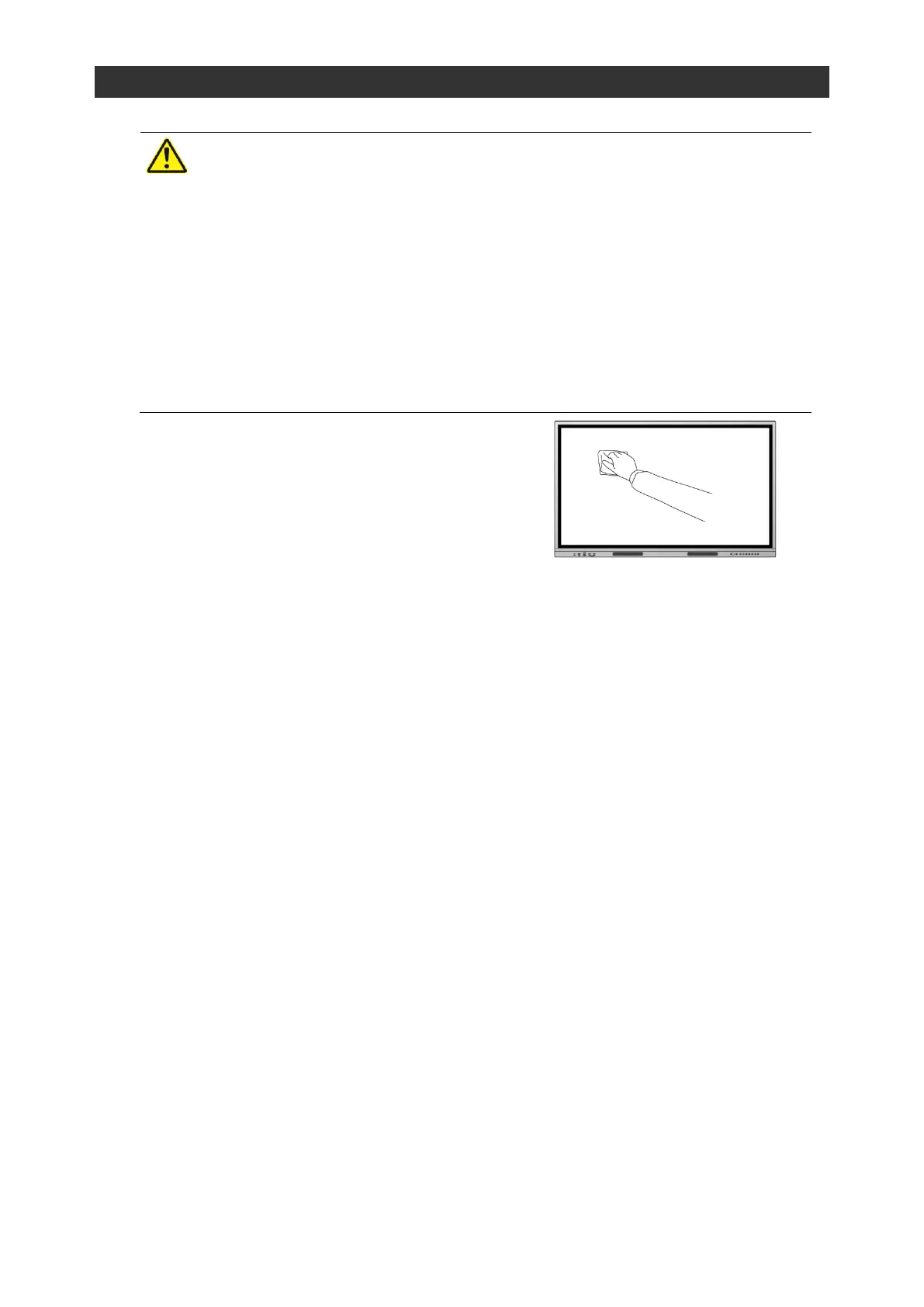
Cleaning of the LCD display
Wipe gently with a soft, dry cloth.



 To Next Page