146
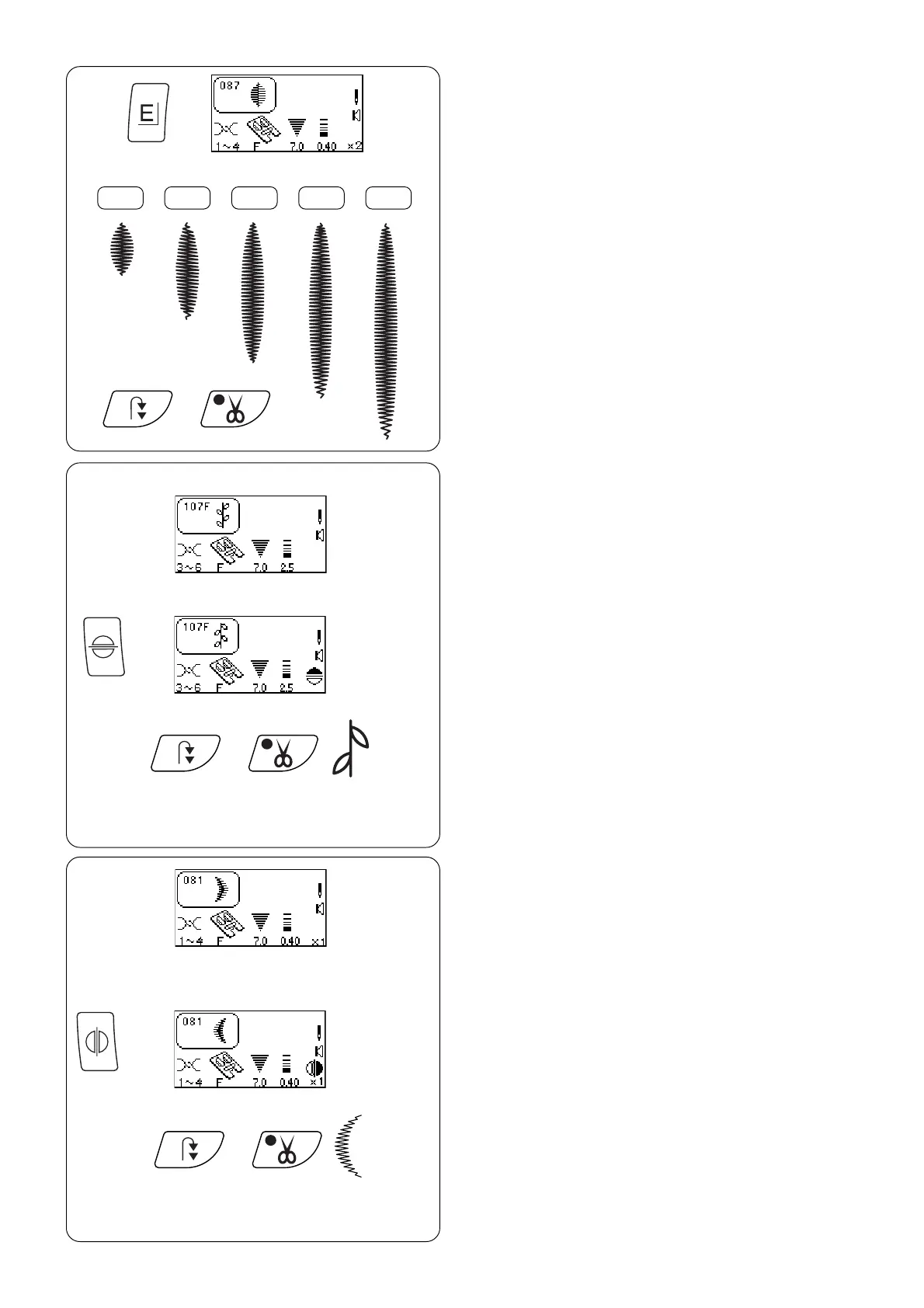
Satin Stitches – Elongation
Satin stitches 081 - 089 can be lengthened up to
five times their original size without the stitch length
varying.
Select 087.
Attach satin stitch foot F.
Press “Elongation” key. (Each touch changes
readout to next elongation.)
Place fabric and stabilizer under foot and sew.
Press “Auto-Lock” key while sewing and machine
will complete the design, lockstitch and
automatically stop. Press “Auto Thread Cut” key.
HINT: Change the stitch width or length for
maximum options when combined with elongation.
X 1 X 2 X 3 X 4 X 5
Face to Face
Expand the possibilities by vertically flipping the
stitch.
Select 107.
Attach satin stitch foot F.
Press “Face to Face” key.
Place fabric and stabilizer under foot and sew.
Press “Auto-lock” key while sewing and machine
will complete the design, lockstitch and
automatically stop. Press “Auto Thread Cut” key.
Mirror Image
Expand the possibilities by horizontally flipping the
stitch.
Select 081.
Attach satin stitch foot F.
Press “Mirror Image” key.
Place fabric and stabilizer under foot and sew.
Press “Auto-lock” key while sewing and machine
will complete the design, lockstitch and
automatically stop. Press “Auto Thread Cut” key.



 To Next Page