64
Adjusting Stitch Length
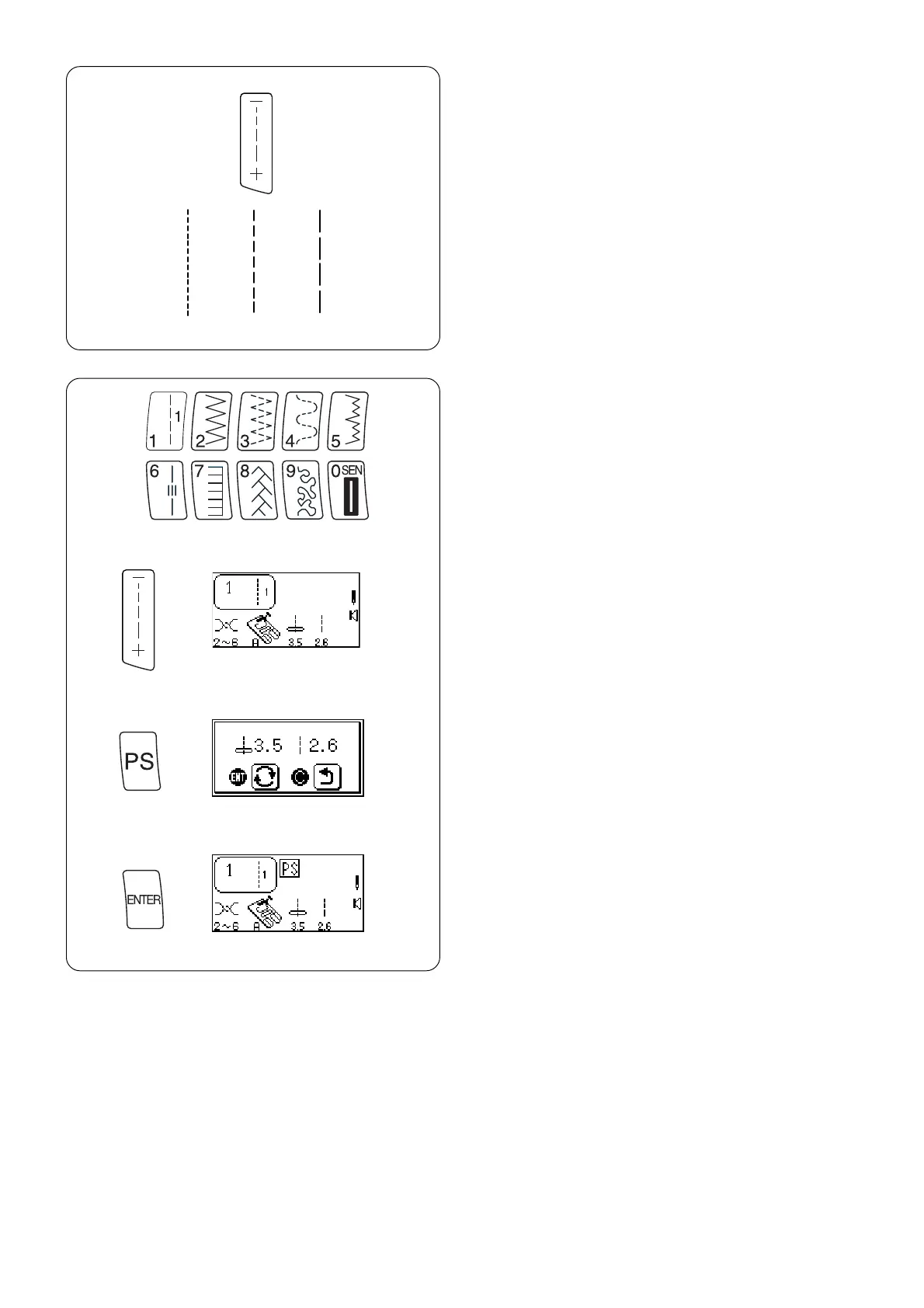
When you press the “Stitch Length” key, the stitch
length can be set at 0.00 or between 1.0 and 5.0.
Press the top “–” side of the key to shorten the
stitch length.
Press the bottom “+” side of the key to lengthen
the stitch length.
z
x
c
Programming My Personal Settings
Stitches 1-126 can be programmed to override the
factory default settings.
z Change stitch length to 2.6.
x Press “My Personal Setting” key. Message
screen appears.
c Press “ENTER” key to save personal setting.
PS symbol appears in LCD screen to indicate
stitch has been altered from factory default
settings.
1.0 2.5 5.0



 To Next Page