25
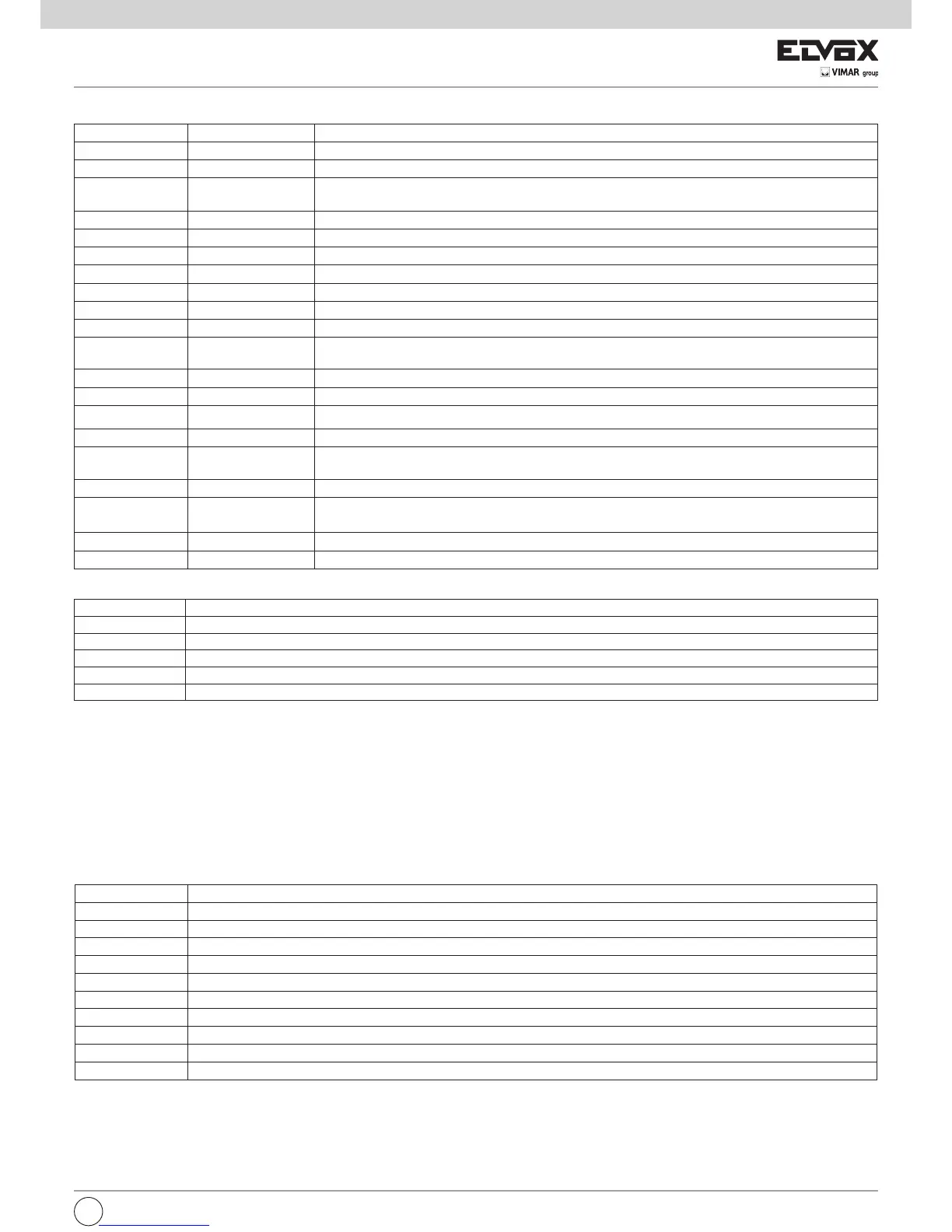
Dip switch number Status of dip switch Description
DIP 1-1 OFF Automatic closing function off
DIP 1-1 ON Automatic closing function on
DIP 1-2 OFF
Condominium function on (during gate opening it is not possible to stop the movement with the remote con-
trol or the AP/CH input)
DIP 1-2 ON With each command the gate: opens, stops, closes and stops
DIP 1-3 OFF Pre-flashing off
DIP 1-3 ON Pre-flashing on, before the gate moves the flashing light comes on for 3 seconds
DIP 1-4 OFF STPA input as internal photocell
DIP 1-4 ON STPA input as sensitive edge
DIP 1-5 OFF Photo-test function off
DIP 1-5 ON Photo-test function on (check operation of the photocell for each command)
DIP 1-6 OFF
Second radio channel associated with the pedestrian opening control and 2CAN output works as a cour-
tesy light (with each movement of the gate it stays on for 100 sec.)
DIP 1-6 ON Second radio channel associated with activation for 1 second of 2CAN output (terminal 5 and 9)
DIP 1-7 OFF Sensitive edge with normally closed contact
DIP 1-7 ON Resistive sensitive edge, normally open contact with balancing resistance of 8.2 K Ohm in parallel
DIP 1-8 OFF Close immediately function off
DIP 1-8 ON
Enables the close immediately function (the photocell tripping takes the automatic closing time to 5 se-
conds, upon its disengagement)
DIP 2-1 OFF Hammering function for electric lock off
DIP 2-1 ON
Hammering function for electric lock on
(facilitates unlocking and resetting the electric lock)
DIP 2-2 OFF Not used
DIP 2-2 ON Not used
Trimmer for adjustment:
Trimmer Description
TR1 Force M1 (adjusts the pedestrian motor M1 torque)
TR2 Force M2 (adjusts the motor M2 torque)
TR3 Slowdown speed
TR4 Cycle speed
TR5 Automatic closing time (adjustable from 2 to 120 seconds)
N.B. : On varying the trimmers TR3 (slowdown speed) or TR4 (cycle speed), the red DL6 LED flashes quickly, issue a command with the button APCH. The
gate opens and closes completely to save the absorptions during the travel with the new speeds, when fully closed the DL6 LED turns off, saving the new
values.
The control panel is equipped with an obstacle detection system:
- with an obstacle while opening, the gate stops and closes for 1 second, automatic closing remains on
- with an obstacle while closing, the gate stops and opens fully, automatic closing remains on. If the control panel detects 5 consecutive obstacles during
closing, the gate will open and remain open at a standstill, after which an APCH command is necessary, the gate closes with reduced speed until the
mechanical stop.
The error messages are displayed by the DL6 LED and the flashing light (terminal number 11 and 12) after an opening command.
Error message key:
8 - INSTALLING BATTERIES
Insert the battery charging circuit in the connector CN7 and connect the batteries. With battery operation only, the motor speed is 15% lower than the
speed with mains power. When operating on batteries only, the AC LED is off, the 2CAN output and AUX output for the flashing light are not active and the
accessories are powered only while the gate is moving.
N.B.: With battery operation and with no mains voltage, the leafs move one at a time both when opening and when closing without slowing down.
Number of flashes Description
2 Photocell test failed (incorrect wiring or photocells busy)
3 Detected a problem in the circuit that activates the motor 1
4 Detected a problem in the circuit that activates the motor 2
5 Problem on M1 encoder (encoder M1 damaged or incorrect encoder wiring)
6 Problem on M2 encoder (encoder M2 damaged or incorrect encoder wiring)
7 Serious error on EEPROM (U2 component missing or damaged)
8 The travel end time has elapsed (gear motor unlocked or damaged)
9 F2 fuse blown
10 Motor M1 overcurrent error
11 Motor M2 overcurrent error
7 - PROGRAMMABLE FUNCTIONS
The table shows the functions that can be activated via the dip switches, the control unit reads the dip switches with the gate stationary on closing:
EN



 To Next Page
 Loading...