1-4
DAE2P/DAE3P Hardware Reference
About DAE2P and DAE3P disk enclosures
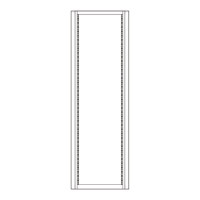
For increased clarity, the following figures depict the disk enclosure outside
of the rack cabinet. Your disk enclosure may be installed in a rackmount
cabinet as shown in Figure 1-1.
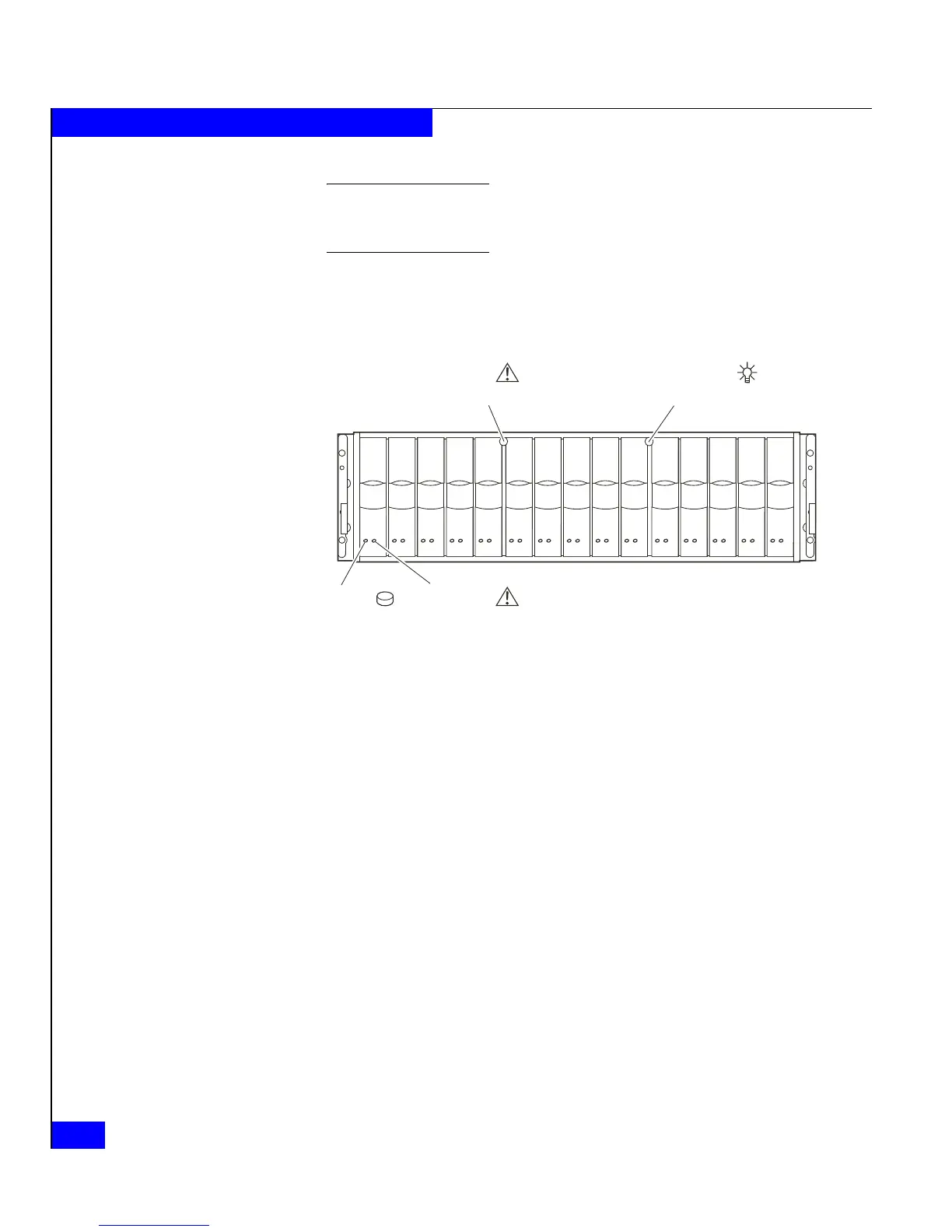
As shown in Figure 1-2, the front LED display contains two status
lights for each disk module, and two disk enclosure status lights. The
enclosure status lights are visible with the front bezel installed.
Figure 1-2 DAE2P/DAE3P front LED display
A blue power LED indicates a DAE3P enclosure operating at four
gigabits per second. The power LED is green in DAE2P enclosures,
and DAE3Ps operating at two Gb.
Figure 1-3 and Figure 1-4 show the DAE2P/DAE3P components
visible from the rear of the enclosure. Each highly-available enclosure
includes two link control cards and two power supply/system
cooling (power/cooling) modules.
EMC2166a
Power LED
(Green or Blue)
Fault LED
(Amber)
Fault LED
(Amber)
Disk Activity
LED
(Green)



 To Next Page