EasyManua.ls Logo

Emerson Bettis TEC2 - Change Settings

Emerson Bettis TEC2
102 pages
Print Icon
To Next Page IconTo Next Page
To Previous Page IconTo Previous Page
Loading...
Installation and Operation Manual
E2K-405-0218 Rev. 2
February 2018
45
Section 5: Customizing Actuator Settings
Customizing Actuator Settings
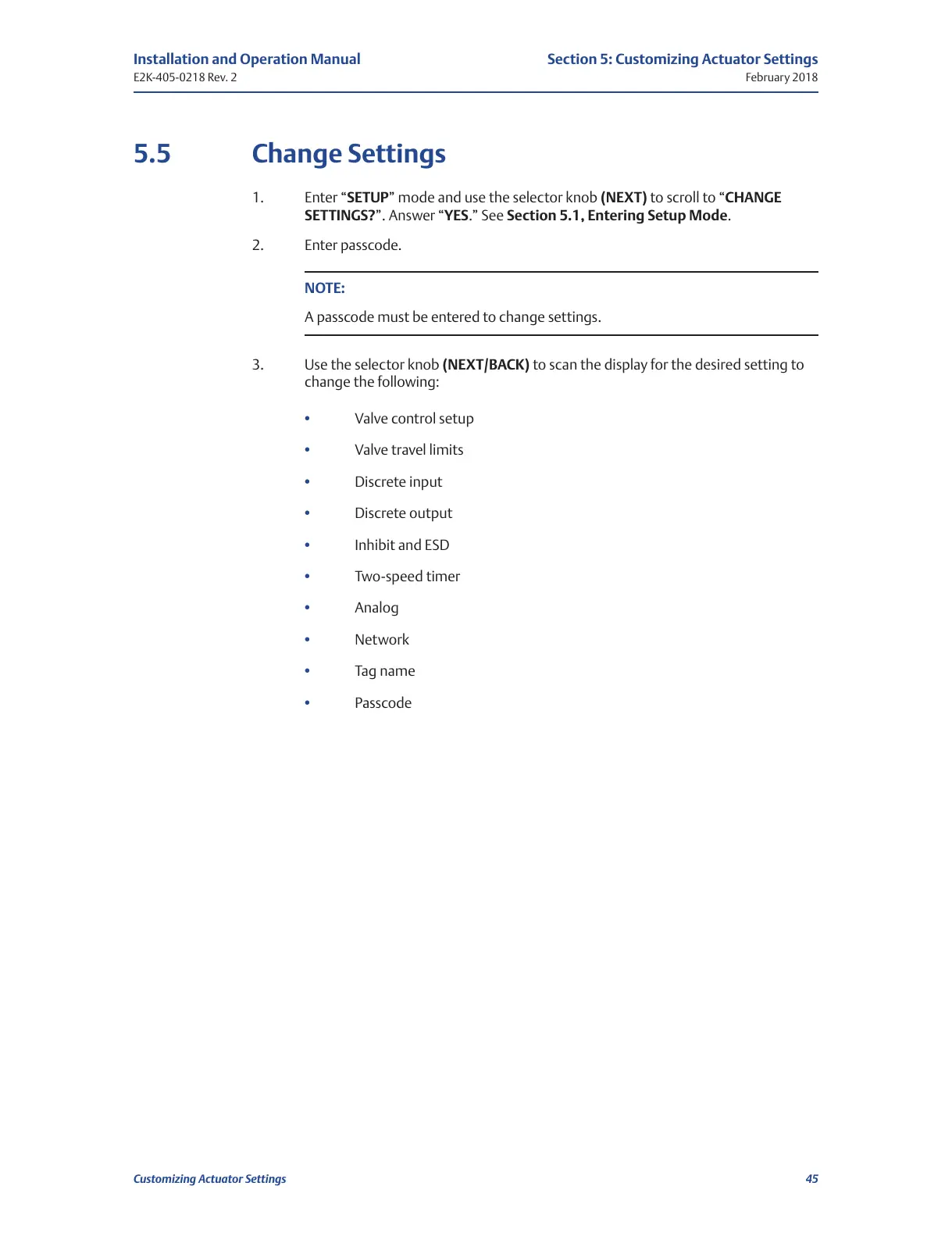
5.5 Change Settings
1. Enter “SETUP” mode and use the selector knob (NEXT) to scroll to “CHANGE
SETTINGS?”. Answer “YES.” See Section 5.1, Entering Setup Mode.
2. Enter passcode.
NOTE:
A passcode must be entered to change settings.
3. Use the selector knob (NEXT/BACK) to scan the display for the desired setting to
change the following:
Valve control setup
Valve travel limits
Discrete input
Discrete output
Inhibit and ESD
Two-speed timer
Analog
Network
Tag name
Passcode
All manuals and user guides at all-guides.com

Table of Contents

Related product manuals