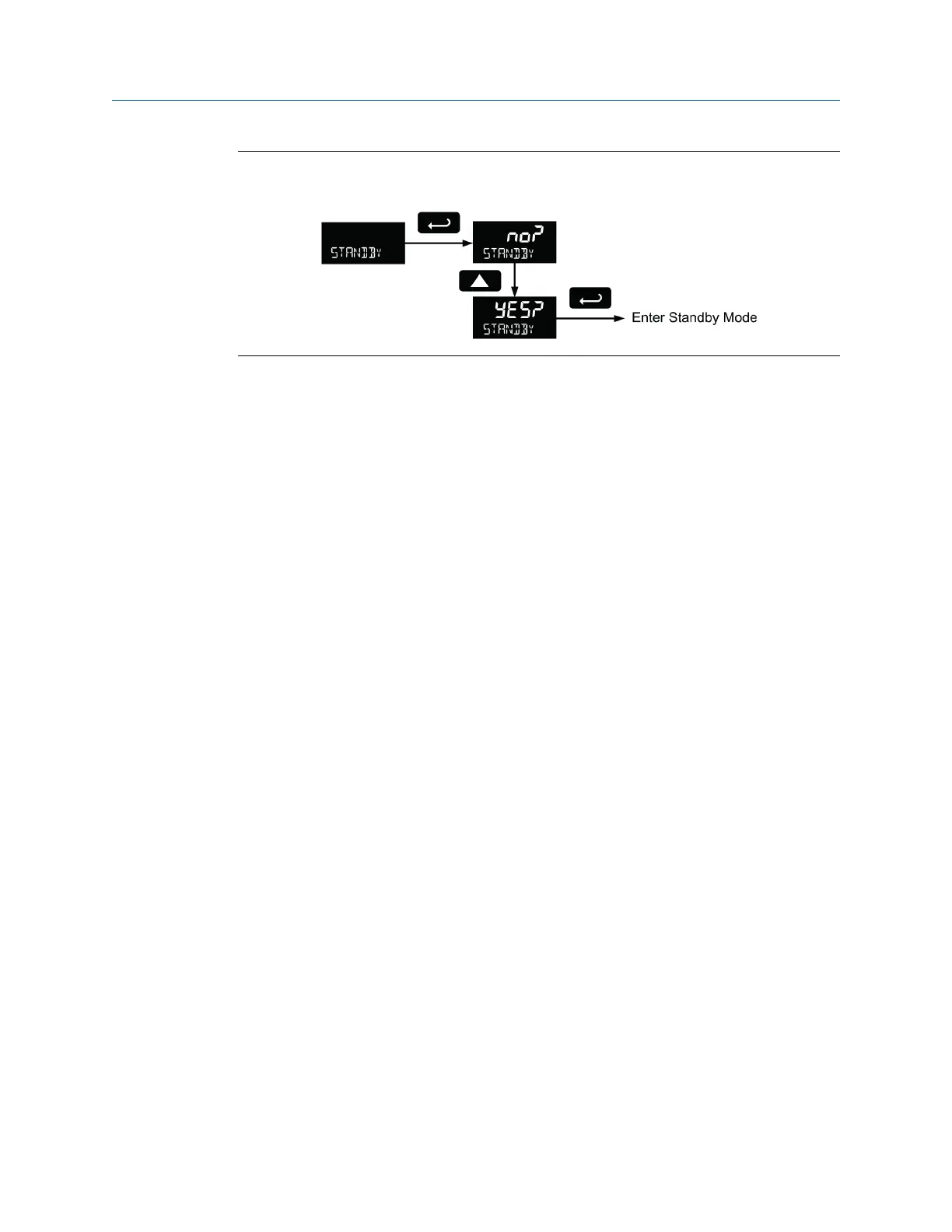
Standby mode (STANDBy)Figure 6-24:
It may take up to 3 seconds for the meter to enter standby mode after confirming the
flashing display with the Enter button.
6.14.1 Wakeup the meter (WAKEUP?)
To bring the meter out of standby mode, press any button and Wakeup (WAKEUP?) will
flash. If using through-glass buttons, it may be required to hold the button for several
seconds.
Confirm that the meter should awaken to run mode by pressing the Enter key while
WAKEUP? is flashing. The meter will return to the normal run mode.
Product advanced features
User manual 85



 To Next Page
 Loading...









