FB1100 Flow Computer Instruction Manual
D301752X012
November 2023
Operation 51
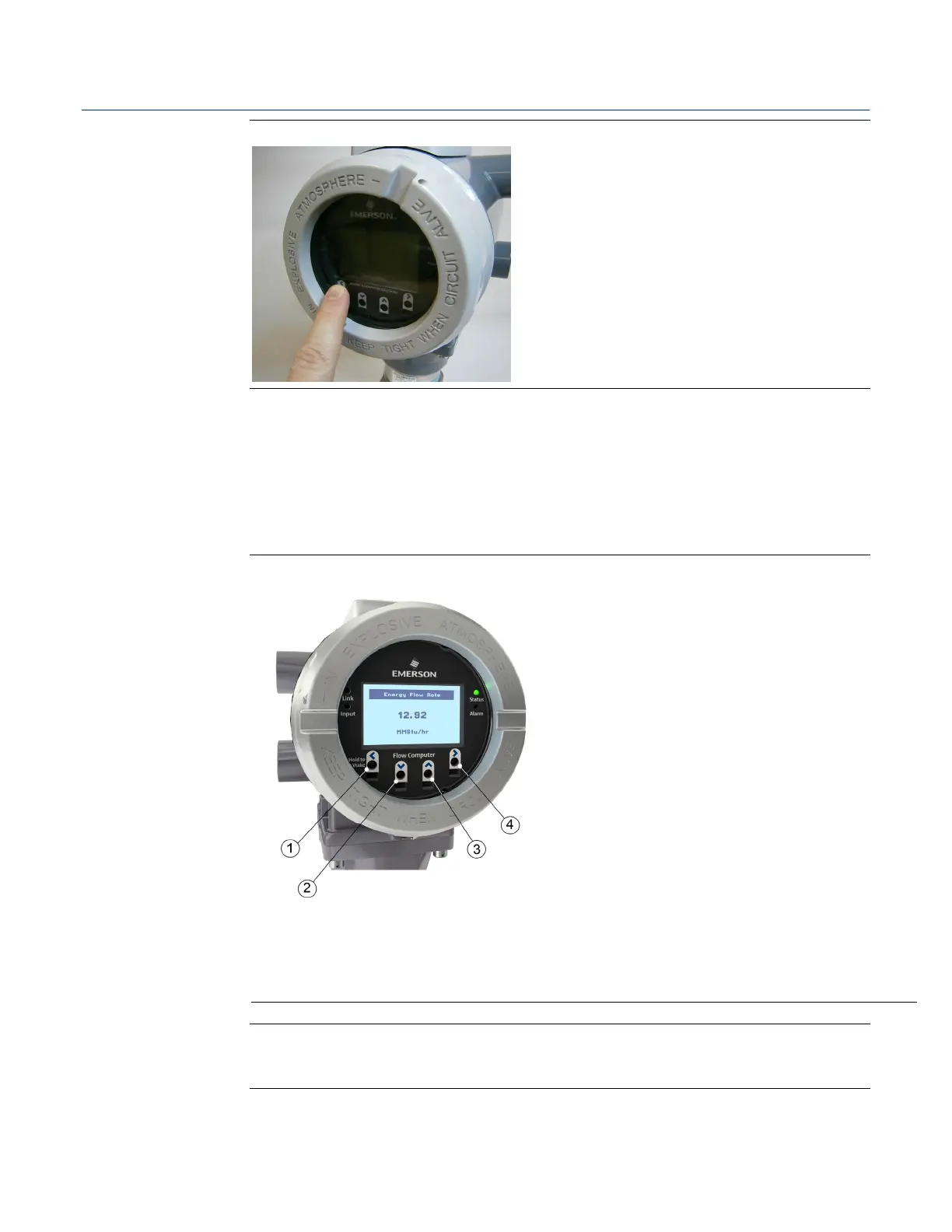
Figure 3-1. Waking the Display
2.
If prompted, login using a valid username/password combination (Data Entry
Mode). For information on how the buttons work, see Table 3-1.
3.
The display enters Screen Saver Mode where it sequentially presents a series of
screens showing details about the meter run flow rates, totals, and current process
variables.
Figure 3-2. Infrared (IR) Button Location
Left Infrared (IR) Button
Down Infrared (IR) Button
Right Infrared (IR) Button
Note
When using the IR buttons, aim your finger at the round spot just below the arrow.

















 To Next Page