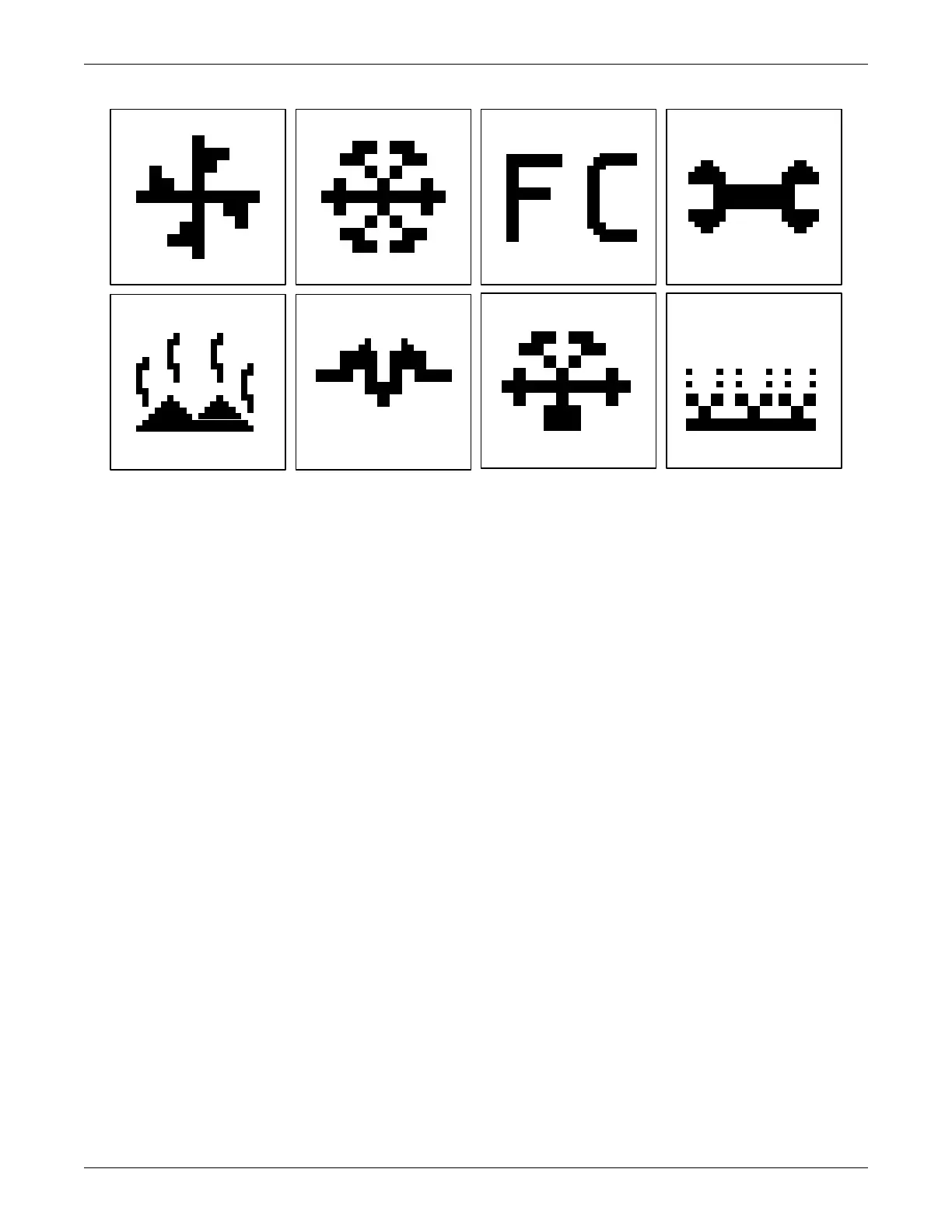
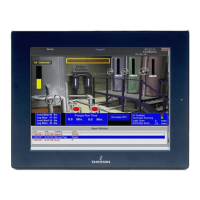
Liebert iCOM Display Components and Functions
Liebert
®
iCOM
®
for Liebert DSE
™
4
Figure 3 Liebert iCOM default screen symbols
2.1 Accessing and Identifying Status Screens
The iCOM control has five different status screens that provide the user with information about the
unit such as component operating status, active alarms, and operating temperature. The status
screens include:
• System Screen with rack view of sensors
• Unit Screen
• Unit Screen with rack view of sensors
• Unit Screen with EconoPhase View
2.1.1 System Screen
System Screen will indicate whether Teamwork is turned On and which teamwork mode is currently
set within the control.
This system screen displays the unit operation by displaying the average of all active components
from each connected to the unit two unit (U2U) network. If the unit is stand along, the information
displayed will represent values only from that unit.
fan
cooling
maintenance
hot water
electric heat
dehumidification humidification
freecooling



 To Next Page