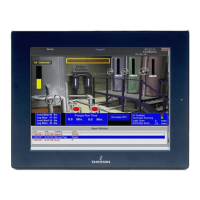
Liebert iCOM Display Components and Functions
5Liebert
®
iCOM
®
for Liebert DSE
™
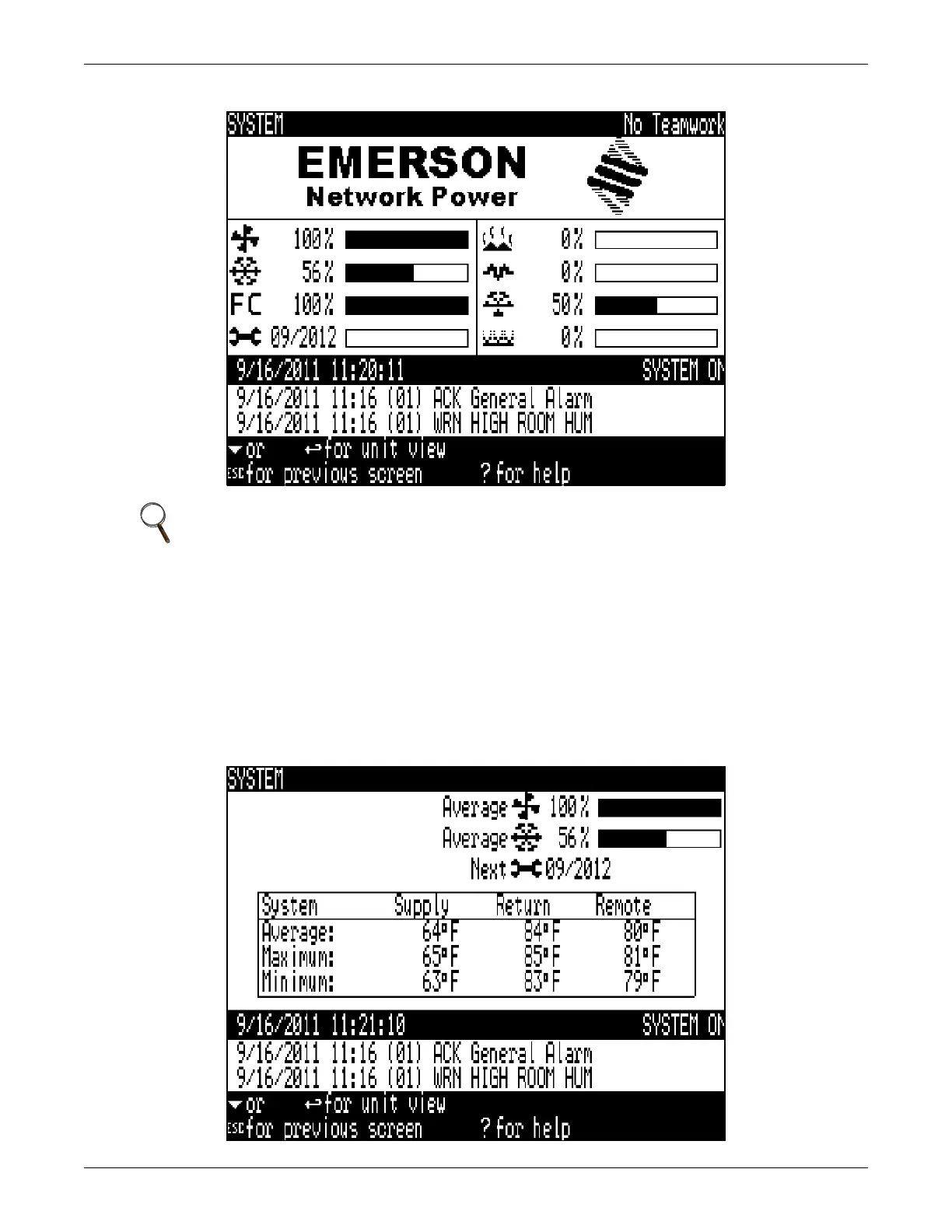
Figure 4 System screen—graphical interface
System Screen with Rack View of Sensors
The System Screen with Rack View of Sensors will display the average, maximum and minimum of
all connected sensors for the supply, return and remote sensors.
This system screen display is calculated using information from the connected units in the unit two
unit (U2U) network. If the unit is stand along, the information displayed will represent values only
from that unit.
Figure 5 System screen with rack view of sensors
NOTE
The graphical system screen is shown above. The System screen type may be programmed
differently based on user preference. See Liebert iCOM Display Readout on page 10 for
more information.



 To Next Page