CG Drives & Automation 01-5958-01r0
8.5 Setting the Start Delay (window 31)
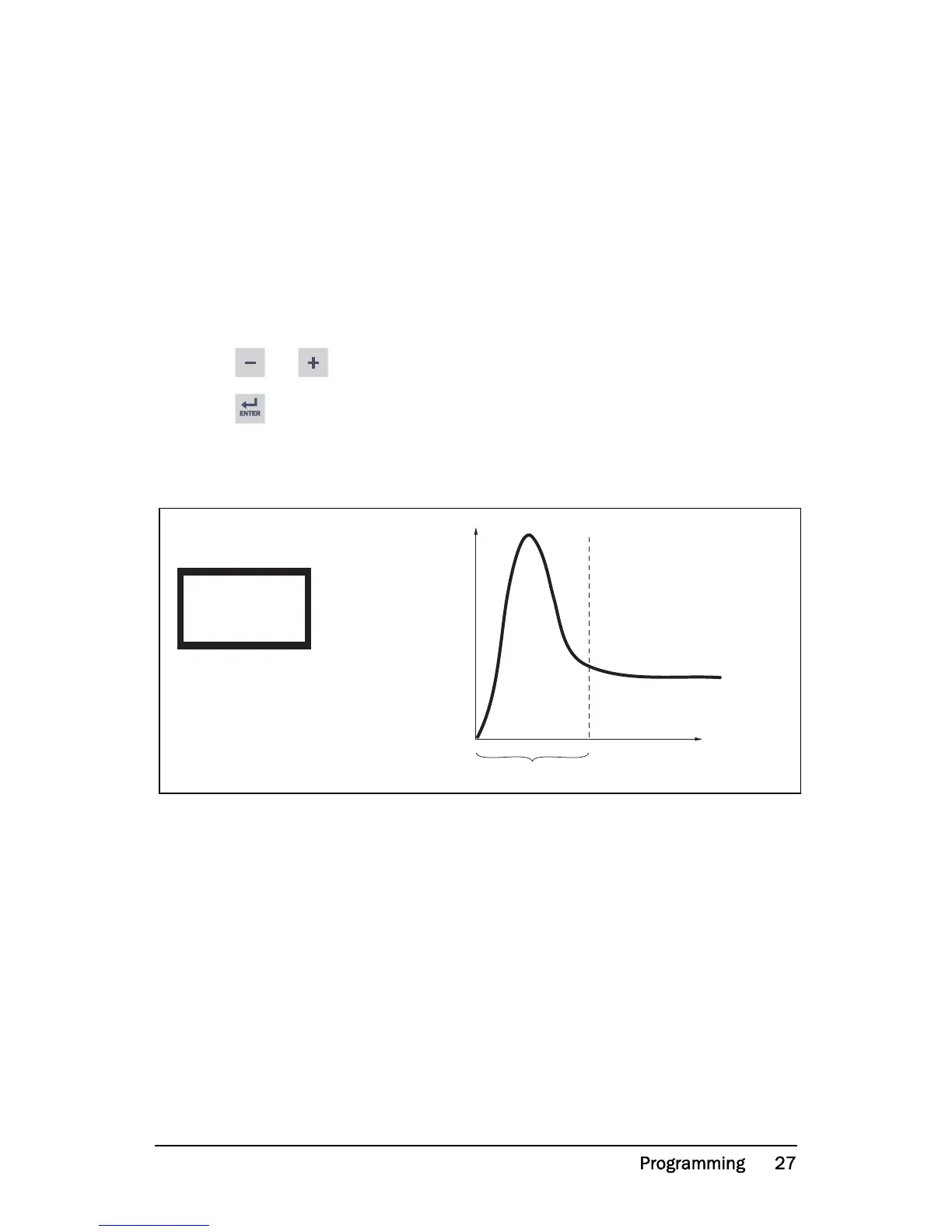
To avoid false alarms during start up a Start Delay must be set to allow the
motor and machine to speed up and to allow the power in-rush currents.
Programming
1. Determine in seconds how long it takes for the motor and machine to reach
speed and for the power in-rush to pass. This will be the Start Delay.
2. Go to window 31 (default = 2.0 s).
3. Press or to set the determined Start Delay time in seconds.
4. Press to confirm the change.
If the monitor is being used on a self-priming pump, it may also be necessary to
set the Start Delay long enough to allow the pump to become fully primed.
Fig. 8 Start Delay.


 To Next Page